Oct 15, 2019 | 3D Touch, Blog, iOS 13, iPhone, shortcut, Tip
Do you use 3D Touch on your iPhone? From 2015 through 2018, every iPhone from the iPhone 6s through the iPhone XS supported 3D Touch, other than the iPhone SE and iPhone XR. With 3D Touch, you could (sometimes) press a control, and then press a little harder to make...
Aug 23, 2017 | 3D Touch, Blog, iOS, iPhone, Messages, notifications, productivity, Restricted Content, Tip
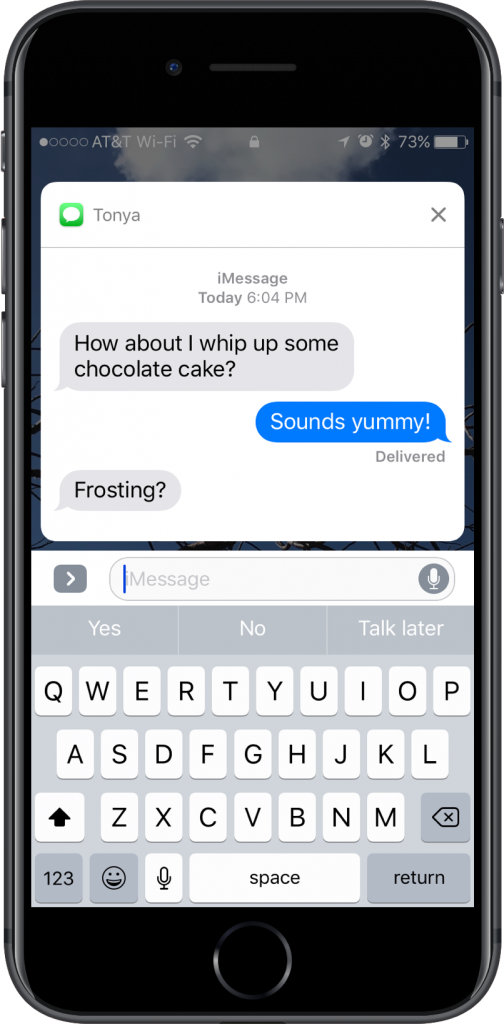
Want a faster way to reply to a conversation in Messages? If you see a Messages notification on the Lock screen of your iPhone 6s or later, press and hold on it to expand it into an interactive box where you can reply without unlocking your iPhone or navigating into...
Feb 16, 2017 | 3D Touch, Blog, iOS, iPhone, Quick Tip
On an iPhone 6s or 7, you can use 3D Touch on an item in Mail’s message list to peek inside without loading the entire message. Just press hard on a message summary to bring up a more complete preview of the message. Either let up to close the preview or press harder...
Nov 9, 2016 | 3D Touch, Blog, Control Center, Flashlight, iOS 10, iPhone, Tip
The iPhone’s flashlight is one of its most popular low-tech features, but have you ever wished you could make it brighter or dimmer? Now you can, at least on the iPhone 6s and iPhone 7 models in iOS 10! Swipe up from the bottom of the screen to bring up Control...