Feb 20, 2018 | Apple Pros, APros Archive, Article, Blog, Explainer, iOS, iPhone, Mac, macOS, maintenance, Restricted Content, security, tvOS, updates, watchOS
It seems like Apple releases updates to iOS, macOS, watchOS, and tvOS nearly every week these days. It has been only a few months since iOS 11 and macOS 10.13 High Sierra launched, and we’ve already seen ten updates to iOS and seven updates to macOS. Some of these...
Dec 8, 2017 | Apple Pros, APros Archive, Blog, customization, iOS, Mac, Restricted Content, Tip
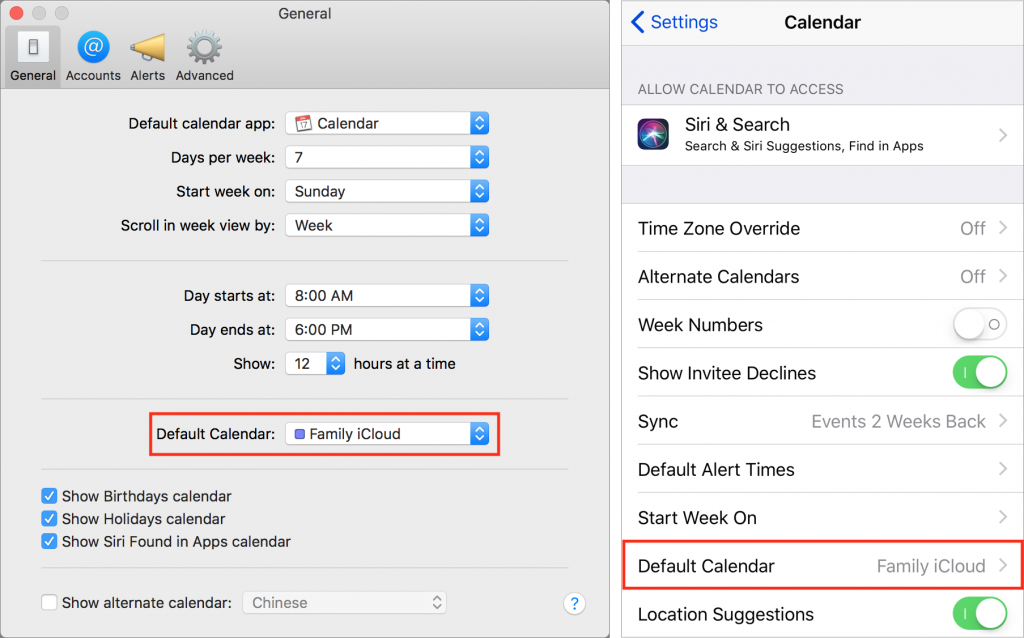
Apple’s Calendar apps in both macOS and iOS let you manage multiple calendars, some of which may be private and others may be shared with family or colleagues. That’s great, but if you create a new event on the wrong calendar, you may end up oversharing with...
Nov 17, 2017 | App Switcher, Apple Pros, APros Archive, Article, Blog, Dock, Home screen, How-To, iOS, iOS 11, iPad, iPhone, multitasking, productivity, Restricted Content, Slide Over, Split View
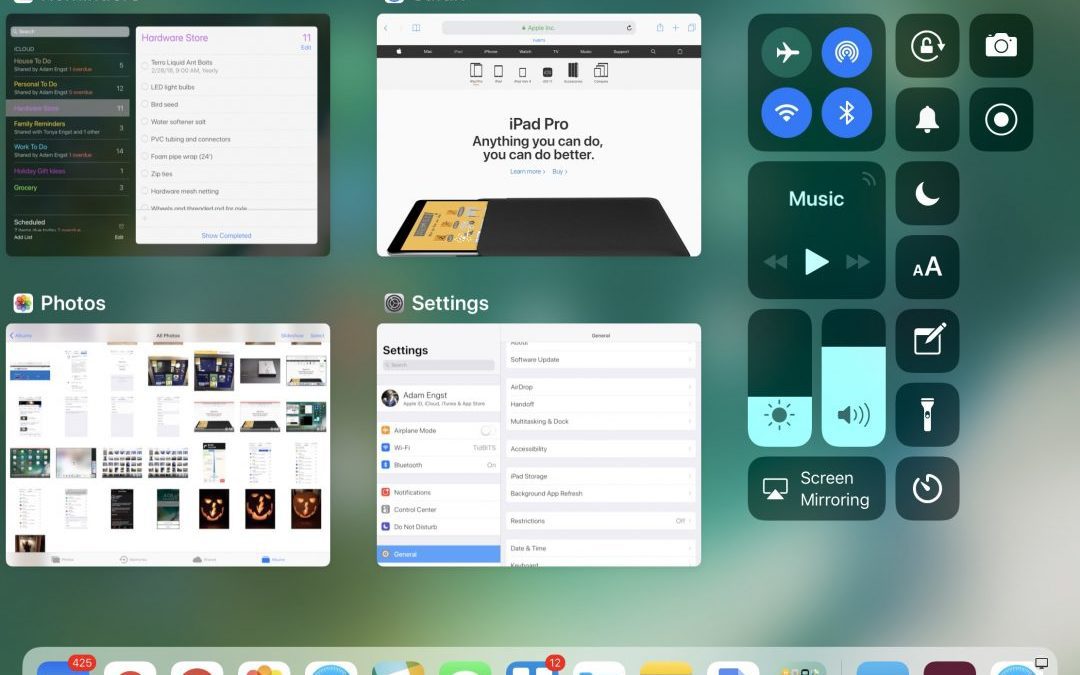
With iOS 11, the iPhone and iPad interfaces continue to diverge, which makes sense, since the iPad is not merely an overgrown iPhone. Particularly when you pair an iPad Pro with a Smart Keyboard and Apple Pencil, you can now get real work done on an iPad more fluidly...
Nov 9, 2017 | Apple Pros, APros Archive, Blog, camera, iOS, iOS 11, iPad, iPhone, QR code, Restricted Content, Tip
You’ve undoubtedly seen those odd-looking square QR codes on product packaging, a business card, or a flyer. In the past, you needed a special app to scan a QR code to see what Web URL, contact card, Wi-Fi network, or other piece of information it held. In iOS 11,...
Nov 8, 2017 | Apple Pros, APros Archive, Blog, facial recognition, High Sierra, iOS, iOS 11, Mac, macOS, Photos, Restricted Content, Tip
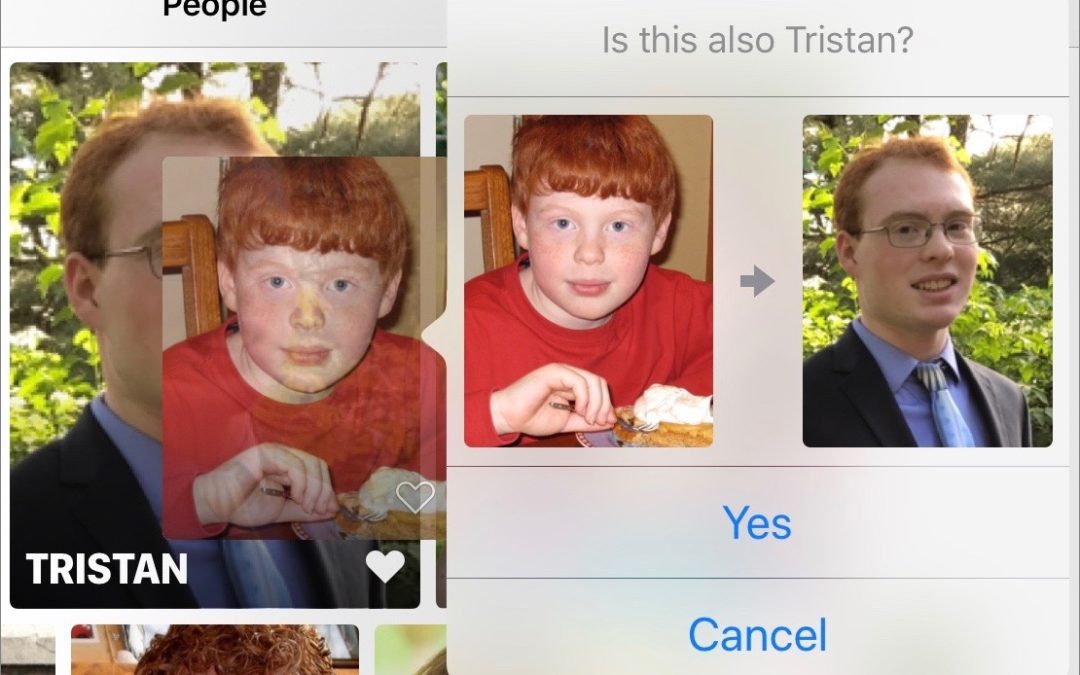
An extremely welcome under-the-hood change in iOS 11 and macOS 10.13 High Sierra is that Photos facial recognition syncs across iCloud Photo Library. Previously, people you identified on one of your devices remained unidentified on others. But what if Photos now...
Nov 4, 2017 | Apple Pros, APros Archive, Blog, iOS, iPad, iPhone, productivity, Restricted Content, Safari, Siri, Tip
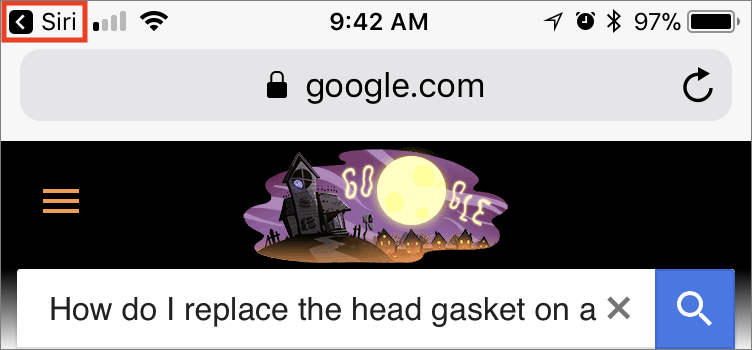
Ask Siri to search the Web and you’ll get five results back from Google (not Bing anymore!). Tap one and it opens in Safari. But what if that page doesn’t contain the information you want? How do you get back to Siri’s results? The easy way is to tap the little Siri...