Mar 15, 2017 | Blog, Home screen, iOS, iPhone, Quick Tip
If you have a Web site or Web app that you use all the time on your iPhone or iPad, you can make accessing it as easy as any iOS app by making it an icon on your Home screen. Open the site in Safari, tap the Share icon, and tap Add to Home Screen. (You may have to...
Mar 7, 2017 | Blog, Mac, Quick Tip
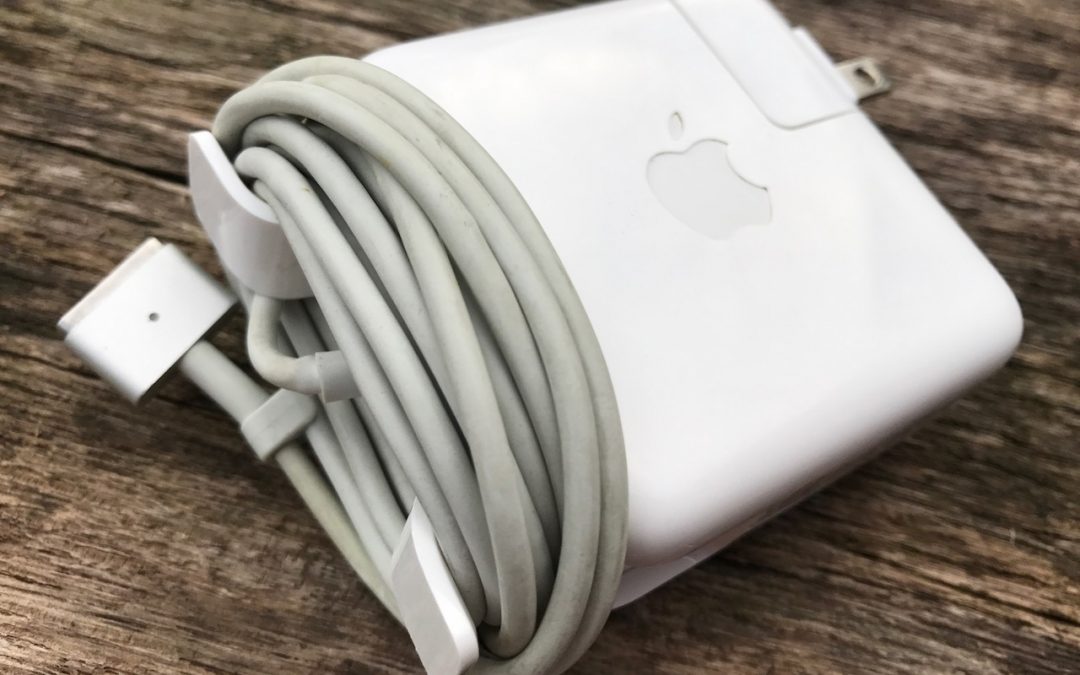
For many years, Apple has shipped MagSafe power adapters with Mac laptops (although the 12-inch MacBook and 2016 MacBook Pro laptops have different adapters with USB-C ports). Many people have never realized that the MagSafe adapter has two “wings” on the corners on...
Feb 16, 2017 | 3D Touch, Blog, iOS, iPhone, Quick Tip
On an iPhone 6s or 7, you can use 3D Touch on an item in Mail’s message list to peek inside without loading the entire message. Just press hard on a message summary to bring up a more complete preview of the message. Either let up to close the preview or press harder...
Feb 13, 2017 | Blog, Mac, macOS, OS X, Quick Tip
Apple puts all sorts of apps into your Mac’s Dock by default, but if you find that you never use some of those items, like Siri, Launchpad, or Maps, don’t be shy about removing them. It’s your Dock! To remove an app’s icon from the Dock, simply click it and drag it...
Feb 11, 2017 | Blog, Do Not Disturb, iOS, iPhone, Quick Tip, Siri
It’s easy to turn on Do Not Disturb on your iPhone manually, such as when you’re going into the movies or a doctor appointment, and you should do that to avoid unwanted interruptions. Just swipe up from the bottom of the screen and tap the moon-shaped Do Not Disturb...
Feb 9, 2017 | Blog, Finder, Mac, macOS, OS X, Quick Tip
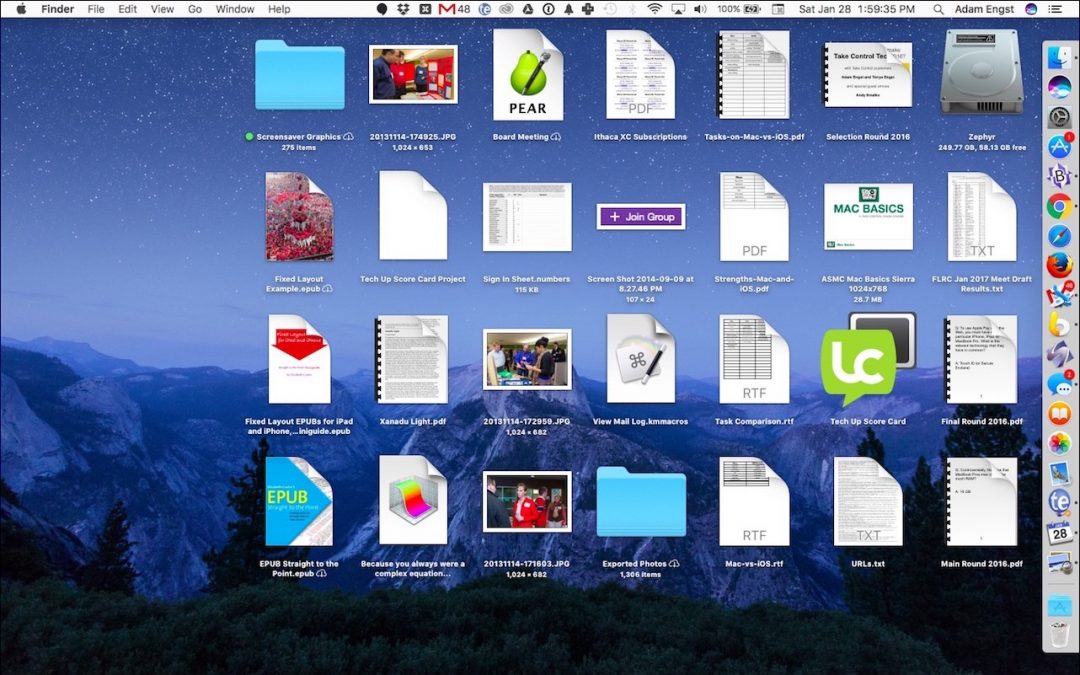
Out of the box, icons on your Desktop are 64 pixels square. That’s a fine middle-of-the-road choice, but if your eyes aren’t what they used to be, you might prefer larger icons. Or, if you store a lot of files and folders on your Desktop, smaller icons may let you...