Mar 30, 2020 | backup, Blog, email, How-To, iCloud, iCloud Drive, iOS, Mac, Mail, Tip, troubleshooting
Running low on iCloud storage space? Rather than automatically paying Apple for a larger iCloud plan, check out these tips on how to recover gigabytes of wasted space.
Mar 27, 2020 | Blog, How-To, Mac, print, troubleshooting
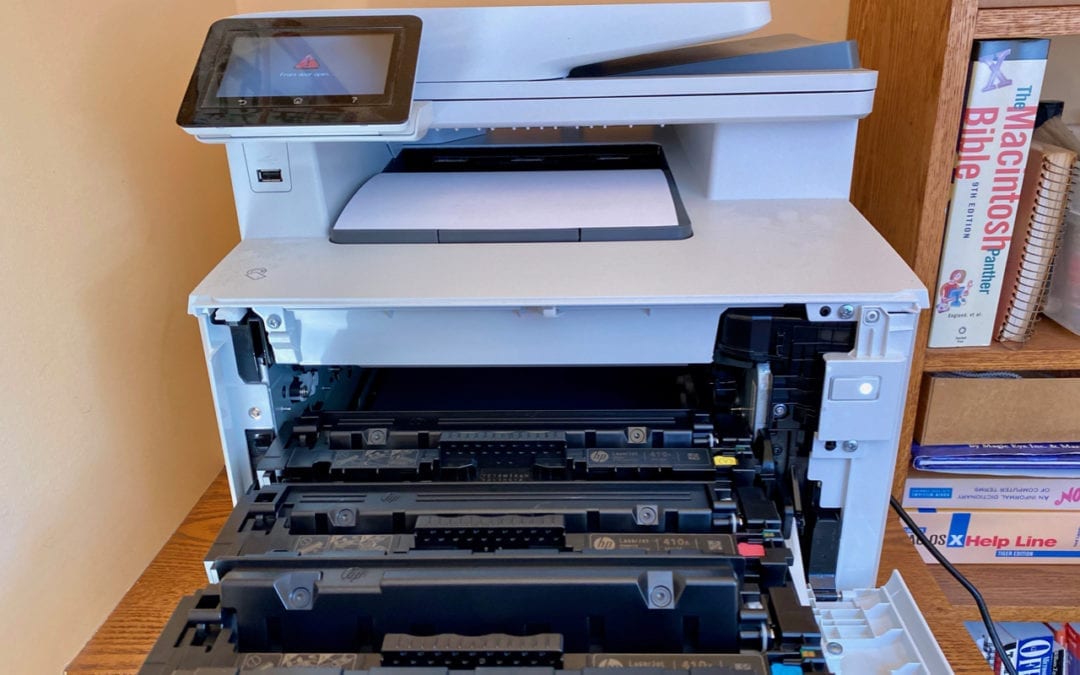
Unable to print from a Mac? Look for a solution in our comprehensive troubleshooting steps.
Mar 24, 2020 | Blog, Mac, productivity, Split View, Tip
Split View on the Mac helps you focus on your work in one app—perhaps a word processor—while providing access to one other app, like a Web browser. (Make sure “Displays have separate Spaces” is selected in System Preferences > Mission Control.) Before macOS 10.15...
Mar 19, 2020 | Article, Blog, iCloud, iCloud Photos, iOS, Mac, Photos, Solution, Tip
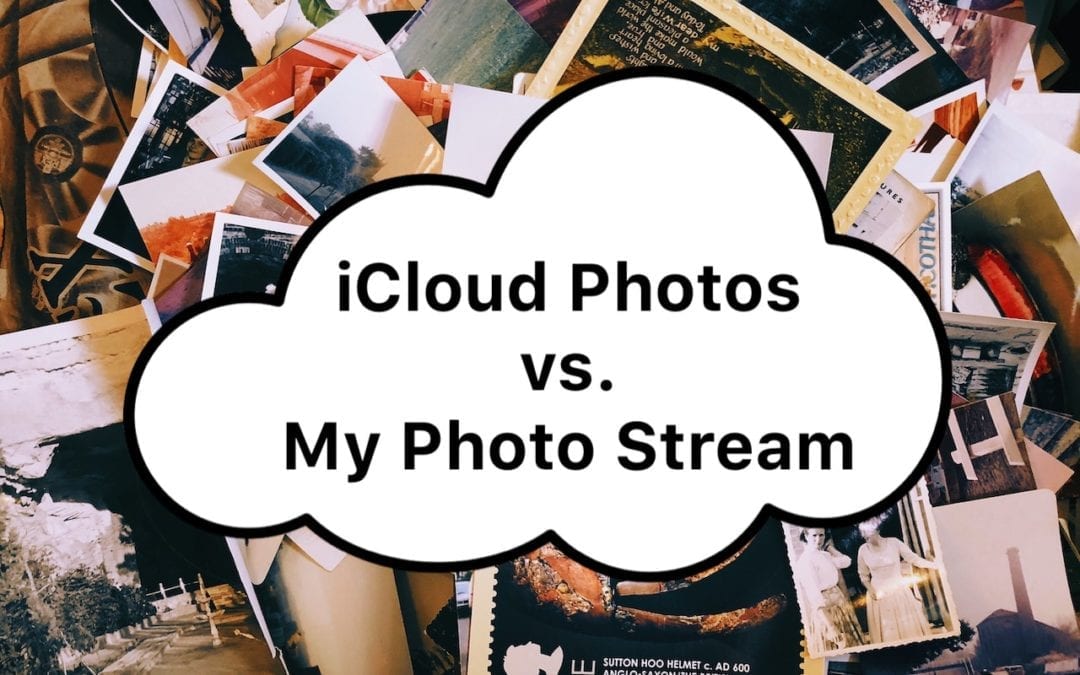
Apple provides two ways of moving photos from your iPhone to your Mac: iCloud Photos and My Photo Stream. Which should you choose? We run through the pros and cons of each.
Feb 26, 2020 | Apple Pros, APros Archive, ASMC, ASMC Archive, Blog, customization, Mac, menu bar, productivity, Restricted Content, Tip
If your Mac is anything like ours, it’s suffering from an infestation of menu bar icons. Sure, the Wi-Fi menu is essential, and many others can be helpful. But if you have too many, or they’re in random order, finding one when you need it can be frustrating. You can...
Feb 3, 2020 | Blog, keyboard shortcut, Mac, Tip
Power users like keyboard shortcuts because it’s faster to press a couple of keys than to navigate lengthy menus. But what about menu items that lack shortcuts? Make your own in System Preferences > Keyboard > Shortcuts > App Shortcuts. Click the + button,...