Dec 20, 2018 | Apple Pros, APros Archive, Article, Blog, Explainer, iPhone, Mac, Mojave, privacy, Restricted Content, Tip
With macOS 10.14 Mojave, Apple has beefed up the Mac’s privacy so it more closely resembles privacy in iOS. You’ve noticed that when you launch a new app on your iPhone or iPad, it often prompts for access to your photos or contacts, the camera or microphone, and...
Oct 17, 2018 | Apple Pros, APros Archive, Article, Blog, How-To, iOS 12, iPad, iPhone, Mac, Mojave, photo, productivity, Restricted Content, scan
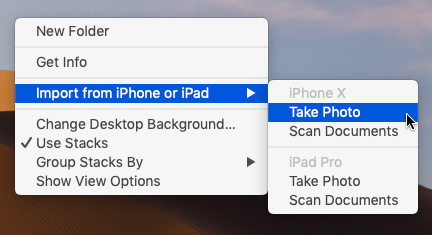
Have you found yourself composing an email message on your Mac while staring glumly at the receipt or document you need to scan and attach to the message? Adding that scan to the message isn’t impossible, but until macOS 10.14 Mojave, it hasn’t necessarily been easy....
Oct 1, 2018 | Apple Pros, APros Archive, Article, Blog, customization, Desktop, Force Touch Trackpad, Mac, Mission Control, Photos, productivity, Restricted Content, Safari, Solution, trackpad
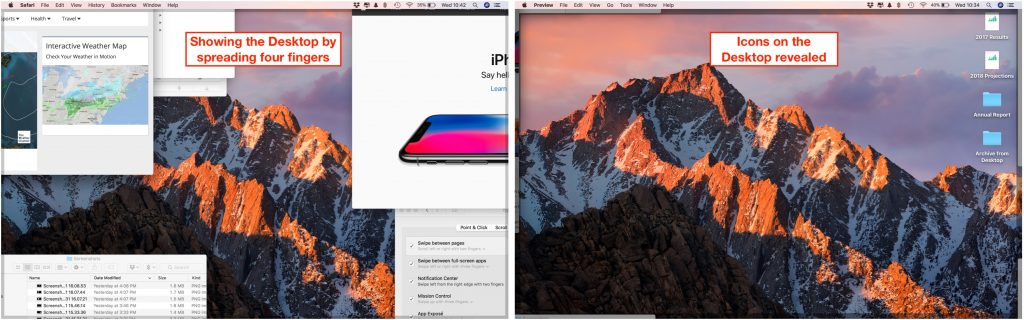
A trackpad is not a mouse. In some ways, that’s obvious—you swipe your fingers on it, rather than dragging it around. Less obvious, however, are the many gestures that make using a trackpad on your Mac faster and more fun. These gestures aren’t limited to laptop...
Aug 20, 2018 | Apple Pros, APros Archive, Article, Blog, iPhone, Mac, Photos, print, Restricted Content, Solution
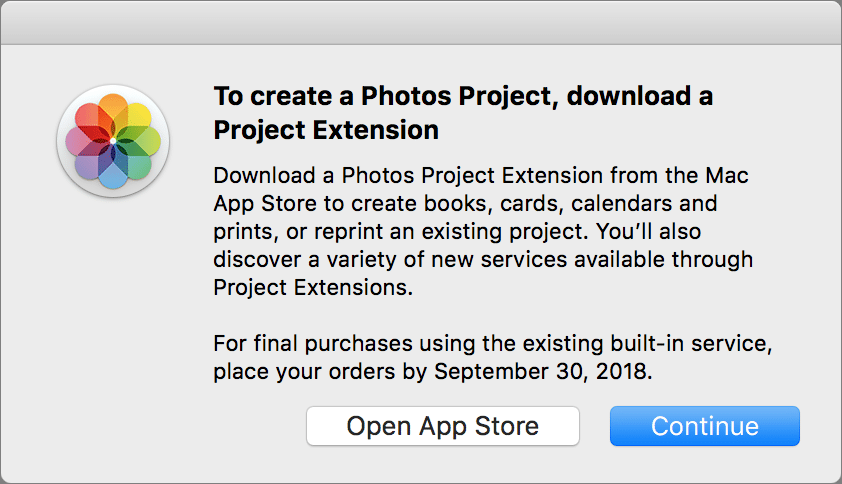
Sad news: Apple is discontinuing its photo printing services, which enabled you to create and order physical prints, cards, calendars, and books from within Photos on the Mac. If you’re building such a project right now, be sure to place your order before September...
Jul 20, 2018 | Apple Pros, APros Archive, Article, Blog, Dashboard, Desktop, iPhone, Launchpad, Mac, Mission Control, Notification Center, productivity, Restricted Content, screen saver, Solution
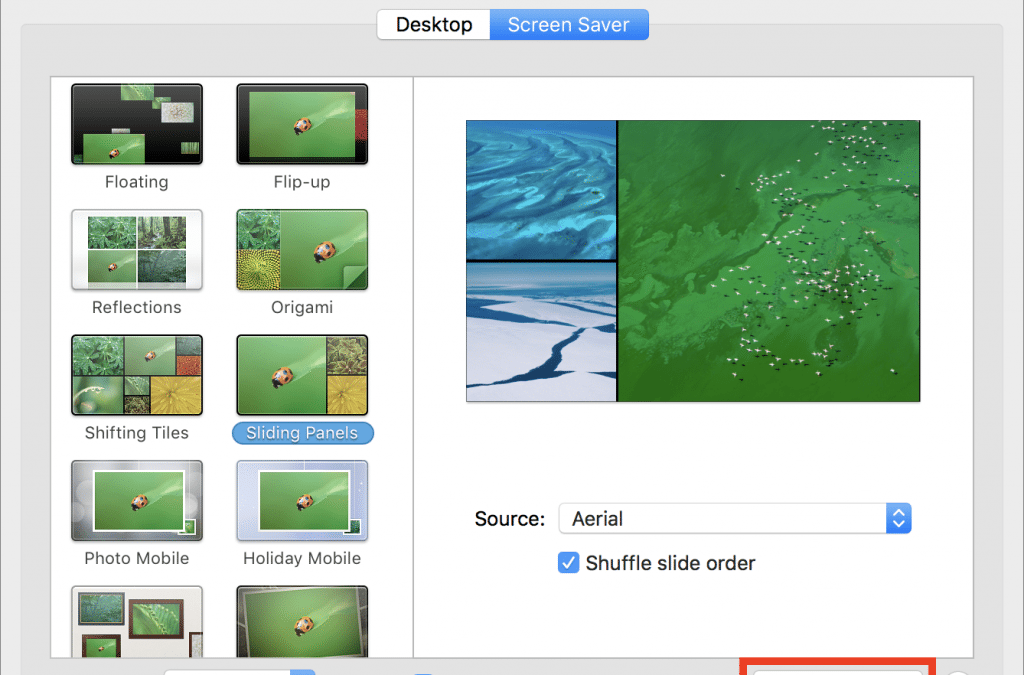
Most Macs are busy places, with oodles of open windows cluttering the screen. If you want to look at the Desktop or do something different, you may find yourself clicking around or using keyboard shortcuts, but did you know that you can access many of the Mac’s...
Jun 1, 2018 | Apple Pros, APros Archive, Blog, keyboard shortcut, Mac, productivity, Restricted Content, Tip
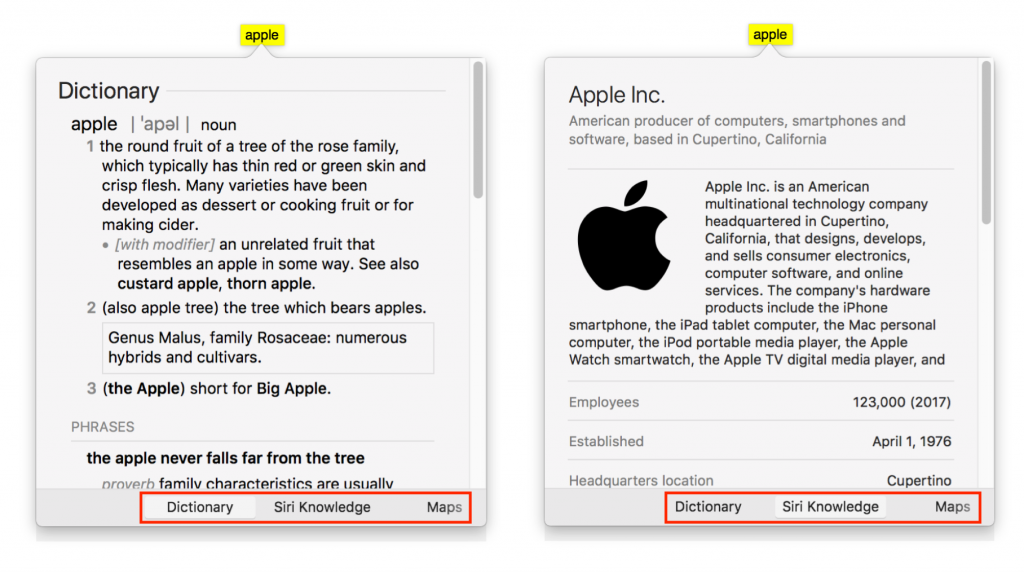
Apple makes it easy to look up information about any word you can see on your Mac, in nearly any app. To access this information, Control- or right-click the word and choose Look Up “word”, use the trackpad to tap the word with three fingers, or hover the pointer over...