

Understanding Two-Step Verification
For your most important accounts, things like email, social media, cloud services, and banking, you should go beyond a password and protect them with two-step verification. Learn more on our blog.

Stop Unwanted Notifications with Do Not Disturb
Don’t be embarrassed by a phone call in the theater, constant text messages while at the doctor, or email notifications during a presentation—in both iOS and macOS, you can use Do Not Disturb to drop a cone of silence manually or on a schedule. Learn more on our blog.

Triple-Press the Home Button in iOS 10 for the Magnifier
Don’t you hate fine print that’s too small to read comfortably? iOS 10 can turn your iPhone or iPad into a magnifying glass! Press the Home button three times quickly to bring up the Magnifier and then point the camera at what you want to see. Read more on our blog.
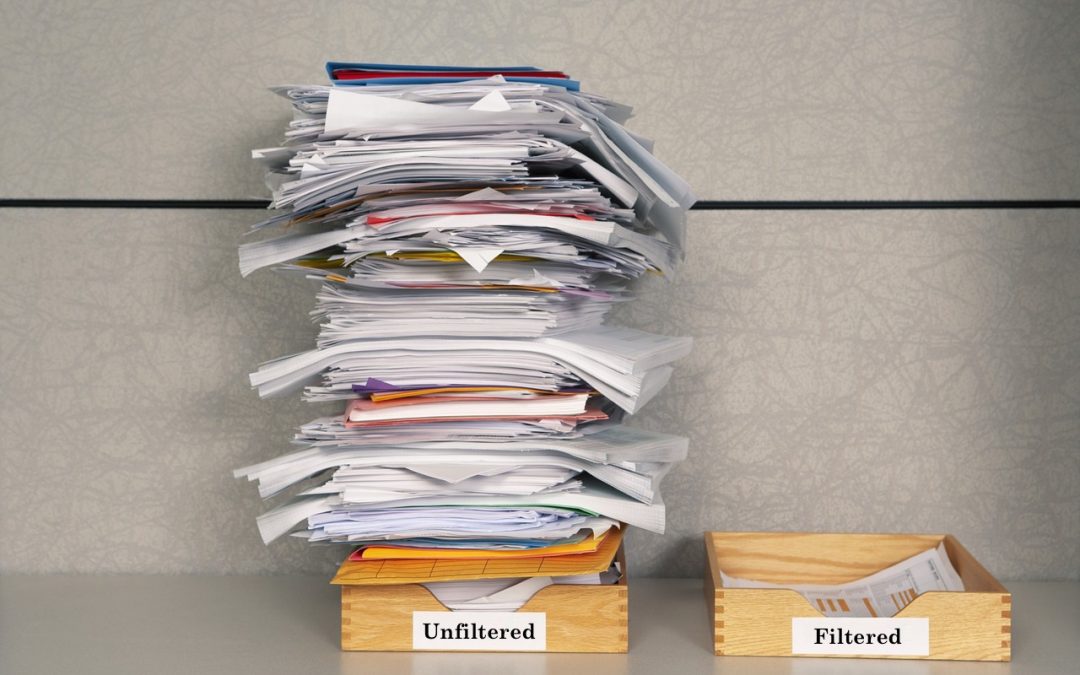
Filter Mailboxes in Mail in Sierra and iOS 10
If you’re overwhelmed by email, check out the new filter feature in the Mail app in both macOS 10.12 Sierra and iOS 10. It gives you preset filters that show matching messages and hide everything else so you can focus on a subset of messages. Read more on our blog.