Jul 20, 2017 | Apple Pros, APros Archive, Article, Blog, iOS 10, iOS 11, maintenance, News, Restricted Content, Settings
Now that Apple has released a public beta of iOS 11, we have confirmation that Apple is kicking some old apps off the back of the train. If you’ve been using an iPhone or iPad for more than a few years, it’s possible that some of your apps won’t even launch in iOS 11....
Jul 18, 2017 | Article, Blog, Finder, Mac, productivity, Restricted Content, Solution, window
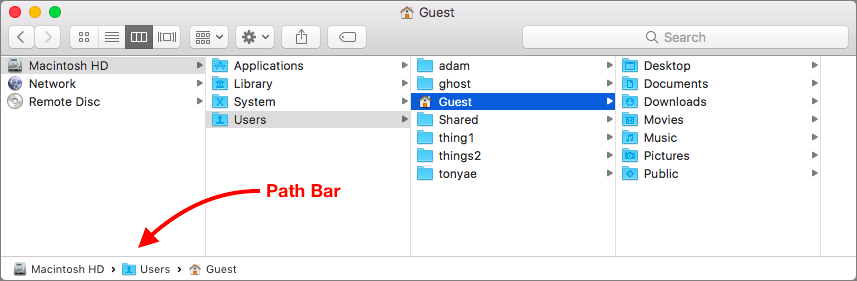
Apple is known for creating clever little features that do a lot more than most people realize. Learn these, and you’ll be the master of your Mac. And more important, you’ll get your work done more quickly! Have you ever noticed the Path Bar at the bottom of Finder...
Jul 14, 2017 | Blog, keyboard shortcut, Mac, productivity, Restricted Content, Solution
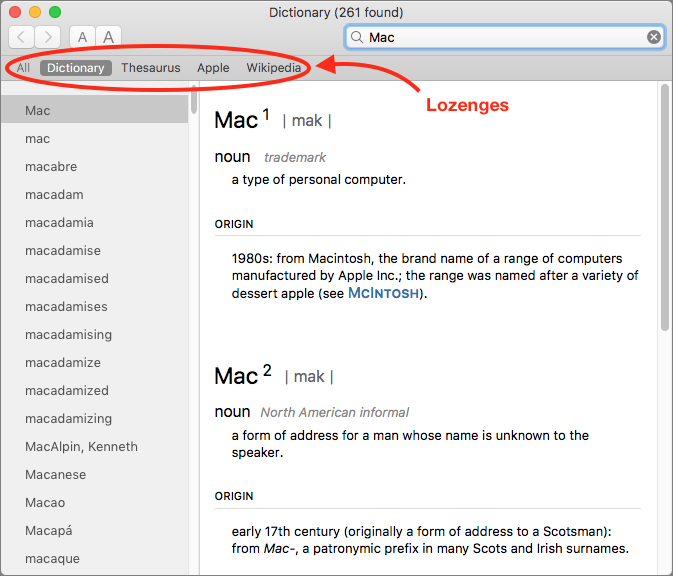
You’re probably used to Mac apps using red underlines to mark misspelled words, but did you know that macOS has long included a fully featured Dictionary app as well? It provides quick access to definitions and synonyms in the New Oxford American Dictionary and the...
Jul 11, 2017 | Blog, Finder, Mac, productivity, Restricted Content, Tip, window
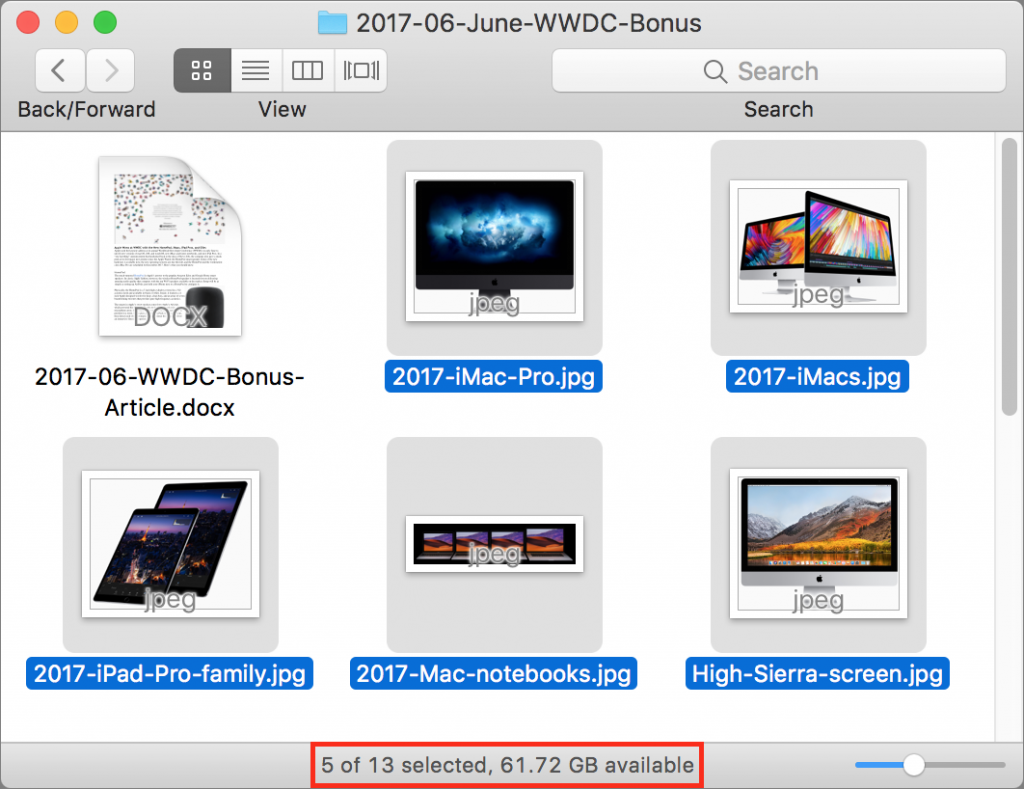
When you work in a Finder window on the Mac, take note of the helpful Status bar. It can tell you how many items are in a folder, as well as how many items you have selected. This latter bit of information is useful if, say, you need to move five items to another...
Jul 10, 2017 | Blog, customization, icon, Mac, menu bar, productivity, Restricted Content, Tip
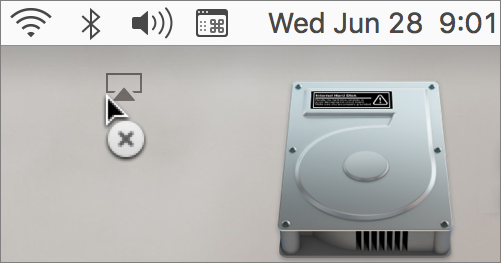
You know all those status icons on the right side of your Mac’s menu bar? Many of them are useful, but if your menu bar is cluttered with icons you don’t need, you can make your Mac easier to use by removing the extras. Just hold down the Command key and drag an...