Oct 24, 2016 | Blog, iOS, iPhone, Tips
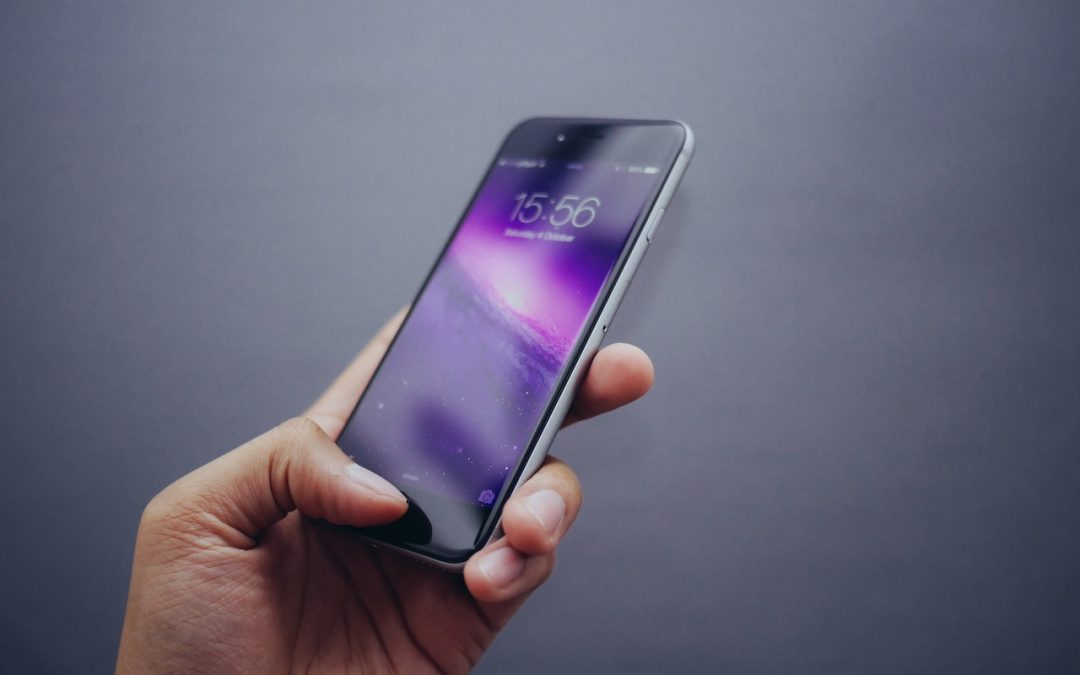
3D Touch seemed a bit gimmicky in iOS 9 and when only the iPhone 6s and 6s Plus supported it, but with the release of iOS 10 and the iPhone 7 and 7 Plus, Apple and third-party developers are incorporating 3D Touch throughout the iPhone experience. Learn how to take advantage of it on our blog.
Oct 20, 2016 | Blog, Mac, macOS, Sierra, Tips
In macOS Sierra, you can use Desktop and Documents folder syncing via iCloud Drive to create unified Desktop and Documents folders across all your Macs, and as an added bonus, you can access the contents of those folders from all your iOS devices. But you should be aware of the ramifications of enabling this feature before you do so—read more on our blog.
Oct 18, 2016 | Blog, iOS, iPad, iPhone, Tips
If you’re running iOS 10, try the new Widgets screen, where you can access a custom set of useful little apps from the Lock screen or the Home screen. It takes only a moment to set up and is one of the best new features in iOS 10. Learn more on our blog.
Oct 14, 2016 | Blog, Mac, macOS, Quick Tip, Sierra
One of the tiny changes in Sierra is an option to change how items sort in Finder windows. If you find it frustrating to hunt for folders mixed in among files in a large file listing, you can now switch to the Finder, choose Finder > Preferences, click the Advanced...
Oct 11, 2016 | Blog, iOS, iPad, iPhone, Quick Tip
iOS 10 changes how you use the Home button to unlock your iOS device from the Lock screen, and sometimes change is difficult. Previously, you could unlock it by merely resting your finger on the Home button when the Lock screen was showing. In iOS 10, however, you...