
News, Tips, and Tricks
For Mac, iPad, iPhone, Apple TV, and Apple Watch.
Why iOS 11 Is the Most Important Version Yet for iPad Users
Apple has long argued that you can use the iPad for productivity but hasn’t backed that claim up with the necessary features in iOS. Until now, that is, with the new iPad-centric capabilities of iOS 11. These changes mean that an iPad running iOS 11 is more like a...
What’s New in macOS 10.13 High Sierra and Its Main Apps
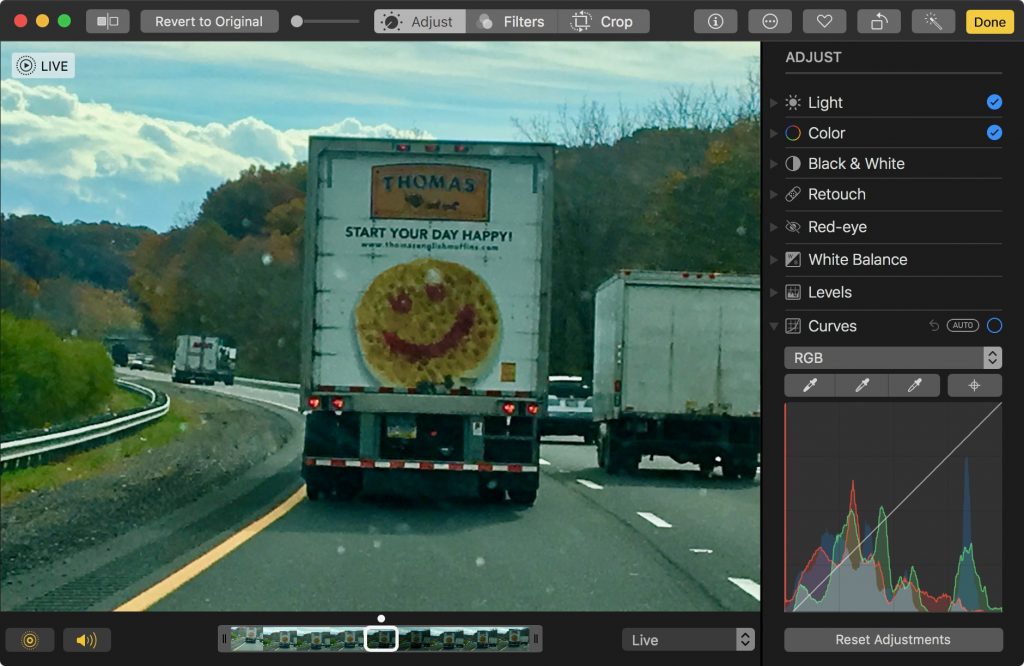
Although Apple’s eye-catching Desktop image of the High Sierra mountains makes it easy to confirm that your Mac is running High Sierra, the most noteworthy new features are invisible! These changes are aimed at improving your Mac’s performance. But, don’t worry that...

What Is APFS (and Why Should You Care)?
A major change in macOS 10.13 High Sierra is the switch to Apple’s new Apple File System, or APFS. With any luck, you’ll barely notice the change, just as almost no one did earlier this year when Apple updated millions of iOS devices to APFS with iOS 10.3. But let’s...
The Easy Shortcut to Delete Unwanted Photos Quickly
It’s a lot easier to take photos than it is to delete them, particularly in Photos on the Mac. You’ve done the dance: select a photo, press Delete, and press Return when Photos asks if you want to delete the photo. But you can sidestep that annoying dialog with this...

When Should You Upgrade to macOS 10.13 High Sierra, iOS 11, watchOS 4, and tvOS 11?
To every thing there is a season, and we’re fast approaching the time when Apple harvests the fruit of the last year and releases new versions of macOS, iOS, watchOS, and tvOS. There are no major surprises here, since Apple announced the new versions in June and...

Make Sure to Get Sierra before High Sierra Ships
Assuming Apple continues its previous practices, once macOS 10.13 High Sierra comes out, it will become impossible to download 10.12 Sierra for the first time. That could be awkward if you want to upgrade an older Mac to Sierra at any point after High Sierra ships,...
Turn Down the Music! (Eh? What did you say?)
Long gone are the days of ghetto blasters and monster speakers—now we pump music directly into our eardrums with EarPods and AirPods. Noise-induced hearing loss is a real problem, though, with millions of people damaging their hearing by playing music too loud,...
What in the World Is Draining My MacBook Battery?
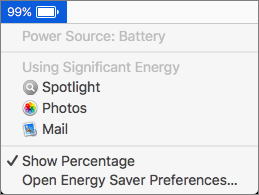
If your MacBook’s battery charge is dropping faster than you think is reasonable, it’s time to look for the culprit. Click the Battery icon in the menu bar and wait a few seconds for the Battery menu to display power information, including which apps are using...
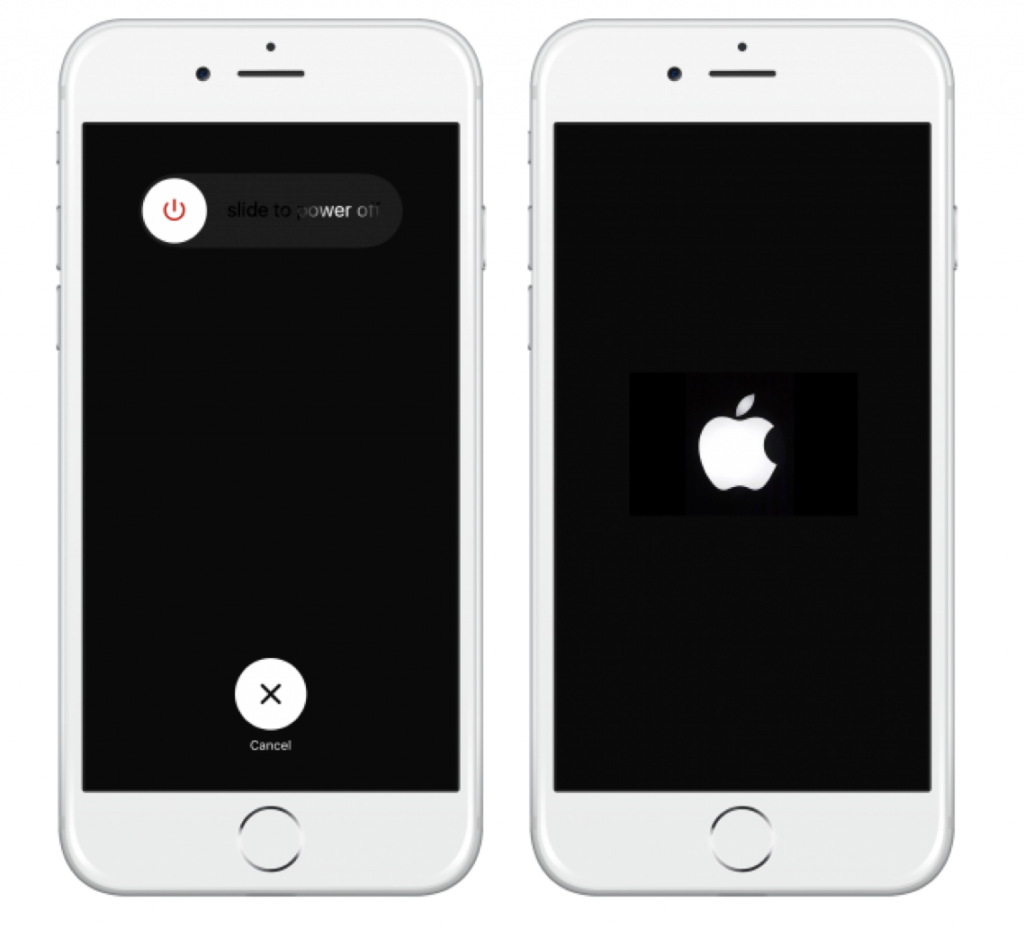
How Do I Turn the iPhone Off (and On Again)?
For the most part, you never have to power down your trusty iPhone, but there are two rare situations where doing so might be useful. If your battery is getting low and you won’t be able to charge before you absolutely need the phone later in the day, turning it off...


Uncovering the Mac’s Hidden Menus
It’s easy to find and open the Mac’s standard menus—all you do is click a word or icon. But did you know about the Mac’s hidden menus? They contain many useful commands, but the Mac’s user interface provides no clue to their existence. Here’s what you need to know....
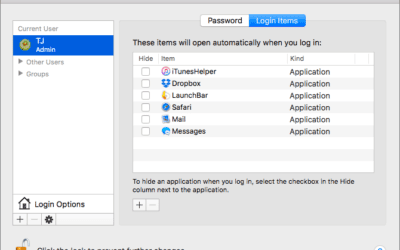
Get to Work More Quickly with the Right Mac Login Items
There’s a French culinary phrase—mise en place—that means “everything in its place.” The idea is that, before you start cooking, you organize and arrange all the ingredients for the dish so they’re right at hand when you need them. In essence, mise en place is about...