Jan 8, 2018 | Apple Pros, APros Archive, Blog, High Sierra, image editing, Mac, macOS, Photos, productivity, Restricted Content, Tip
In macOS 10.13 High Sierra, Apple significantly enhanced the editing capabilities of Photos, adding tools for adjusting specific colors, fine-tuning color and contrast via curves, and even focusing an image with vignetting. But it still lacks many features found in...
Jan 4, 2018 | App Switcher, Apple Pros, APros Archive, Blog, force quit, gesture, iPhone, iPhone X, productivity, Restricted Content, Tip
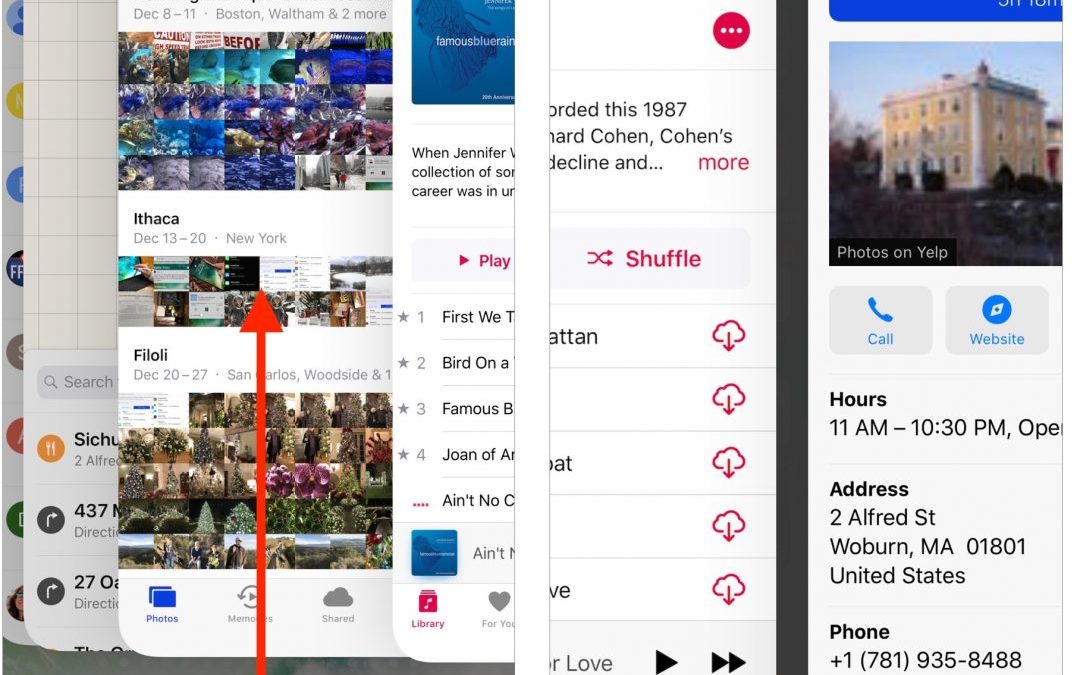
Since the iPhone X lacks a Home button to press twice for the app switcher, you’ll need to switch apps in a new way. To bring up the app switcher, swipe up from the bottom of the screen to about halfway, and then pause until the app thumbnails appear. Then you can...
Jan 3, 2018 | Apple Pros, APros Archive, battery, Blog, hardware, iPhone, iPhone 6, iPhone 6s, iPhone 7, maintenance, power, Restricted Content, Tip, troubleshooting
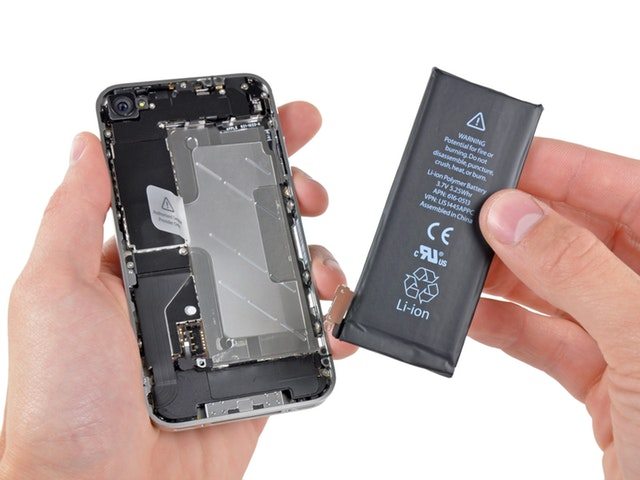
Did you hear about the battery-related controversy swirling around Apple at the end of 2017? There has been much hue and cry about how, starting with iOS 10.2.1, iOS has been slowing down iPhones with old, weak batteries to avoid unexpected shutdowns. In response,...
Dec 8, 2017 | Apple Pros, APros Archive, Blog, customization, iOS, Mac, Restricted Content, Tip
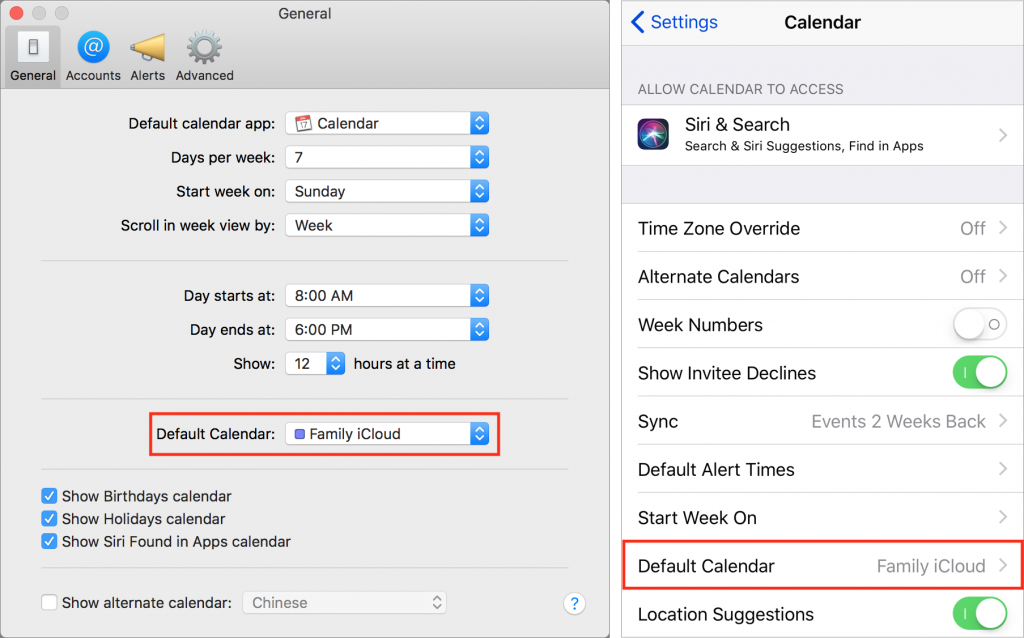
Apple’s Calendar apps in both macOS and iOS let you manage multiple calendars, some of which may be private and others may be shared with family or colleagues. That’s great, but if you create a new event on the wrong calendar, you may end up oversharing with...
Dec 7, 2017 | Apple Pros, APros Archive, Blog, iOS 11, iPad, iPhone, productivity, Restricted Content, Tip
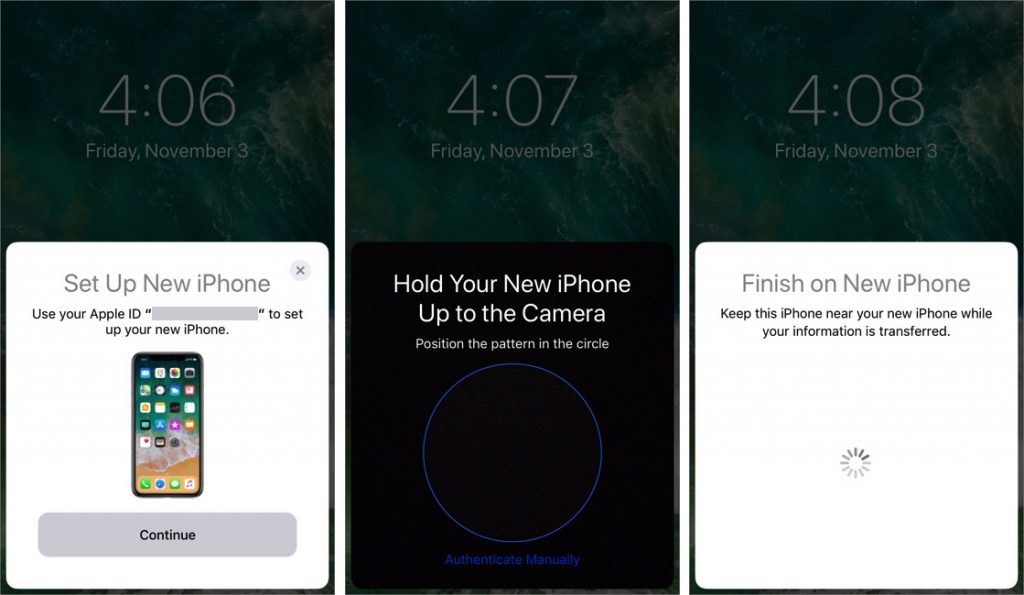
When you’re unboxing a new iPhone, it’s time to think about how you’ll move your digital life from your old iPhone to the new one. If your old iPhone is running iOS 11, you can use Quick Start, a new iOS 11 feature that makes the transfer easy. Just turn on the new...
Dec 6, 2017 | Apple Pros, APros Archive, Article, Blog, Explainer, Face ID, iPhone, iPhone X, Restricted Content, security
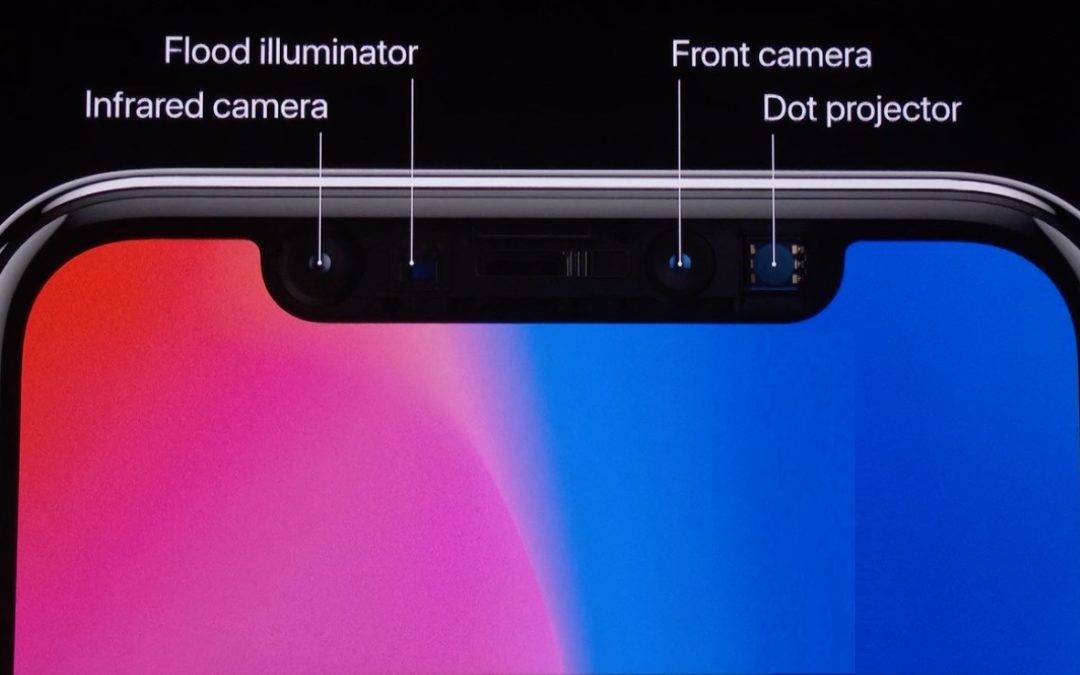
Apple’s new iPhone X does away with the Home button, which has been a fixture since the original iPhone and has long served as the Touch ID sensor. To replace Touch ID, Apple developed a new facial recognition technology called Face ID. With Face ID, the iPhone X...