Jan 20, 2020 | Blog, How-To, iOS, iPhone
Did you know that an iPhone can store medical information that could save your life, or help you save someone else’s? Learn how to create your Medical ID, and be sure to teach others how to work with this information in case of an emergency!
Oct 29, 2019 | AirPods, Blog, Control Center, iOS, iPhone, Tip
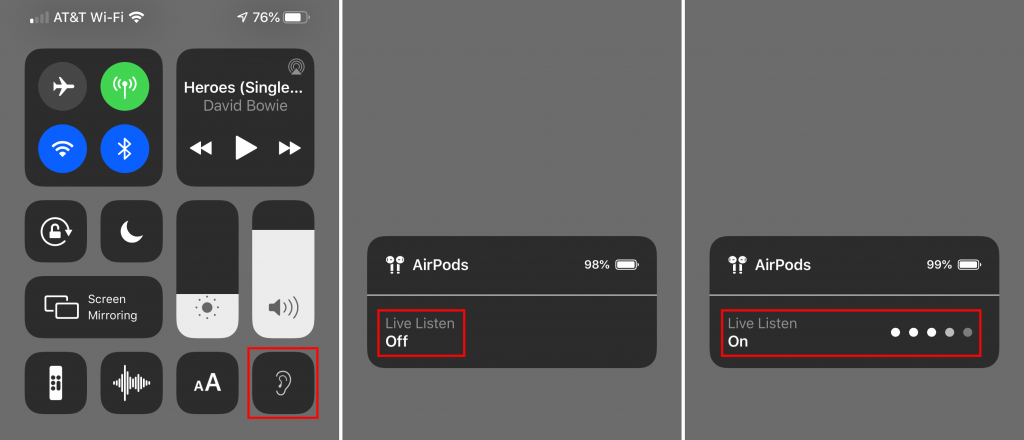
An ever-increasing number of people have hearing loss due to exposure to loud noise and age. If you’re in that group, but don’t yet need hearing aids, try using your AirPods to help you hear better in certain situations. iOS’s Live Listen feature uses your iPhone’s...
Jul 24, 2019 | Apple Pros, APros Archive, Article, ASMC, ASMC Archive, Blog, iOS, iOS 12, iPhone, Music, Podcasts, Restricted Content, Solution, storage, troubleshooting, video
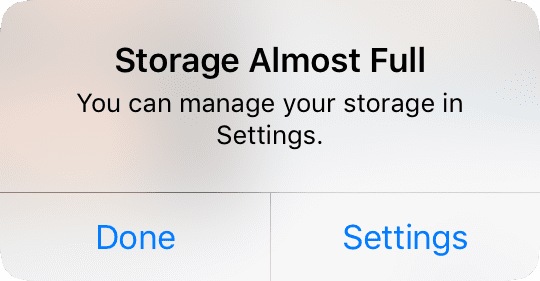
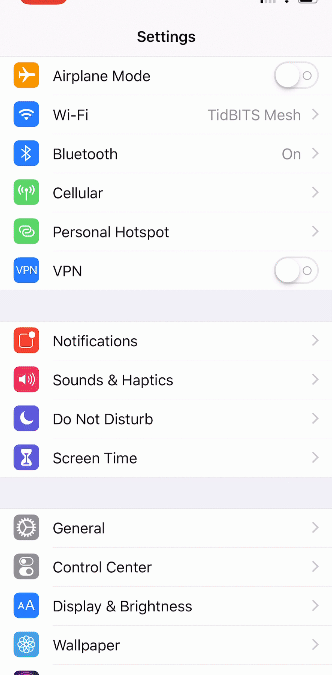
Little is more frustrating than running out of space your iPhone or iPad. You can’t take new photos, you can’t download new apps, some things may not work at all, and iOS will nag you repeatedly about how you can “manage” your storage in Settings. Luckily, over the...
Jul 15, 2019 | Apple Pros, APros Archive, Article, ASMC, ASMC Archive, Blog, How-To, iOS, iPhone, productivity, Restricted Content, screen recording
You know how to use the Camera app on your iPhone or iPad to take a video, but did you know that you can also record a video of what happens on the screen of your device? That’s useful if you’re trying to explain the steps of some technical process to a friend or show...
Jun 5, 2019 | Apple Pros, APros Archive, ASMC, ASMC Archive, Blog, iOS, iPhone, productivity, Restricted Content, Safari, tabs, Tip
Every time you tap a link to open a Web page in Safari on your iPhone or iPad, it automatically opens a new tab. That’s fine until you realize that you have oodles of old tabs open, making it difficult to find any particular tab. To close all your old tabs in one fell...
May 31, 2019 | Apple Pros, APros Archive, ASMC, ASMC Archive, Blog, iCloud Photos, iOS, iPhone, Mac, Photos, Restricted Content, Tip, troubleshooting
iCloud Photos (which Apple previously called iCloud Photo Library) is wonderful when it’s working. Take some photos on your iPhone, and they appear on your Mac and iPad a minute later. Delete unnecessary shots and edit the others on your Mac, and your iPhone and iPad...