Dec 7, 2017 | Apple Pros, APros Archive, Blog, iOS 11, iPad, iPhone, productivity, Restricted Content, Tip
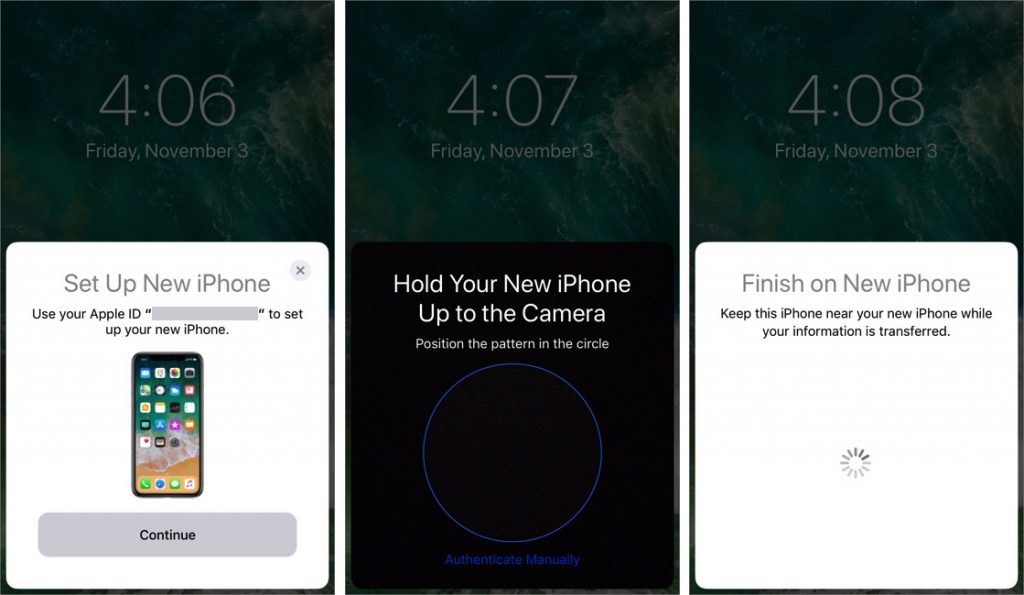
When you’re unboxing a new iPhone, it’s time to think about how you’ll move your digital life from your old iPhone to the new one. If your old iPhone is running iOS 11, you can use Quick Start, a new iOS 11 feature that makes the transfer easy. Just turn on the new...
Dec 6, 2017 | Apple Pros, APros Archive, Article, Blog, Explainer, Face ID, iPhone, iPhone X, Restricted Content, security
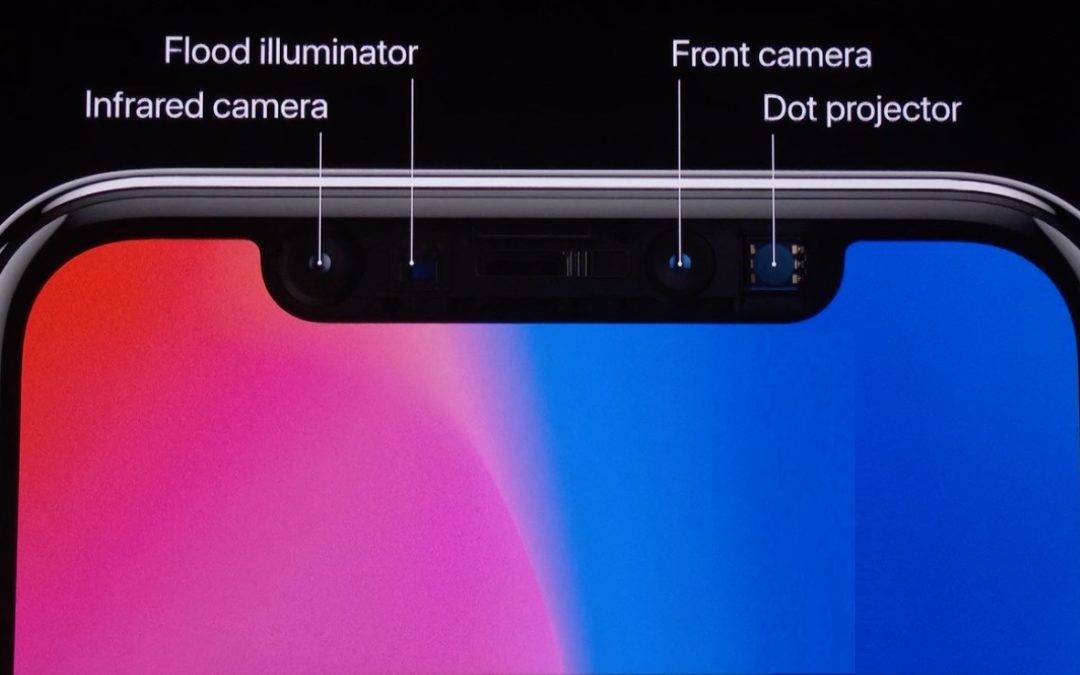
Apple’s new iPhone X does away with the Home button, which has been a fixture since the original iPhone and has long served as the Touch ID sensor. To replace Touch ID, Apple developed a new facial recognition technology called Face ID. With Face ID, the iPhone X...
Nov 17, 2017 | App Switcher, Apple Pros, APros Archive, Article, Blog, Dock, Home screen, How-To, iOS, iOS 11, iPad, iPhone, multitasking, productivity, Restricted Content, Slide Over, Split View
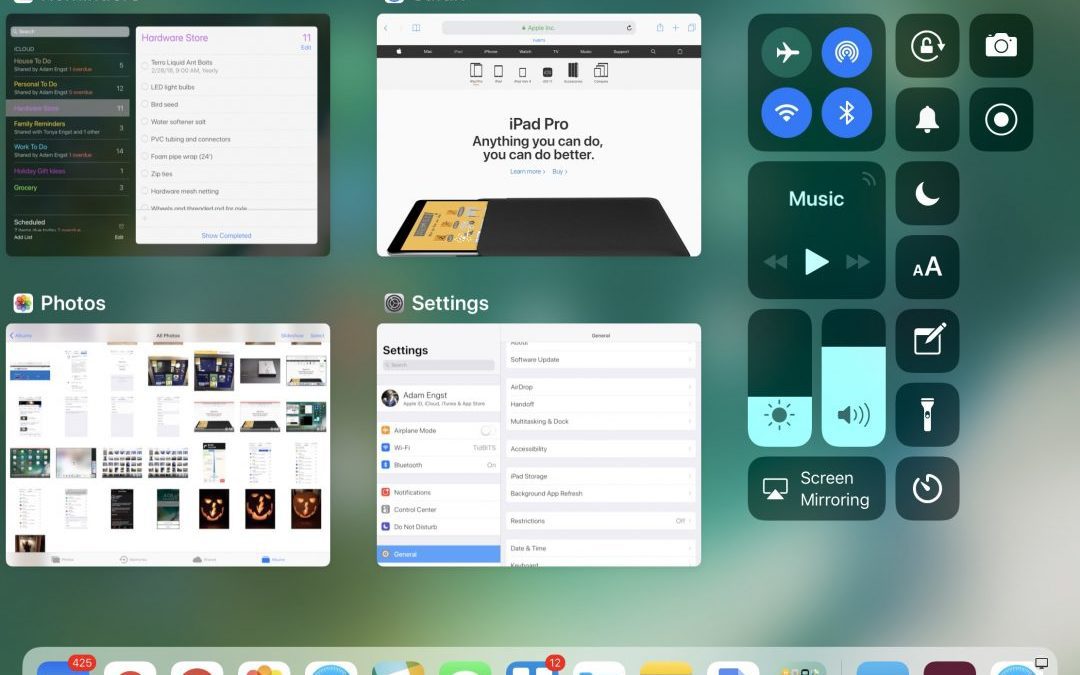
With iOS 11, the iPhone and iPad interfaces continue to diverge, which makes sense, since the iPad is not merely an overgrown iPhone. Particularly when you pair an iPad Pro with a Smart Keyboard and Apple Pencil, you can now get real work done on an iPad more fluidly...
Nov 13, 2017 | AirPods, Apple Pros, Apple TV, Apple Watch, APros Archive, Article, Blog, cable, iPad, iPhone, Restricted Content, Solution
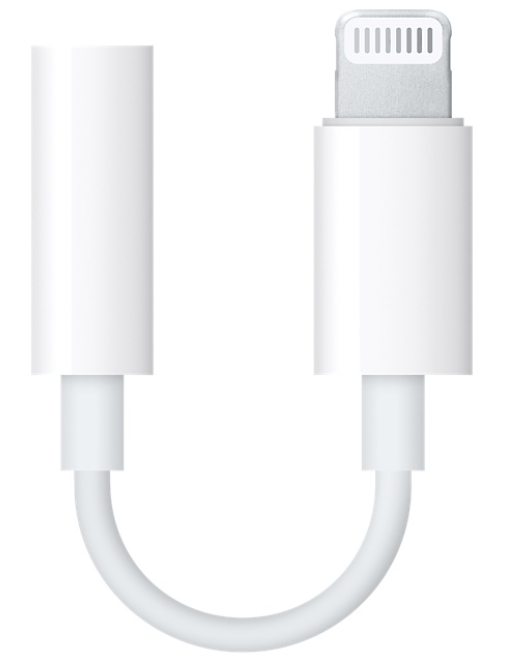
It’s that time of year again, when many of us start wracking our brains for gift ideas for our loved ones—or for our own wish lists. If your special someone is an Apple user, we have a few suggestions. Chargers, Cables, and Adapters, Oh My! We know that giving someone...
Nov 9, 2017 | Apple Pros, APros Archive, Blog, camera, iOS, iOS 11, iPad, iPhone, QR code, Restricted Content, Tip
You’ve undoubtedly seen those odd-looking square QR codes on product packaging, a business card, or a flyer. In the past, you needed a special app to scan a QR code to see what Web URL, contact card, Wi-Fi network, or other piece of information it held. In iOS 11,...
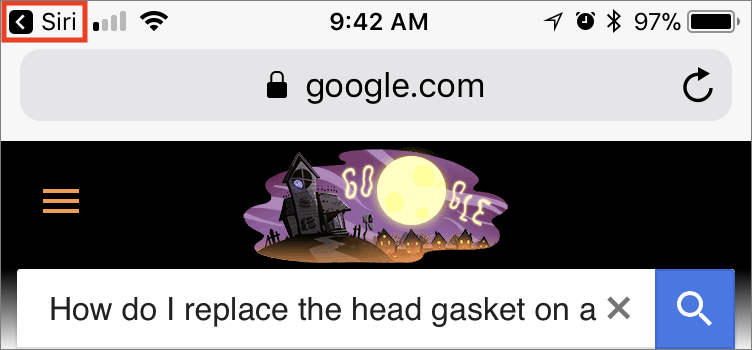
Nov 4, 2017 | Apple Pros, APros Archive, Blog, iOS, iPad, iPhone, productivity, Restricted Content, Safari, Siri, Tip
Ask Siri to search the Web and you’ll get five results back from Google (not Bing anymore!). Tap one and it opens in Safari. But what if that page doesn’t contain the information you want? How do you get back to Siri’s results? The easy way is to tap the little Siri...