Jul 7, 2017 | alarm, Blog, Clock, Home button, iPad, iPhone, productivity, Restricted Content, Tip
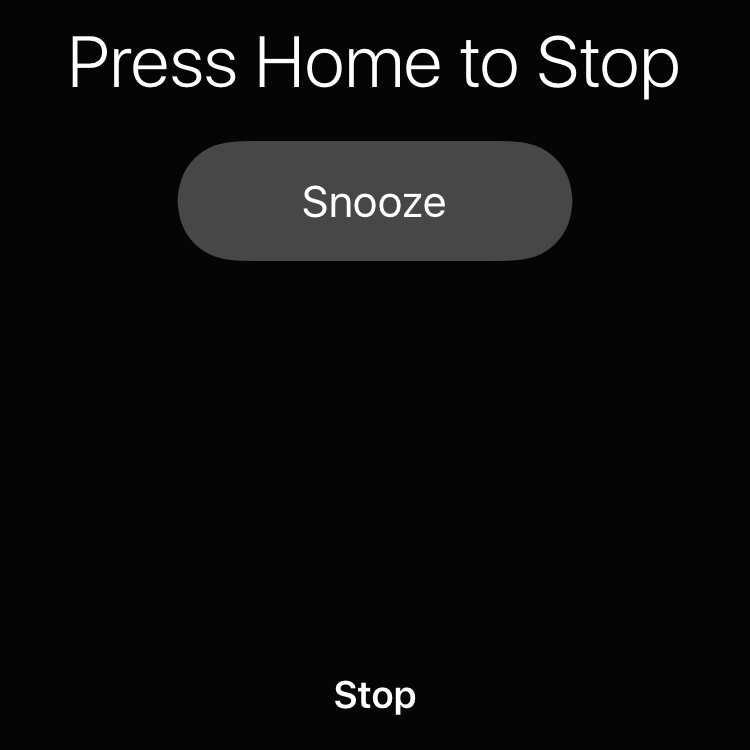
If you’re like us, your iPhone has replaced that old digital alarm clock by your bedside. But one way that the iPhone doesn’t match up is the ease of thwacking a big Off button to stop the annoying wake-up noise. Happily, you don’t have to open your eyes and find the...
Jul 1, 2017 | Article, Blog, burst mode, camera, How-To, iOS, iPad, iPhone
It’s the time of year when fireworks fill the sky above celebrations of all sorts. As the crowds ooh and aah at glittering chrysanthemum and willow effects, you may be wishing you could capture some of those moments with your iPhone. With these tips, you won’t need a...
Jun 27, 2017 | alert, Blog, iCloud, iOS, iPhone, Mac, notifications, productivity, Reminders, Restricted Content, Siri, Solution
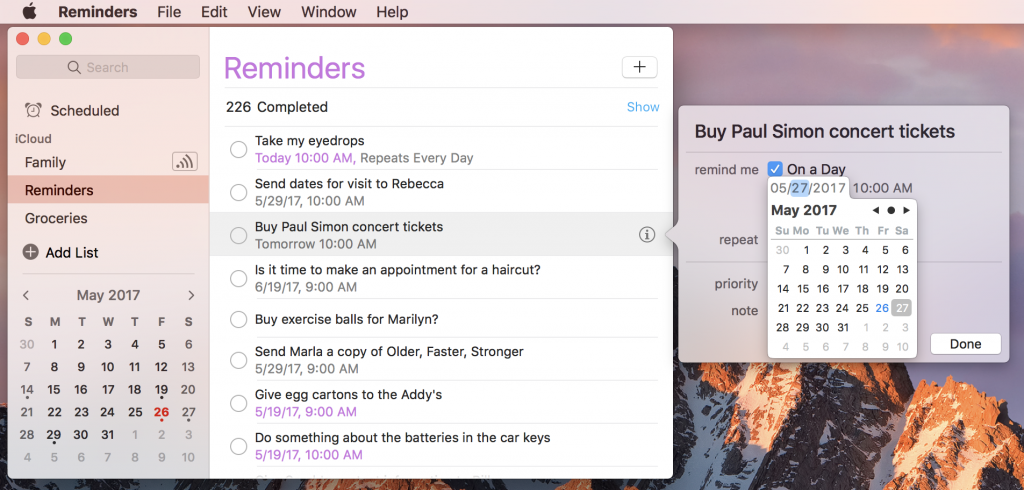
Apple designed the built-in Reminders app as a list-keeping assistant for both macOS and iOS. You can add reminders of any sort to the default Reminders list, or you can create custom lists, like Groceries or Movies to Watch. Plus, if you’ve set up Family Sharing, you...
Jun 22, 2017 | Article, Blog, burst mode, camera, iOS, iPad, iPhone, Restricted Content, Solution
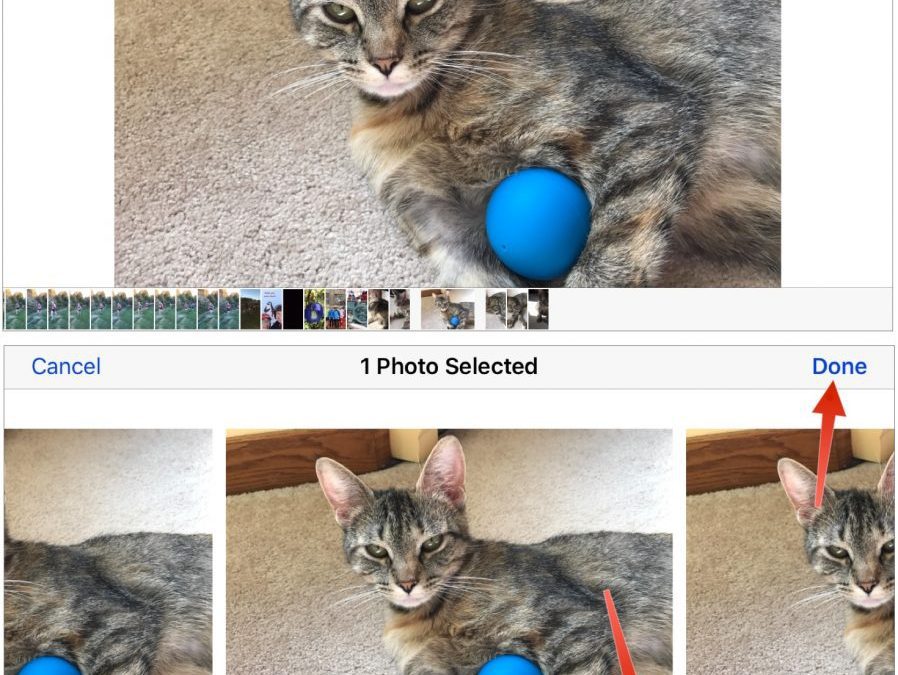
Snapping the perfect photo is tough. Children, especially babies and teenagers, can be difficult to pose. Cats relish looking cute and then turning away just as you grab your camera. Action shots in sporting events are impossible to predict. And you never know when...
Jun 20, 2017 | Apple Watch, Article, Auto Unlock, Blog, How-To, iPhone, Mac, macOS, passwords, productivity, Restricted Content, security, two-factor authentication
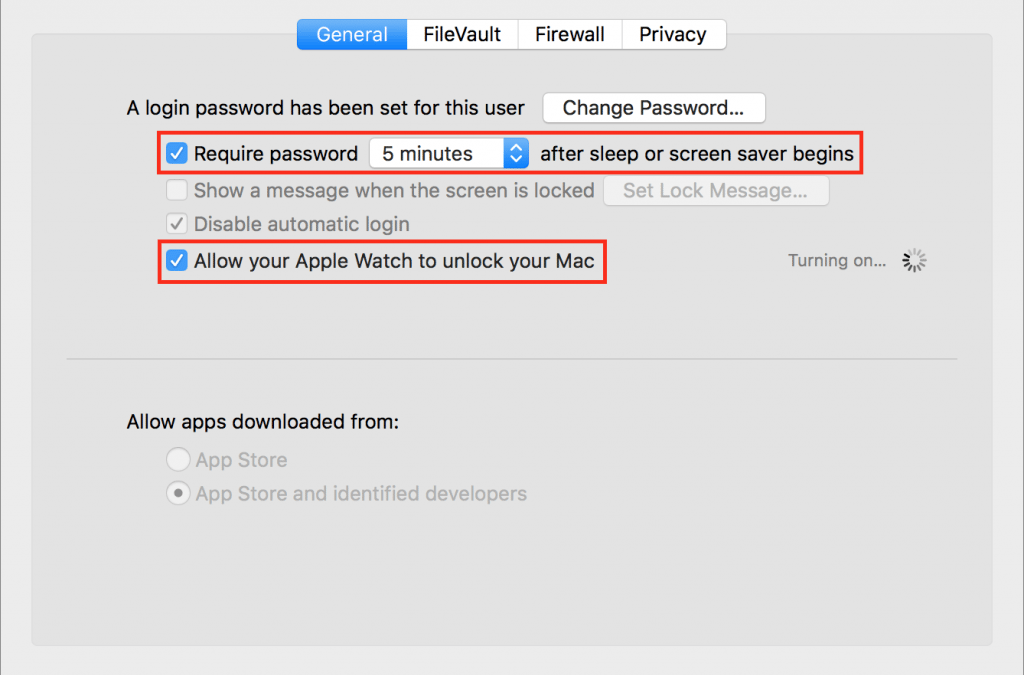
It’s magic. You walk up to your Mac, touch a key to wake it up, and upon noticing that you’re wearing your Apple Watch, it unlocks without making you enter a password. Brilliant! For some of us, it’s almost a reason alone to get an Apple Watch. Auto Unlock, as Apple...
Jun 10, 2017 | Blog, iOS, iPhone, keyboard shortcut, productivity, Restricted Content, Tip, typing
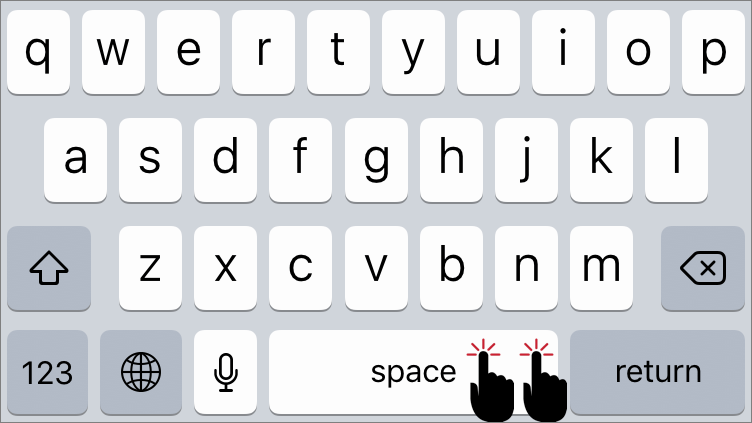
If you’re thinking, “Why yes, I do know that in iOS a double-tap on the Space bar after typing a word inserts a period and then a space,” award yourself a virtual gold star. If you weren’t aware of that super useful trick, well, you are now. Getting to the Period key...