


The Single-click Trick to Declutter Your Mac’s Screen
Is your Mac’s screen cluttered with windows from different apps? Sometimes it’s handy to be able to see a couple simultaneously, but having too many apps visible is often distracting. There are a variety of ways to focus on a single app at a time, but here’s one of...
4 New Apple OS Features You Can Use Today
Once you’ve updated to Apple’s latest—iOS 10.3, macOS 10.12.4, and watchOS 3.2—you’ll want to read this article.

Remove Unused Apps from Your Mac’s Dock
Apple puts all sorts of apps into your Mac’s Dock by default, but if you find that you never use some of those items, like Siri, Launchpad, or Maps, don’t be shy about removing them. It’s your Dock! To remove an app’s icon from the Dock, simply click it and drag it...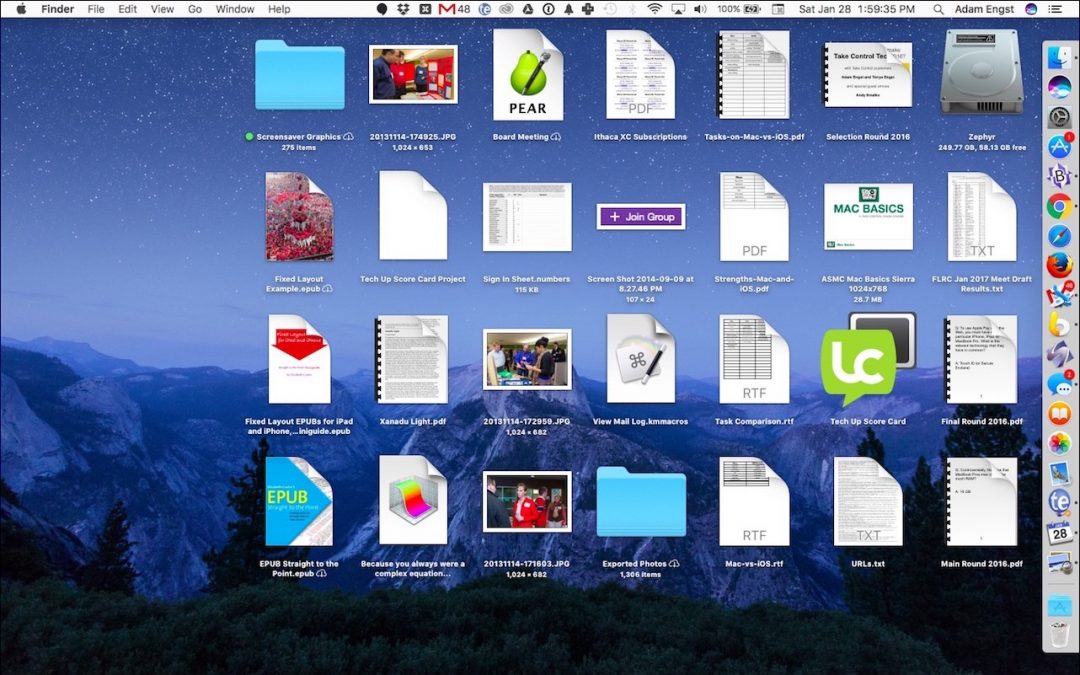
Change How Icons Look on Your Desktop
Out of the box, icons on your Desktop are 64 pixels square. That’s a fine middle-of-the-road choice, but if your eyes aren’t what they used to be, you might prefer larger icons. Or, if you store a lot of files and folders on your Desktop, smaller icons may let you...
How to Enable “Hey, Siri” in Sierra
For whatever reason, Apple didn’t see fit to enable the “Hey, Siri” trigger for Siri in macOS Sierra, but there’s a sneaky way you can configure your Mac to be able to invoke Siri without using the keyboard or mouse. We have step-by-step instructions on our blog.