Aug 15, 2017 | alarm, Article, Blog, Clock, customization, How-To, iOS, iPhone, productivity, Restricted Content, Siri
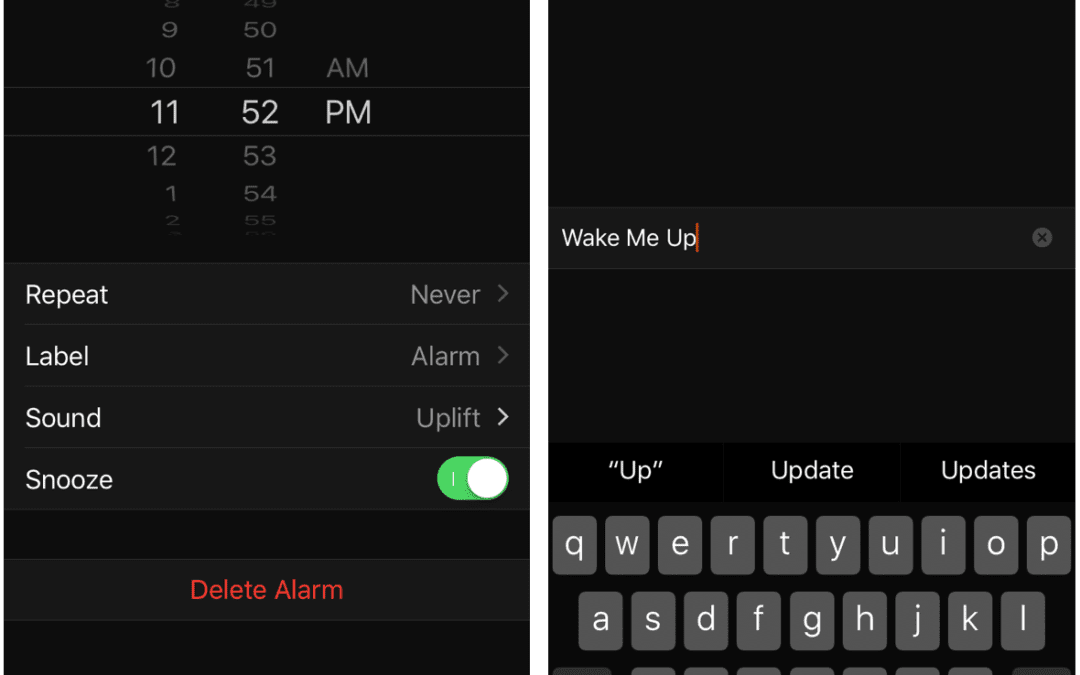
Has your iPhone replaced your alarm clock? Would you like it to? Using an iPhone as an alarm clock has a lot of benefits. You can choose from a wide variety of non-obnoxious sounds or even pick your favorite song. It’s easy to set an alarm—no more holding down buttons...
Aug 13, 2017 | accessibility, Article, Blog, bold, customization, font, iOS, iPad, iPhone, Restricted Content, Solution, zoom
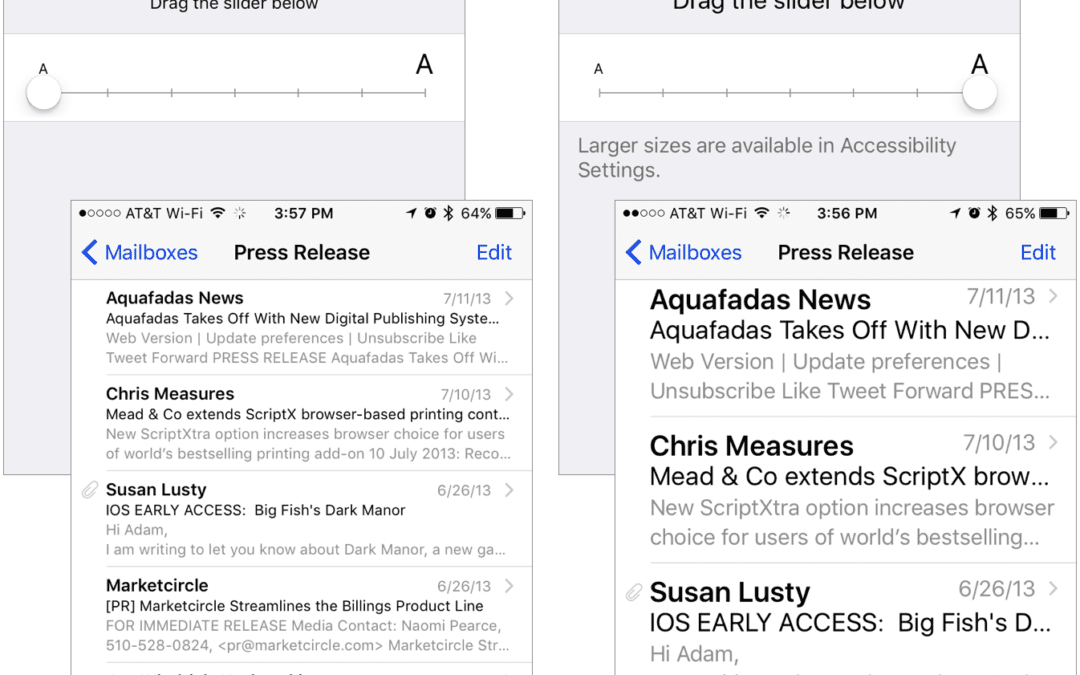
If you have 20/20 vision or are still wondering why your parents have reading glasses, count yourself lucky. But if you’re like many people—over 60 percent of the population by some estimates, including most people over 45—reading the tiny text on your iPhone or iPad...
Aug 11, 2017 | Blog, Finder, gesture, keyboard shortcut, Mac, productivity, Restricted Content, Tip
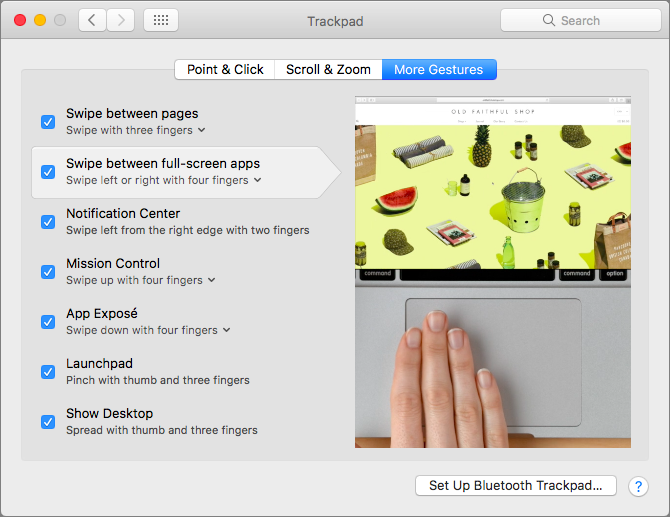
When you click the green zoom button in a window on your Mac, that puts the window into full-screen mode. It’s a great way to maximize screen real estate on a smaller MacBook screen, for instance, but how can you switch between these virtual screens quickly? You could...
Jul 20, 2017 | Apple Pros, APros Archive, Article, Blog, iOS 10, iOS 11, maintenance, News, Restricted Content, Settings
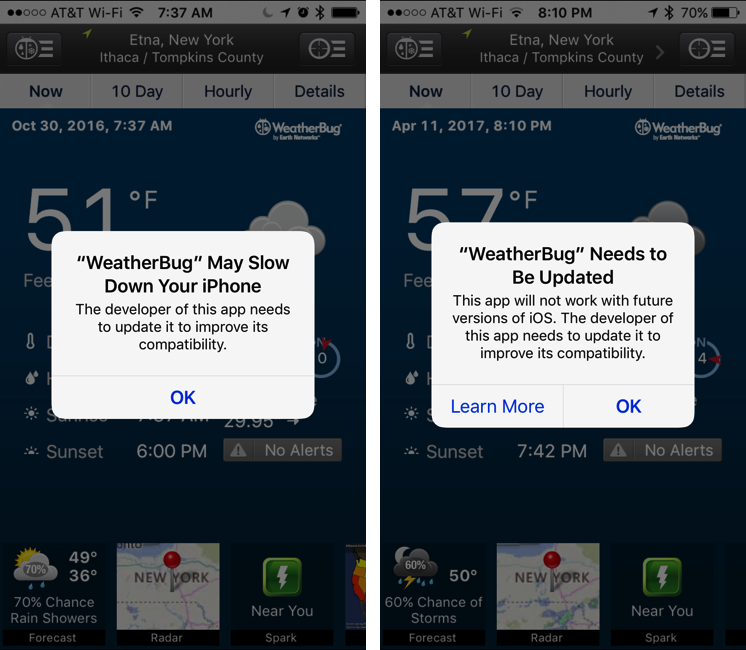
Now that Apple has released a public beta of iOS 11, we have confirmation that Apple is kicking some old apps off the back of the train. If you’ve been using an iPhone or iPad for more than a few years, it’s possible that some of your apps won’t even launch in iOS 11....
Jul 18, 2017 | Article, Blog, Finder, Mac, productivity, Restricted Content, Solution, window
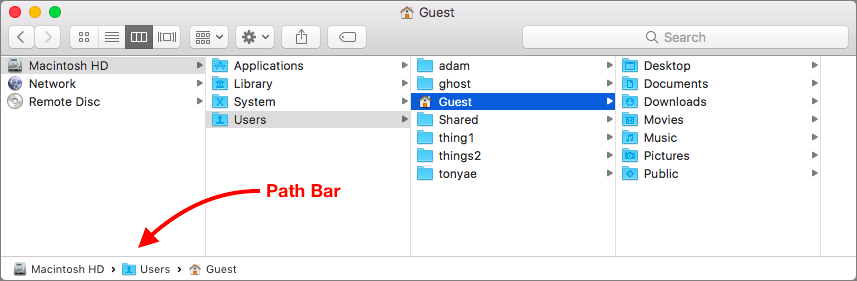
Apple is known for creating clever little features that do a lot more than most people realize. Learn these, and you’ll be the master of your Mac. And more important, you’ll get your work done more quickly! Have you ever noticed the Path Bar at the bottom of Finder...
Jul 14, 2017 | Blog, keyboard shortcut, Mac, productivity, Restricted Content, Solution
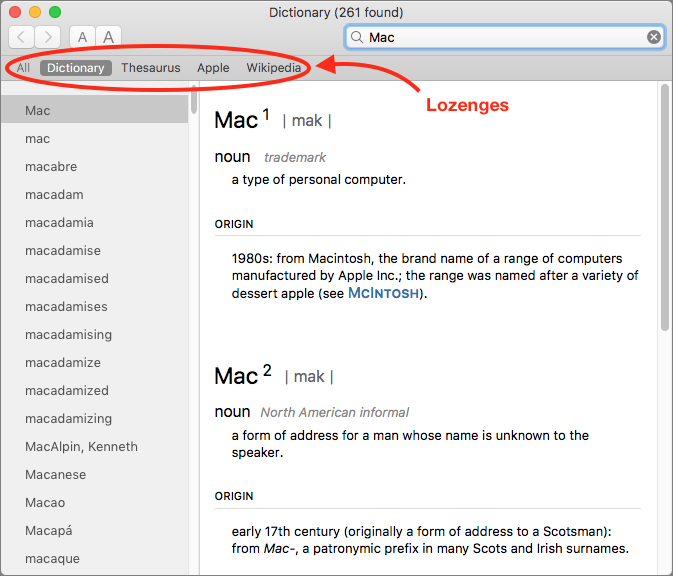
You’re probably used to Mac apps using red underlines to mark misspelled words, but did you know that macOS has long included a fully featured Dictionary app as well? It provides quick access to definitions and synonyms in the New Oxford American Dictionary and the...