
Make the Most of the iPhone’s Panorama Mode
Panoramas are great for capturing mountainous vistas and sunsets at sea, but did you know that you can use the iPhone’s panorama mode right-to-left and for taking vertical panoramas as well?

Panoramas are great for capturing mountainous vistas and sunsets at sea, but did you know that you can use the iPhone’s panorama mode right-to-left and for taking vertical panoramas as well?


Once you’ve updated to Apple’s latest—iOS 10.3, macOS 10.12.4, and watchOS 3.2—you’ll want to read this article.
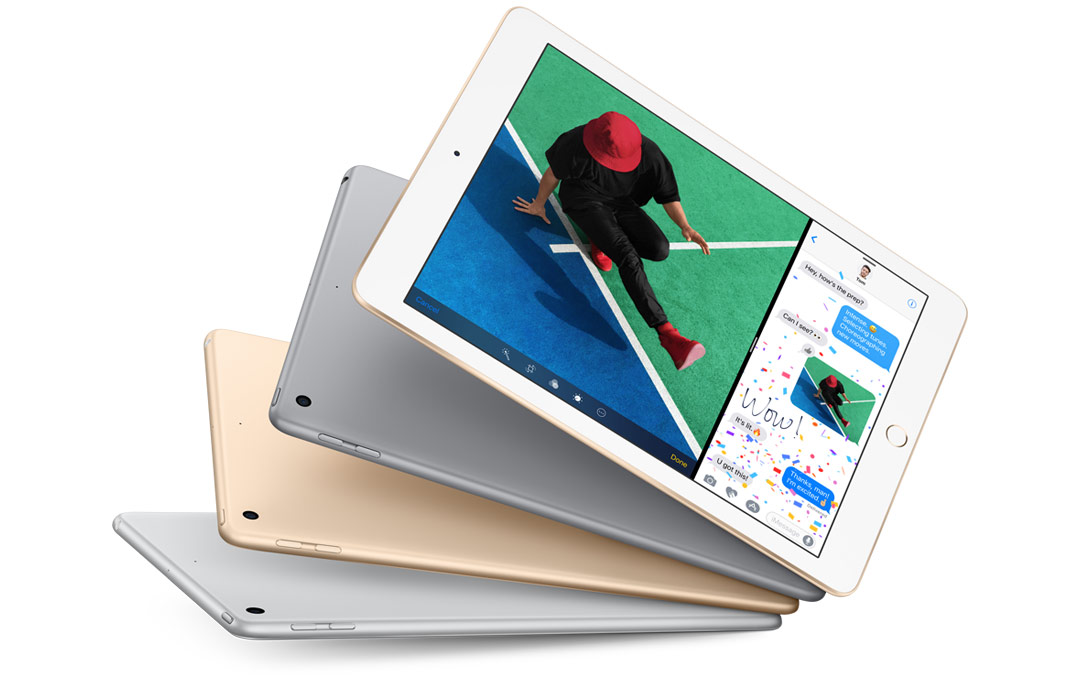
Apple’s new iPads and iPhones promise faster performance and more storage for less money!
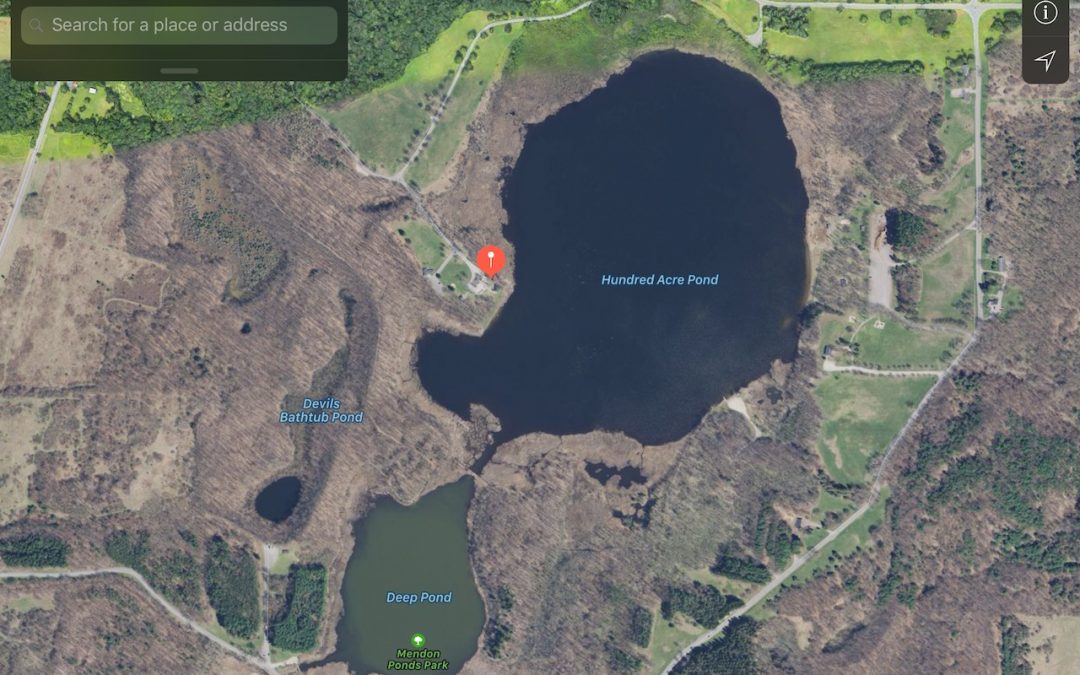
Need iPhone directions to a spot that doesn’t have a name or address? Maps can help—learn how now.

If you’re checking Facebook throughout the day, try making a pinned tab for it in Safari so the latest status updates are just a click away. Pinned tabs are also great for Web-based email apps, news sites, favorite comics, and more. Learn the easy steps for setting them up on our blog.