Oct 18, 2016 | Blog, iOS, iPad, iPhone, Tips
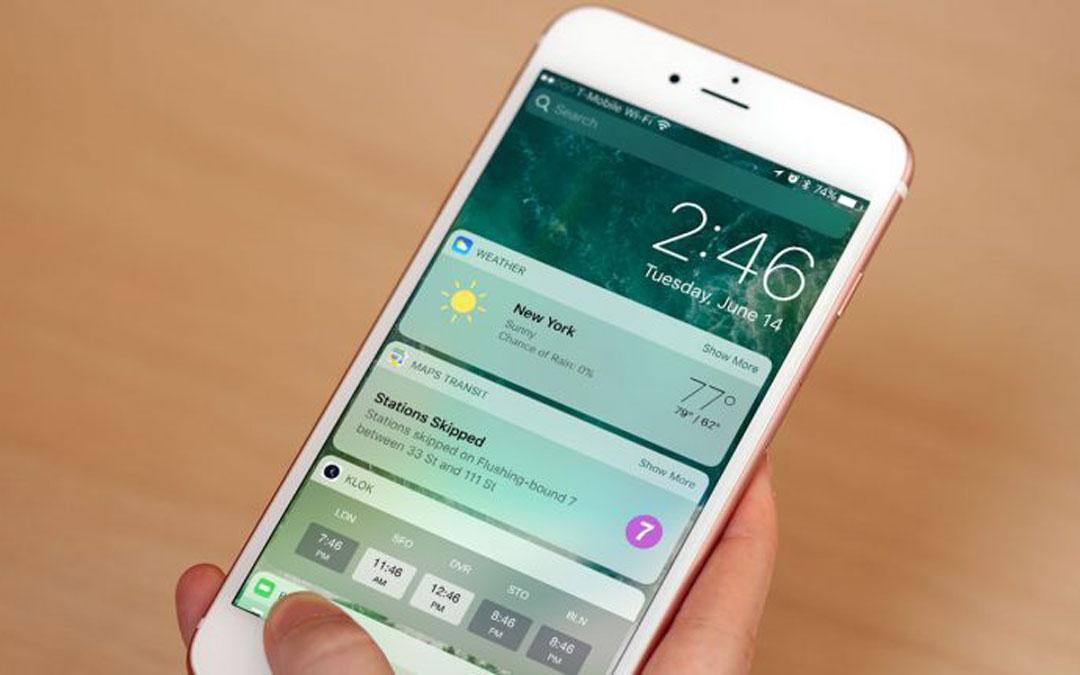
If you’re running iOS 10, try the new Widgets screen, where you can access a custom set of useful little apps from the Lock screen or the Home screen. It takes only a moment to set up and is one of the best new features in iOS 10. Learn more on our blog.
Oct 14, 2016 | Blog, Mac, macOS, Quick Tip, Sierra
One of the tiny changes in Sierra is an option to change how items sort in Finder windows. If you find it frustrating to hunt for folders mixed in among files in a large file listing, you can now switch to the Finder, choose Finder > Preferences, click the Advanced...
Oct 11, 2016 | Blog, iOS, iPad, iPhone, Quick Tip
iOS 10 changes how you use the Home button to unlock your iOS device from the Lock screen, and sometimes change is difficult. Previously, you could unlock it by merely resting your finger on the Home button when the Lock screen was showing. In iOS 10, however, you...
Oct 8, 2016 | Blog, Mac, macOS, Quick Tip, Sierra
Here’s what may be the most subtle new feature of Sierra: when you’re dragging one window next to another, Sierra makes them “stick” slightly when their edges align perfectly. You’re most likely to notice this in the Finder, if you work regularly in two side-by-side...
Oct 7, 2016 | Blog, iOS, iPhone, Quick Tip
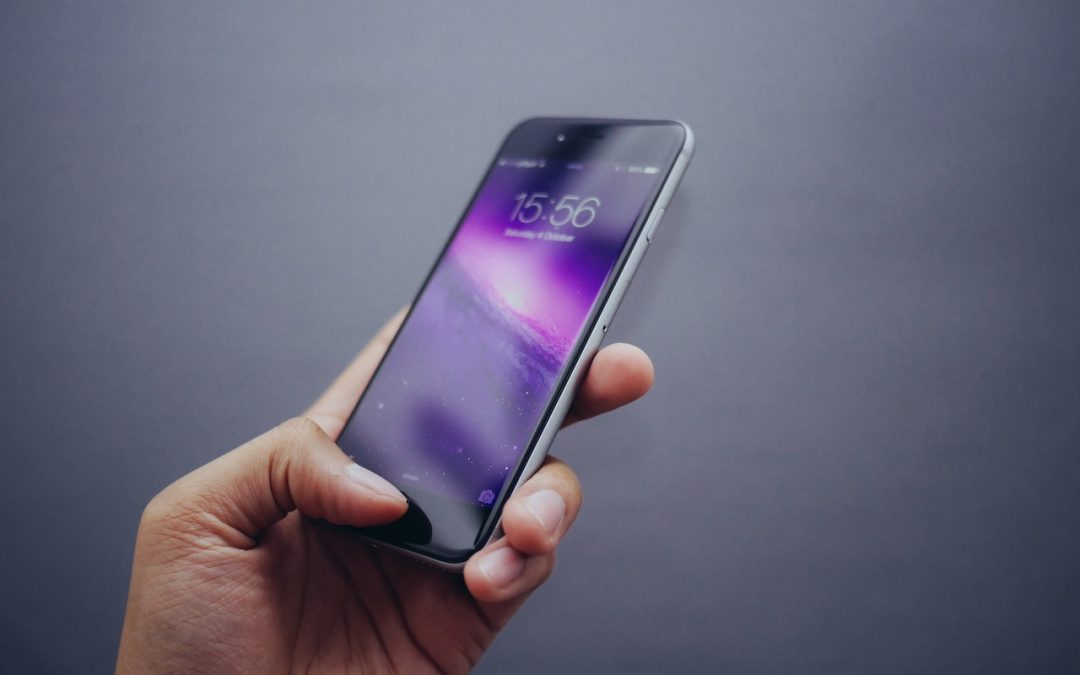
Wouldn’t it be nice if your iPhone woke up automatically when you pulled it out of your pocket? With iOS 10 running on an iPhone 6s, 6s Plus, SE, 7, or 7 Plus, it can do just that. If you have one of those iPhones, notice how the screen wakes up on its own when you...
Oct 3, 2016 | Blog, Mac, macOS, OS X, Quick Tip
You undoubtedly know that you can figure out how much disk space a file or folder takes up by selecting it and choosing File > Get Info. But what if you have a bunch of files and/or folders whose sizes you want to add up, perhaps to see if they’ll fit on a USB...