Aug 9, 2017 | keyboard shortcut, Mac, Restricted Content, Safari, Tip, troubleshooting
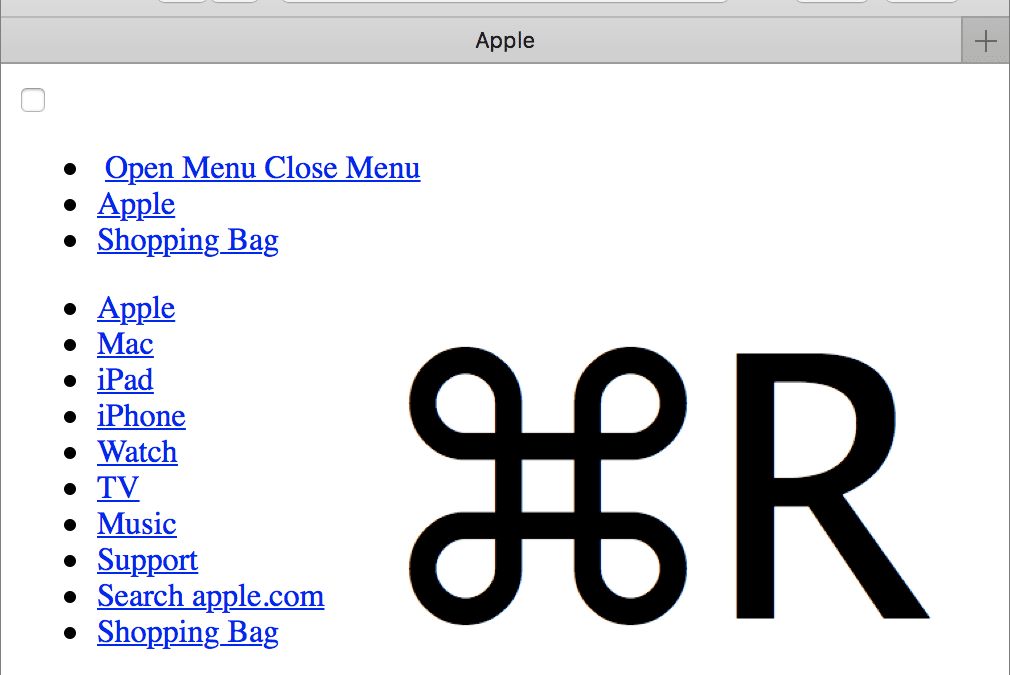
We’ve all hit a Web page at some point that doesn’t load fully, looks wrong, or doesn’t work as it should. It’s not your fault, but here are a few things you can try on your Mac. First, press Command-R to reload the page. Second, quit and relaunch Safari. Third and...
Jul 14, 2017 | Blog, keyboard shortcut, Mac, productivity, Restricted Content, Solution
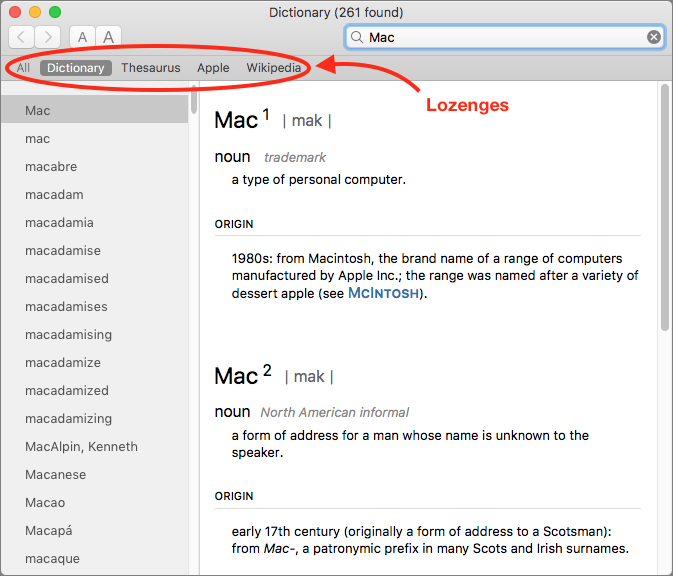
You’re probably used to Mac apps using red underlines to mark misspelled words, but did you know that macOS has long included a fully featured Dictionary app as well? It provides quick access to definitions and synonyms in the New Oxford American Dictionary and the...
Jun 10, 2017 | Blog, iOS, iPhone, keyboard shortcut, productivity, Restricted Content, Tip, typing
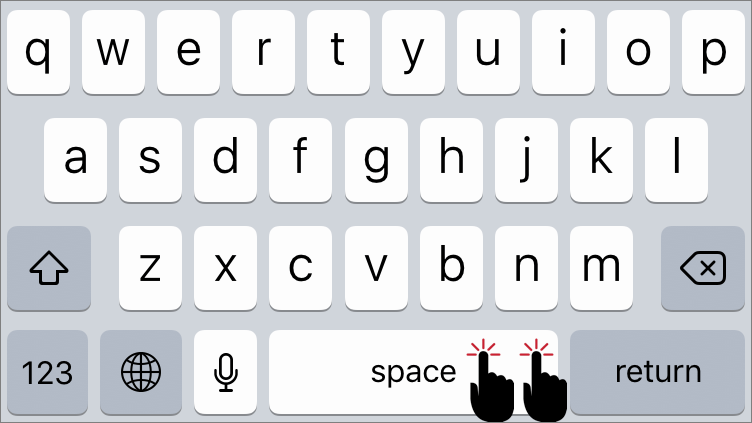
If you’re thinking, “Why yes, I do know that in iOS a double-tap on the Space bar after typing a word inserts a period and then a space,” award yourself a virtual gold star. If you weren’t aware of that super useful trick, well, you are now. Getting to the Period key...
May 22, 2017 | Article, Blog, customization, keyboard shortcut, Mac, productivity, Restricted Content, Save dialog, Solution
There’s nothing sexy about the Save dialog in Mac apps. It’s not pretty, you can’t tweet from it, and Apple hasn’t changed anything about it in years. But every time you create a new document in a Mac app, you have to save it. Once in the Save dialog, you name your...
May 15, 2017 | Blog, Finder, keyboard shortcut, Mac, macOS, productivity, Quick Tip, Sierra, Tip, Trash
Every Mac user knows that you drag files or folders you want to delete to the Trash icon in the Dock. And you probably even know that you can select multiple items by Shift-clicking (for a sequential range of items in a list view) or Command-clicking (for an arbitrary...
Aug 31, 2016 | Blog, keyboard shortcut, Mac, Tip
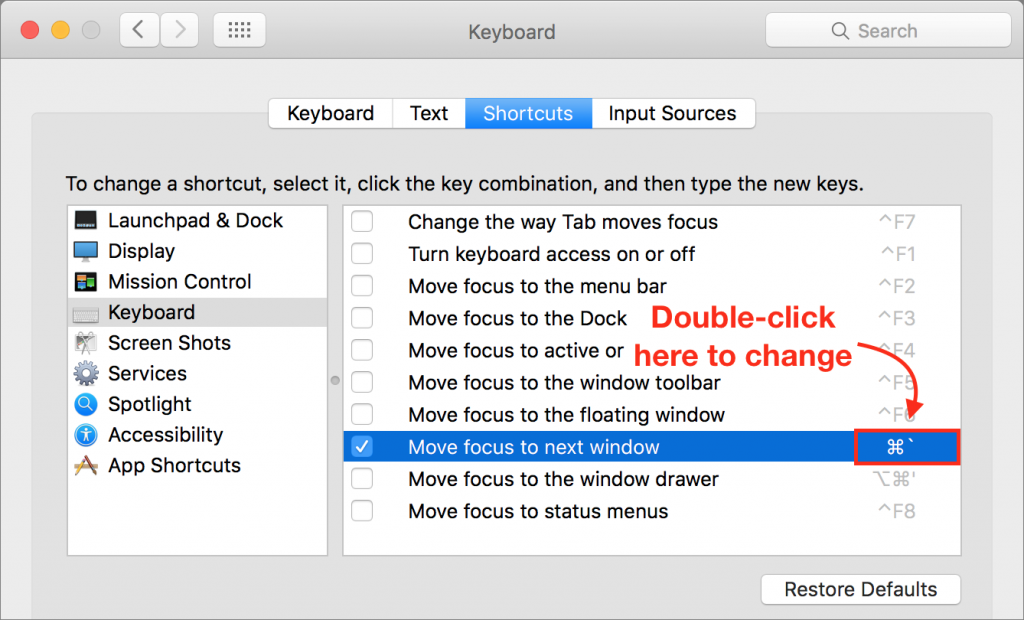
It’s easy, in some apps, to end up with oodles of open windows. You can usually switch between them by clicking those you can see or by choosing one from the Window menu, but wouldn’t it be nice to cycle through them from the keyboard, much as you can cycle through...