Feb 8, 2018 | Apple Pros, APros Archive, Blog, Chrome, Firefox, Mac, productivity, Restricted Content, Safari, swipe, Tip, trackpad
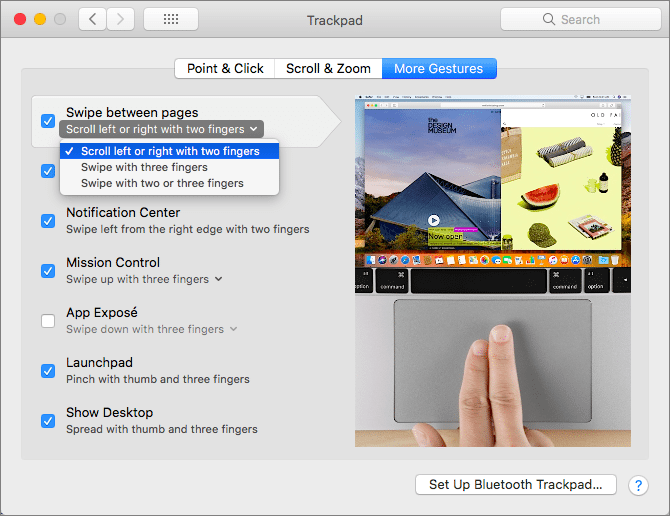
For navigation, every Web browser offers back and forward buttons, generally represented by arrows in the upper left of the toolbar. You can also navigate by choosing menu commands and typing keyboard shortcuts—did you know that Command-Left arrow and Command-Right...
Feb 6, 2018 | Apple Pros, APros Archive, battery, Blog, Control Center, iPhone, iPhone X, productivity, Restricted Content, Tip
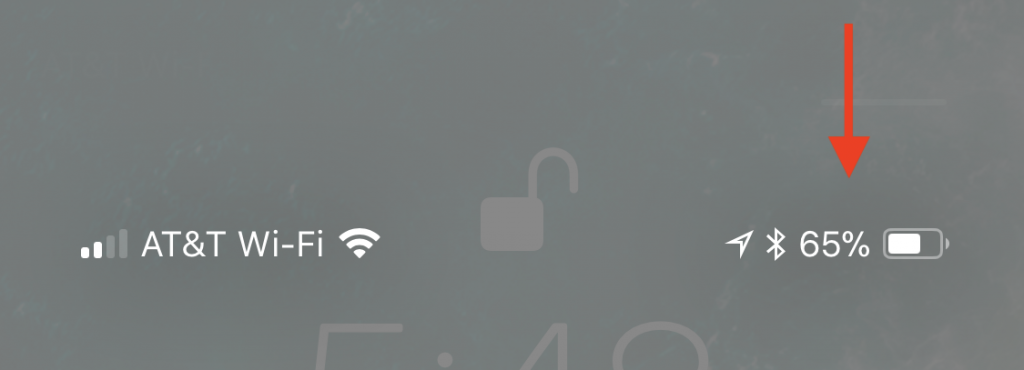
Wondering what happened to the numeric battery percentage indicator on the iPhone X? The notch takes up enough space at the top of the screen that there was room only for the battery icon, which can be hard to interpret. If you want to see precisely what percentage of...
Jan 15, 2018 | Apple Pros, APros Archive, Article, Blog, Explainer, hardware, iMac Pro, Mac, productivity, Restricted Content
Apple’s new iMac Pro has started shipping, and it’s an astonishing machine. Put simply, it’s the most powerful Mac ever, a title it will likely retain until Apple releases a new version of the Mac Pro, promised for sometime in 2018. But for now, what’s special about...
Jan 8, 2018 | Apple Pros, APros Archive, Blog, High Sierra, image editing, Mac, macOS, Photos, productivity, Restricted Content, Tip
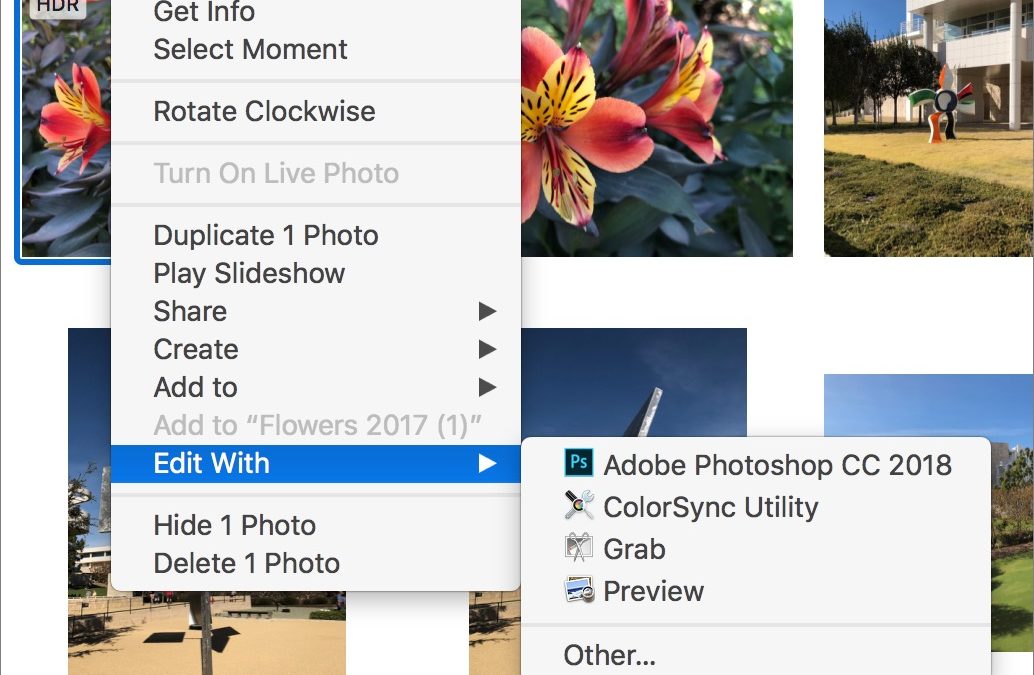
In macOS 10.13 High Sierra, Apple significantly enhanced the editing capabilities of Photos, adding tools for adjusting specific colors, fine-tuning color and contrast via curves, and even focusing an image with vignetting. But it still lacks many features found in...
Jan 4, 2018 | App Switcher, Apple Pros, APros Archive, Blog, force quit, gesture, iPhone, iPhone X, productivity, Restricted Content, Tip
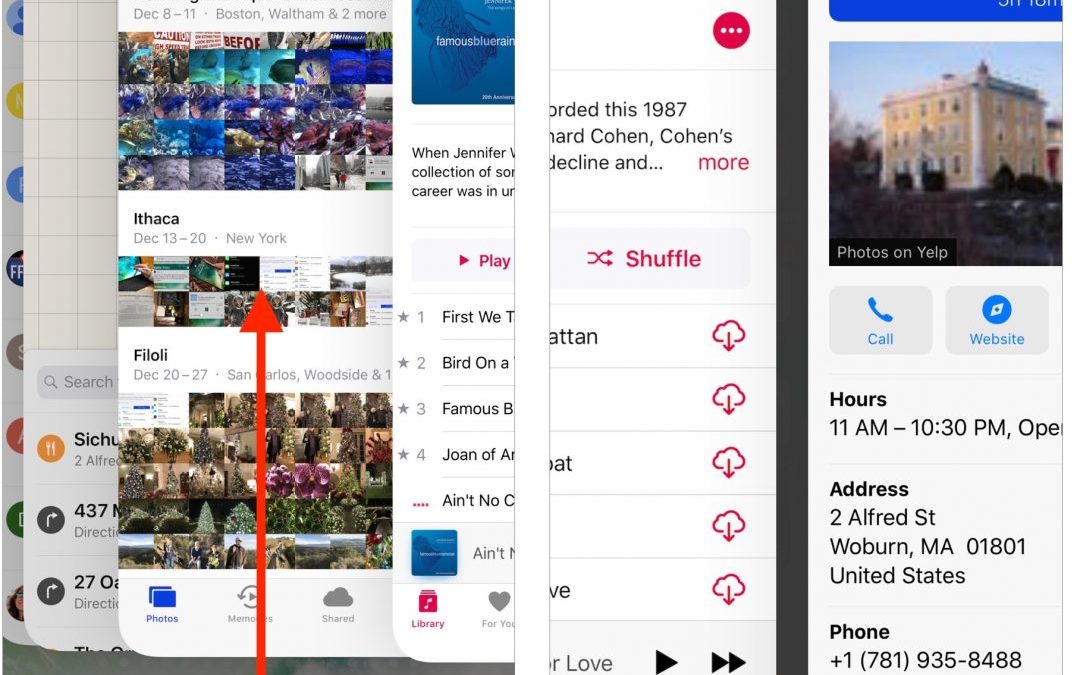
Since the iPhone X lacks a Home button to press twice for the app switcher, you’ll need to switch apps in a new way. To bring up the app switcher, swipe up from the bottom of the screen to about halfway, and then pause until the app thumbnails appear. Then you can...
Dec 7, 2017 | Apple Pros, APros Archive, Blog, iOS 11, iPad, iPhone, productivity, Restricted Content, Tip
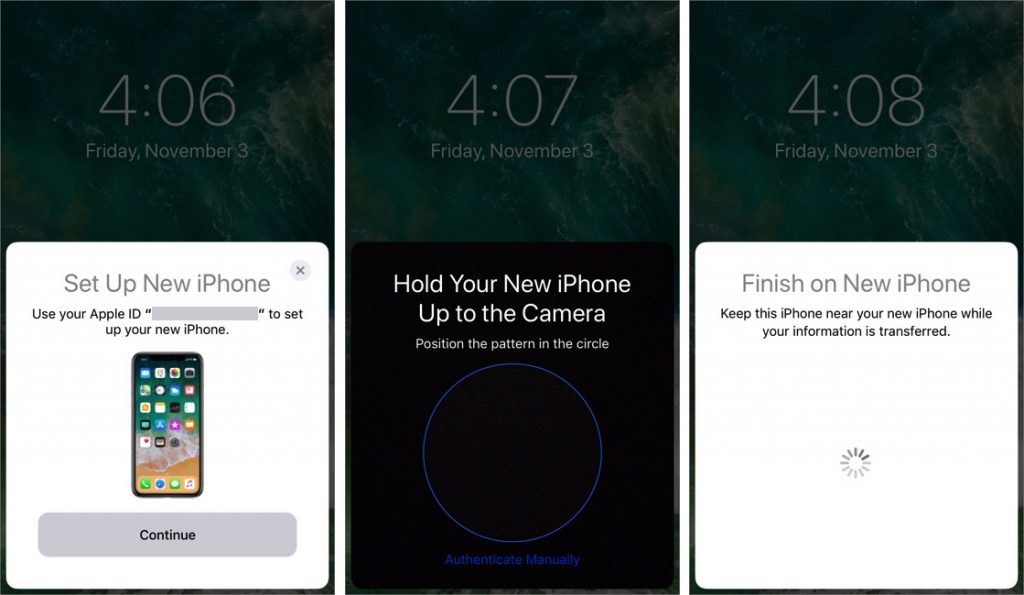
When you’re unboxing a new iPhone, it’s time to think about how you’ll move your digital life from your old iPhone to the new one. If your old iPhone is running iOS 11, you can use Quick Start, a new iOS 11 feature that makes the transfer easy. Just turn on the new...