Sep 10, 2017 | Blog, delete, keyboard shortcut, Mac, Photos, productivity, Restricted Content, Tip
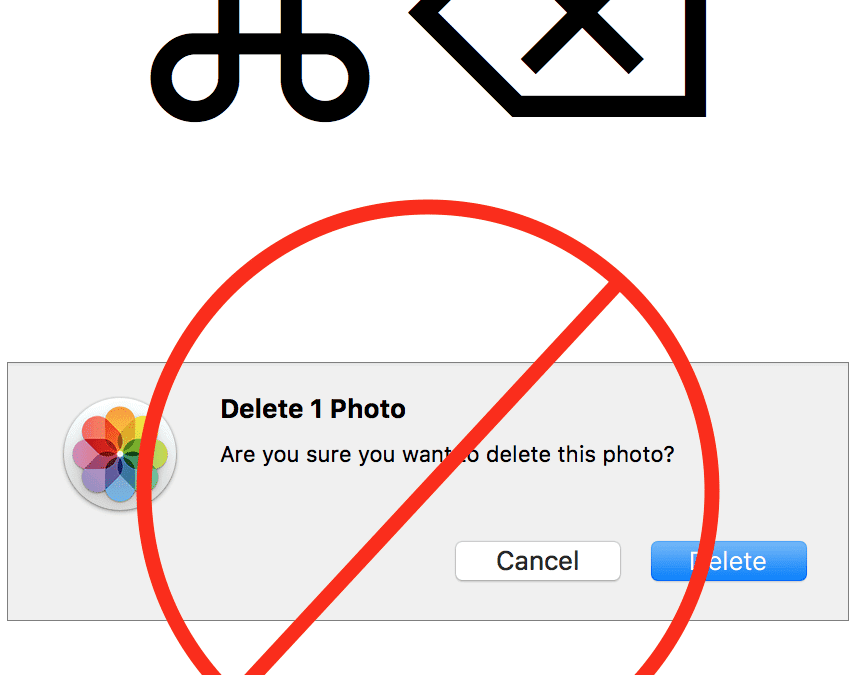
It’s a lot easier to take photos than it is to delete them, particularly in Photos on the Mac. You’ve done the dance: select a photo, press Delete, and press Return when Photos asks if you want to delete the photo. But you can sidestep that annoying dialog with this...
Aug 23, 2017 | 3D Touch, Blog, iOS, iPhone, Messages, notifications, productivity, Restricted Content, Tip
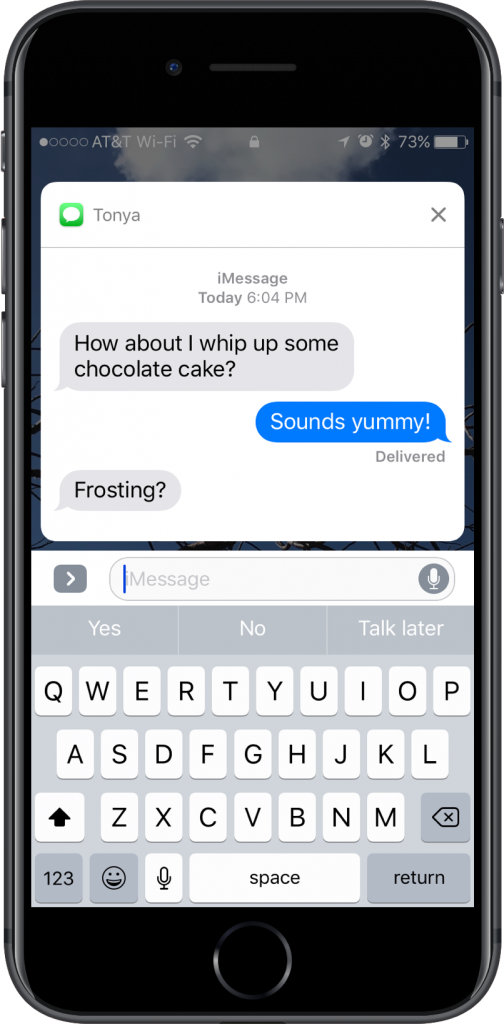
Want a faster way to reply to a conversation in Messages? If you see a Messages notification on the Lock screen of your iPhone 6s or later, press and hold on it to expand it into an interactive box where you can reply without unlocking your iPhone or navigating into...
Aug 21, 2017 | Article, Blog, contextual menu, Mac, menu, productivity, Restricted Content, shortcut menu, Solution
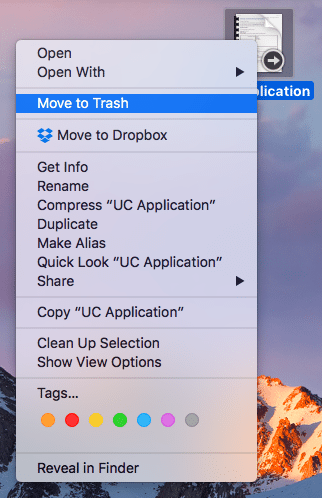
It’s easy to find and open the Mac’s standard menus—all you do is click a word or icon. But did you know about the Mac’s hidden menus? They contain many useful commands, but the Mac’s user interface provides no clue to their existence. Here’s what you need to know....
Aug 18, 2017 | Article, Blog, login items, Mac, productivity, Restricted Content, Solution, System Preferences, troubleshooting, Users & Groups
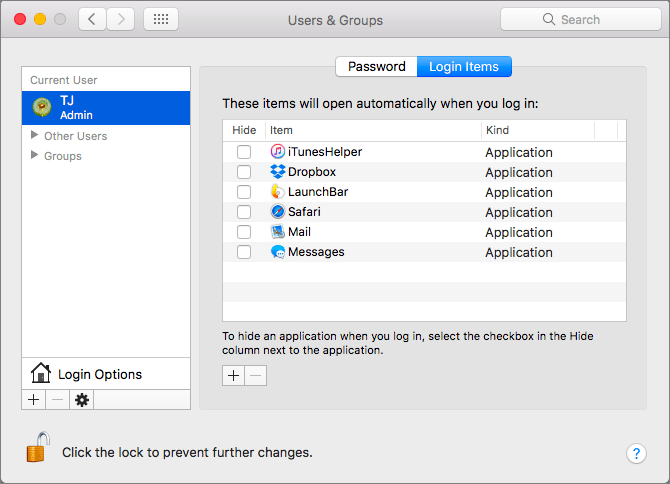
There’s a French culinary phrase—mise en place—that means “everything in its place.” The idea is that, before you start cooking, you organize and arrange all the ingredients for the dish so they’re right at hand when you need them. In essence, mise en place is about...
Aug 15, 2017 | alarm, Article, Blog, Clock, customization, How-To, iOS, iPhone, productivity, Restricted Content, Siri
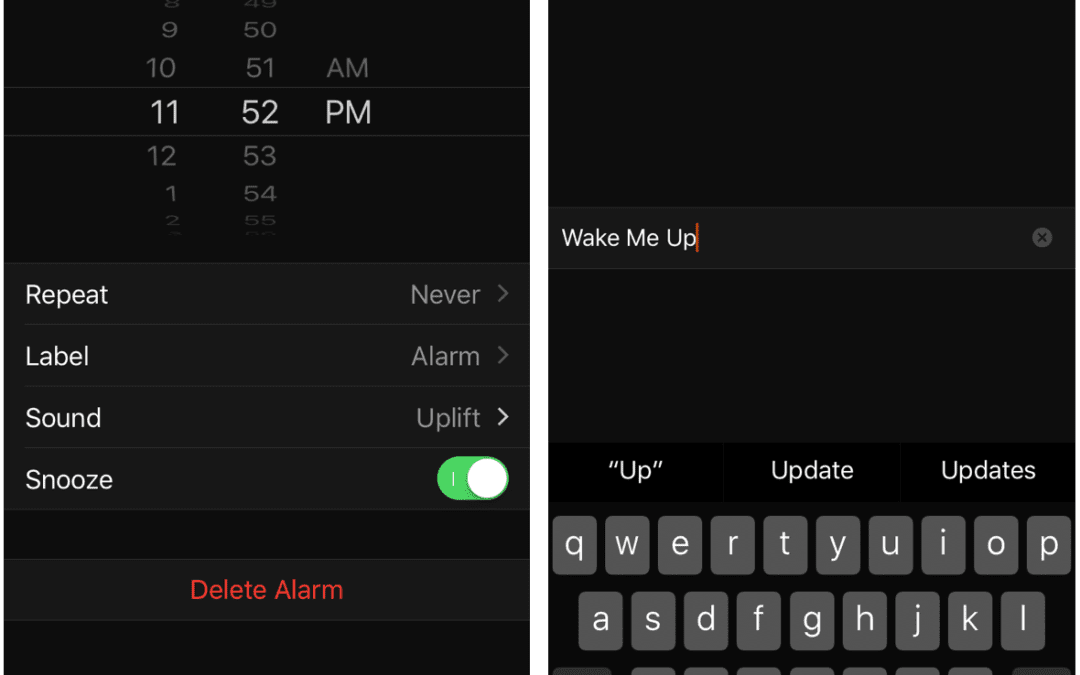
Has your iPhone replaced your alarm clock? Would you like it to? Using an iPhone as an alarm clock has a lot of benefits. You can choose from a wide variety of non-obnoxious sounds or even pick your favorite song. It’s easy to set an alarm—no more holding down buttons...
Aug 11, 2017 | Blog, Finder, gesture, keyboard shortcut, Mac, productivity, Restricted Content, Tip
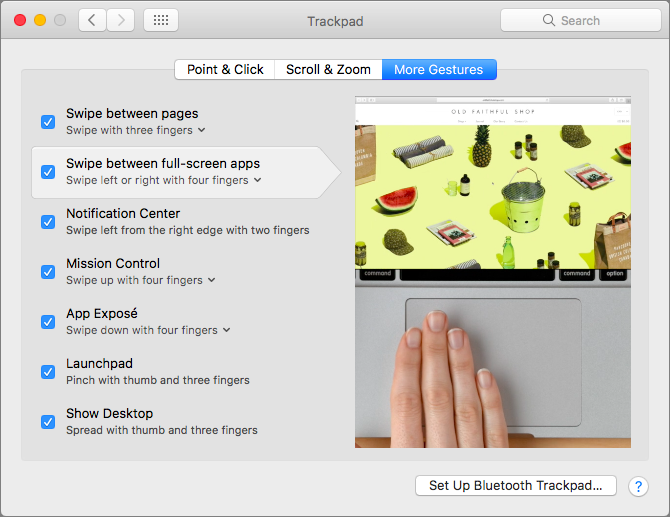
When you click the green zoom button in a window on your Mac, that puts the window into full-screen mode. It’s a great way to maximize screen real estate on a smaller MacBook screen, for instance, but how can you switch between these virtual screens quickly? You could...