Jun 20, 2017 | Apple Watch, Article, Auto Unlock, Blog, How-To, iPhone, Mac, macOS, passwords, productivity, Restricted Content, security, two-factor authentication
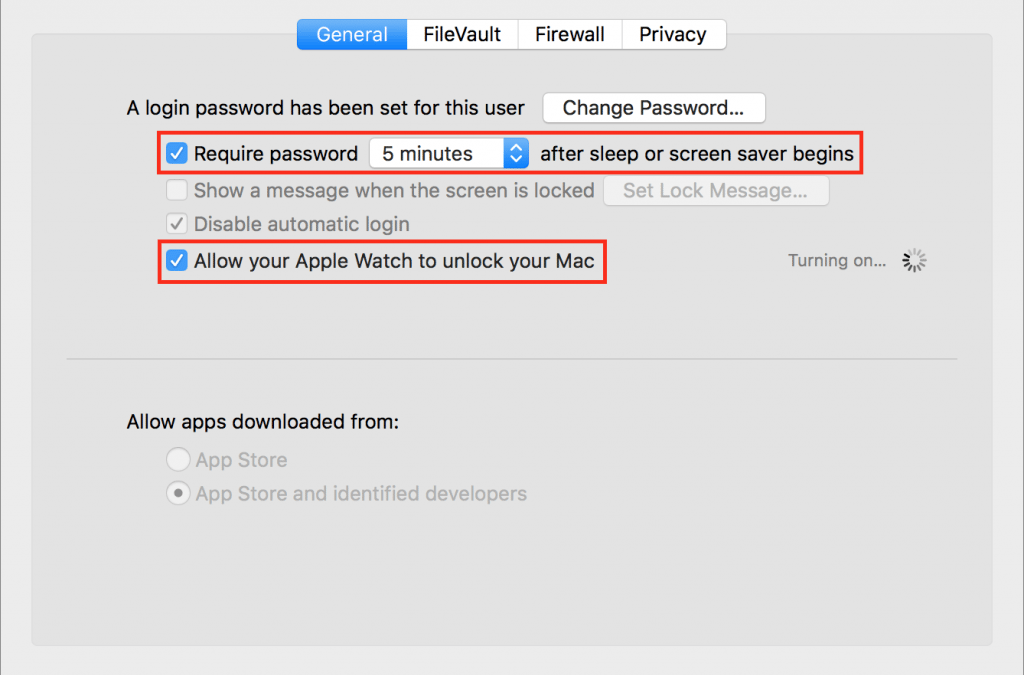
It’s magic. You walk up to your Mac, touch a key to wake it up, and upon noticing that you’re wearing your Apple Watch, it unlocks without making you enter a password. Brilliant! For some of us, it’s almost a reason alone to get an Apple Watch. Auto Unlock, as Apple...
Jun 14, 2017 | Blog, iOS, Mac, passwords, Restricted Content, security, Tip, two-factor authentication
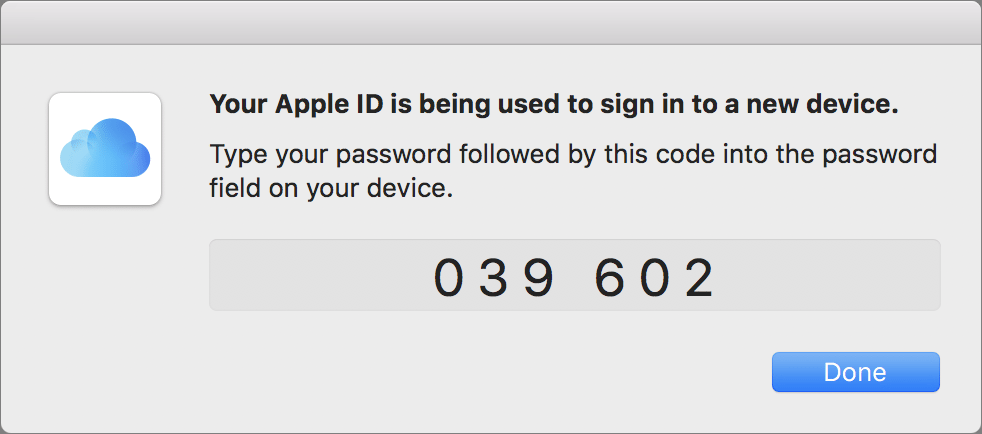
Apple is increasingly encouraging us all to turn on two-factor authentication for our Apple IDs because it adds an extra layer of security on top of the password. With two-factor authentication, when you log in to iCloud or iTunes for the first time on a new device,...
Jun 12, 2017 | Apple Pros, AppleCare+, Article, Blog, Mac, Mac, macOS, News
Our friends at Apple are really in tune with what their customers need. When customers are looking to the Mac lineup to solve their business and education computing needs, they know that AppleCare gives them peace of mind for 3 years. With the changes to AppleCare+,...
Jun 9, 2017 | Blog, Desktop, Finder, Mac, productivity, Restricted Content, Tip
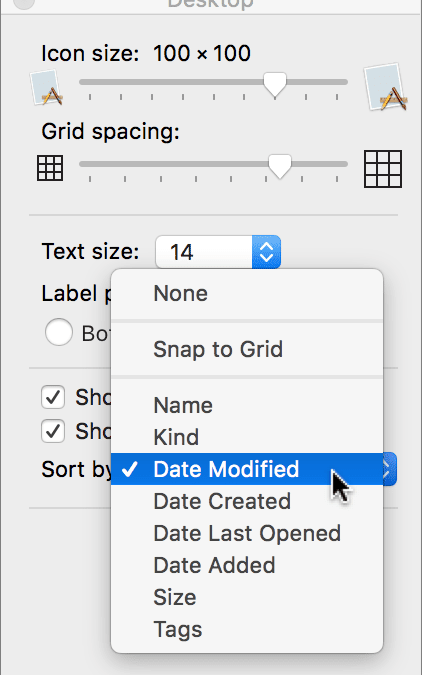
Is your Mac’s Desktop a cluttered mess? That’s not a criticism—it happens to all of us. A few files here, a folder or two there, and before long you can’t find anything amid all the icons. There’s a solution, of course, which is that the Finder lets you sort the icons...
Jun 6, 2017 | Desktop, iOS 10, laptop, Mac, MacBook Pro, macOS Sierra, Notebook, Touch Bar
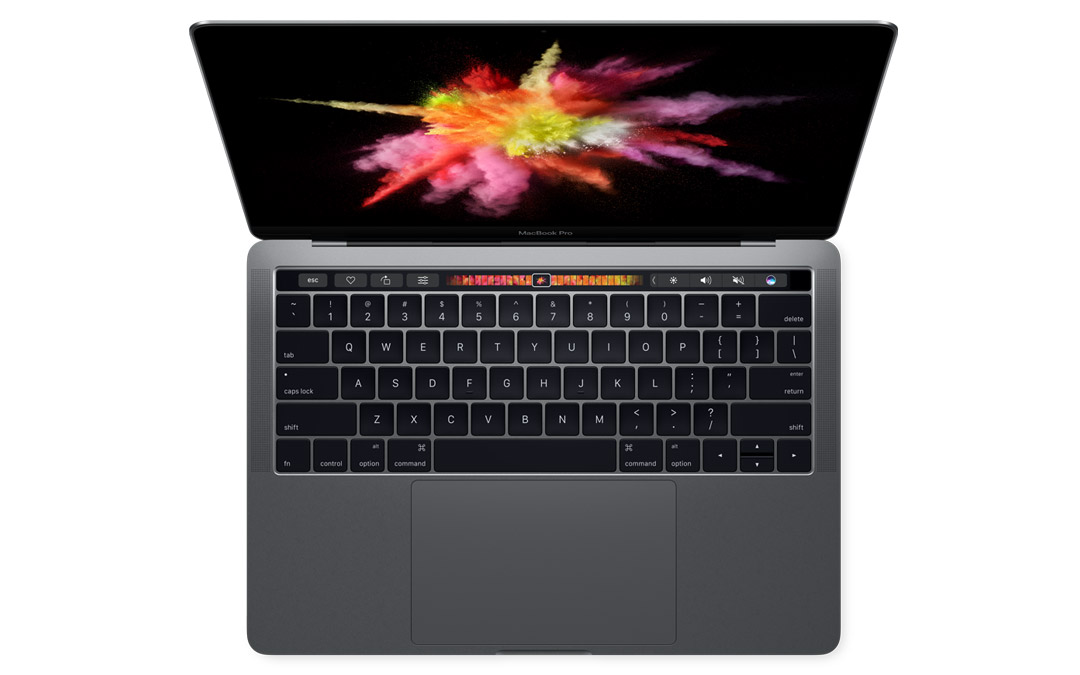
Apple did it. Upgraded iMacs and faster MacBook Pros were among the buzz on June 5, 2017. The Worldwide Developers Conference (WWDC) is the stage for Apple to excite developers and prepare the world for new product releases. They didn’t disappoint. Apple...