Jun 22, 2017 | Article, Blog, burst mode, camera, iOS, iPad, iPhone, Restricted Content, Solution
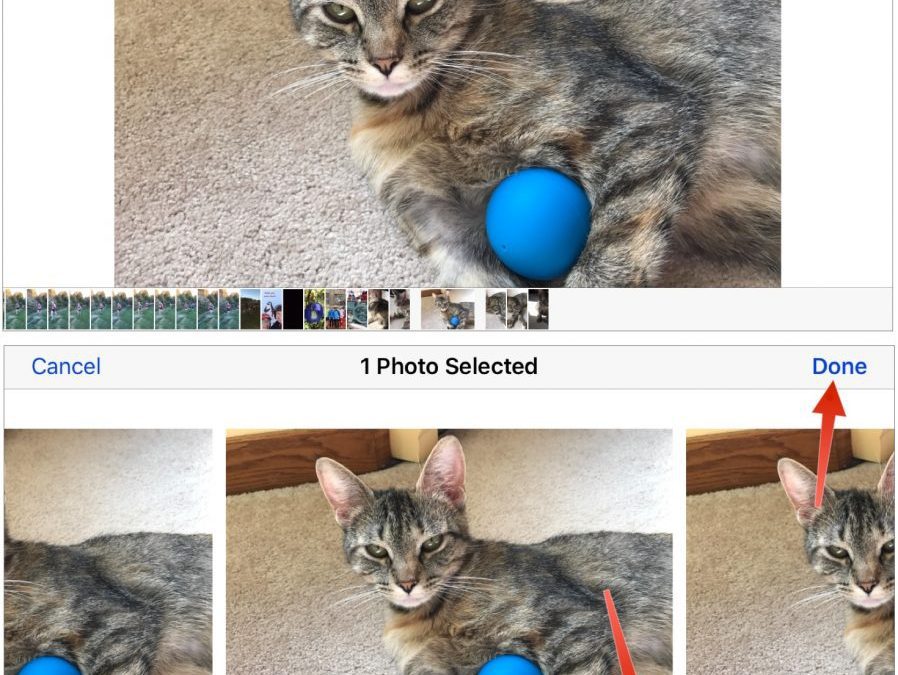
Snapping the perfect photo is tough. Children, especially babies and teenagers, can be difficult to pose. Cats relish looking cute and then turning away just as you grab your camera. Action shots in sporting events are impossible to predict. And you never know when...
Jun 20, 2017 | Apple Watch, Article, Auto Unlock, Blog, How-To, iPhone, Mac, macOS, passwords, productivity, Restricted Content, security, two-factor authentication
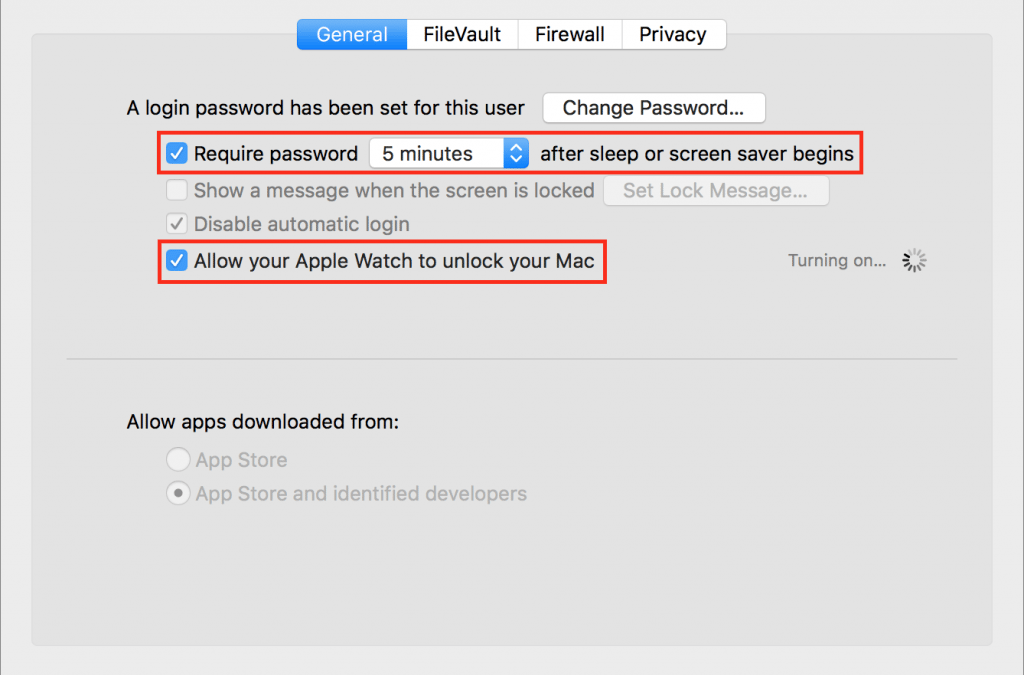
It’s magic. You walk up to your Mac, touch a key to wake it up, and upon noticing that you’re wearing your Apple Watch, it unlocks without making you enter a password. Brilliant! For some of us, it’s almost a reason alone to get an Apple Watch. Auto Unlock, as Apple...
Jun 16, 2017 | App Store, Apple ID, Blog, iCloud, iOS, iTunes, Restricted Content, Settings, Tip
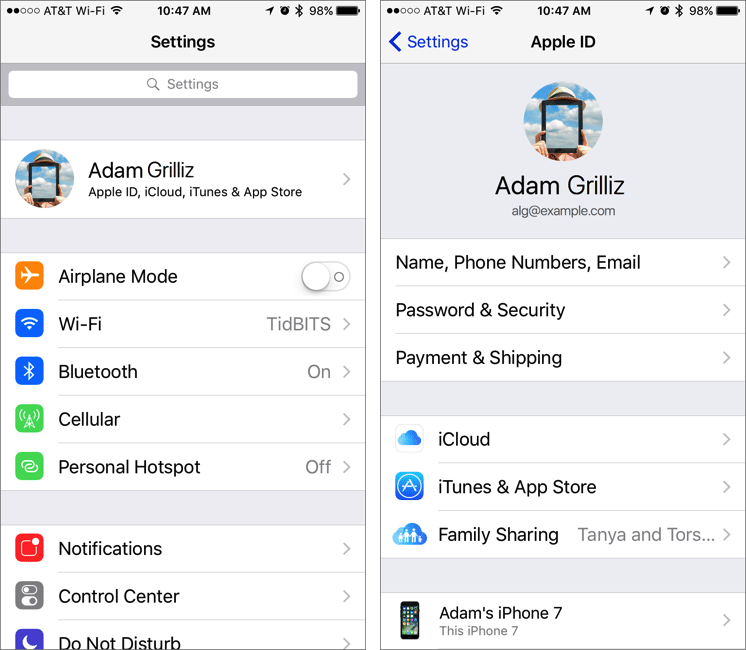
iOS 10.3, which Apple released in March 2017, had a number of notable changes, along with one minor tweak that could cause confusion. In iOS 10.2 and earlier, if you wanted to change your iCloud, iTunes, or App Store settings, you’d tap Settings > iCloud or...
Jun 14, 2017 | Blog, iOS, Mac, passwords, Restricted Content, security, Tip, two-factor authentication
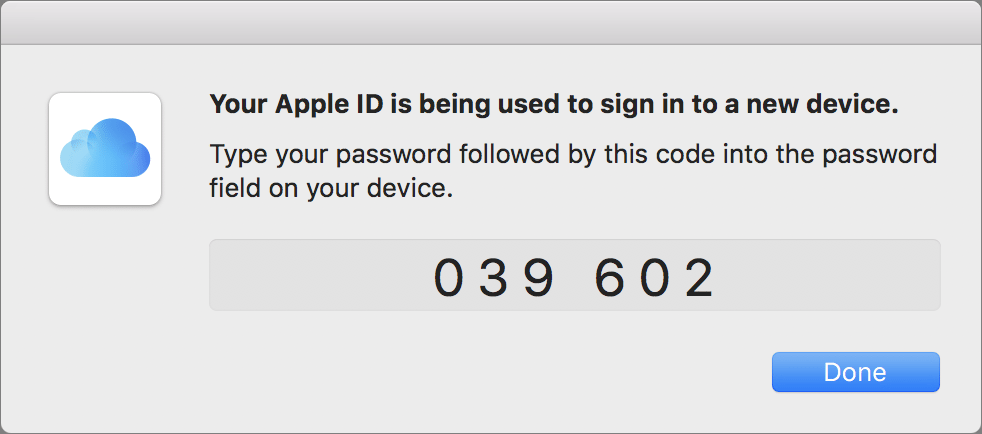
Apple is increasingly encouraging us all to turn on two-factor authentication for our Apple IDs because it adds an extra layer of security on top of the password. With two-factor authentication, when you log in to iCloud or iTunes for the first time on a new device,...
Jun 10, 2017 | Blog, iOS, iPhone, keyboard shortcut, productivity, Restricted Content, Tip, typing
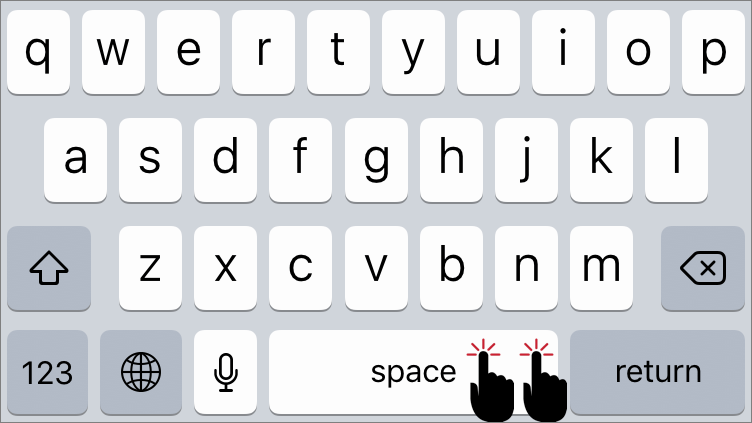
If you’re thinking, “Why yes, I do know that in iOS a double-tap on the Space bar after typing a word inserts a period and then a space,” award yourself a virtual gold star. If you weren’t aware of that super useful trick, well, you are now. Getting to the Period key...
Jun 9, 2017 | Blog, Desktop, Finder, Mac, productivity, Restricted Content, Tip
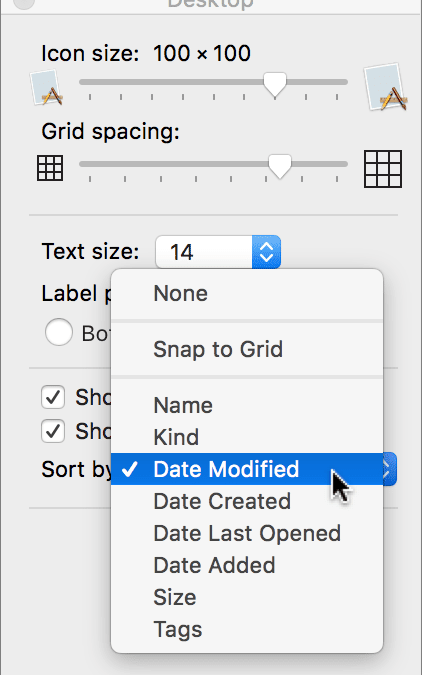
Is your Mac’s Desktop a cluttered mess? That’s not a criticism—it happens to all of us. A few files here, a folder or two there, and before long you can’t find anything amid all the icons. There’s a solution, of course, which is that the Finder lets you sort the icons...