May 22, 2018 | Apple Pros, APros Archive, Article, backup, Blog, Explainer, hard drive, hardware, Mac, Restricted Content, troubleshooting
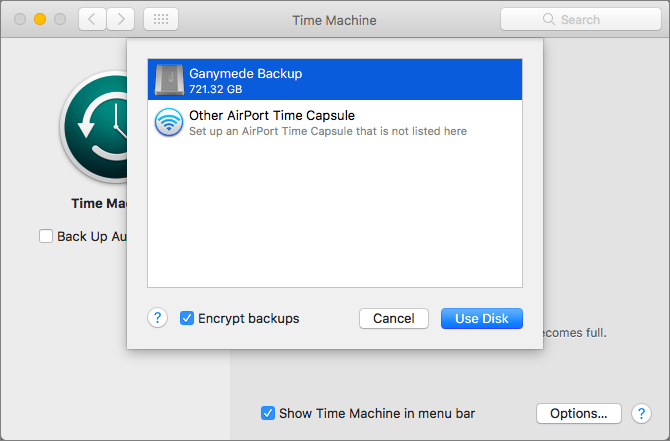
Backing up your Mac is like flossing your teeth: everyone knows they should do it every night, but too many people never get around to it. Unlike flossing, once you set up backups, they don’t require daily attention. And turning on Apple’s Time Machine backup feature...
May 10, 2018 | Apple Pros, APros Archive, Blog, Finder, Mac, Restricted Content, Tip, troubleshooting
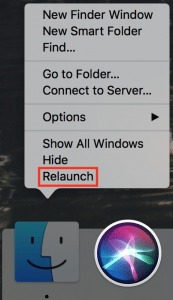
Finder freezes. They shouldn’t happen at all, and they don’t happen often, but it’s not unheard of for your Mac’s Finder to freeze, freak out, or otherwise stop responding properly. To bring it back to life, hold down the Option key, click and hold the Finder icon in...
Apr 11, 2018 | Apple Pros, APros Archive, Article, battery, Blog, Health, iOS 11, iPhone, macOS, Messages, News, privacy, productivity, Restricted Content, Safari, troubleshooting
At the end of March, Apple released updates to all four of its operating systems, but iOS 11.3 was the most notable. It boasts a variety of new features and other changes—you can think of it as the midpoint update between iOS 11’s first release and iOS 12, probably...
Jan 3, 2018 | Apple Pros, APros Archive, battery, Blog, hardware, iPhone, iPhone 6, iPhone 6s, iPhone 7, maintenance, power, Restricted Content, Tip, troubleshooting
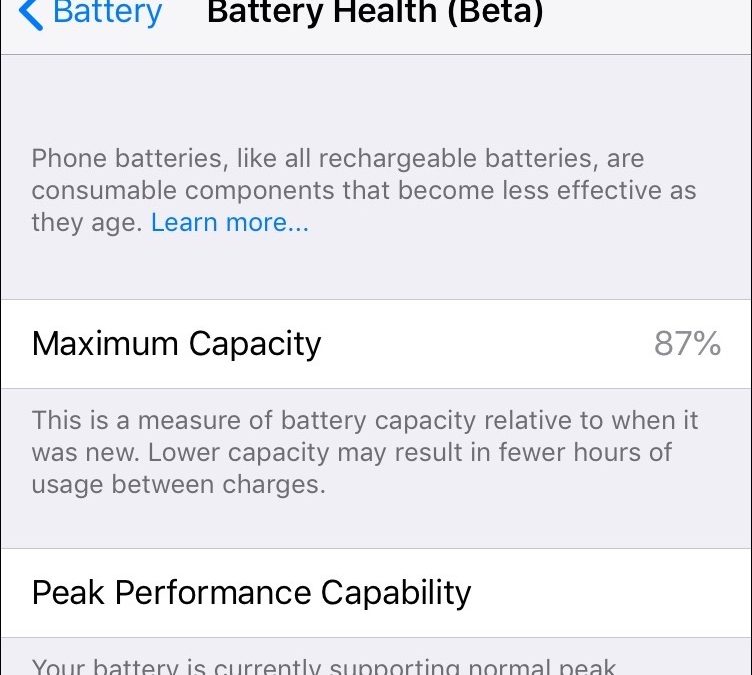
Did you hear about the battery-related controversy swirling around Apple at the end of 2017? There has been much hue and cry about how, starting with iOS 10.2.1, iOS has been slowing down iPhones with old, weak batteries to avoid unexpected shutdowns. In response,...
Aug 18, 2017 | Article, Blog, login items, Mac, productivity, Restricted Content, Solution, System Preferences, troubleshooting, Users & Groups
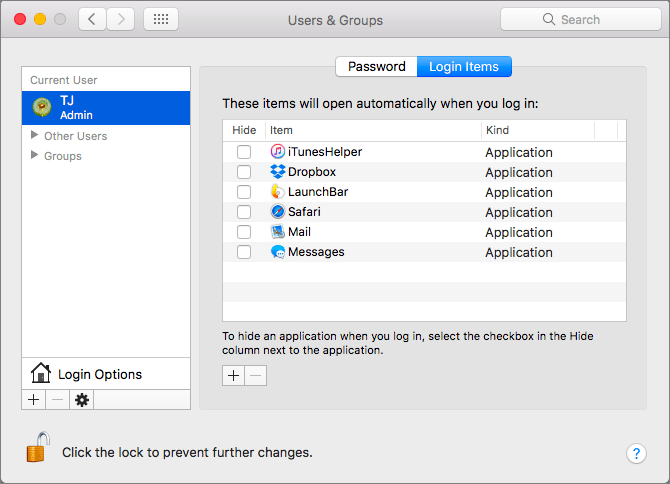
There’s a French culinary phrase—mise en place—that means “everything in its place.” The idea is that, before you start cooking, you organize and arrange all the ingredients for the dish so they’re right at hand when you need them. In essence, mise en place is about...
Aug 9, 2017 | keyboard shortcut, Mac, Restricted Content, Safari, Tip, troubleshooting
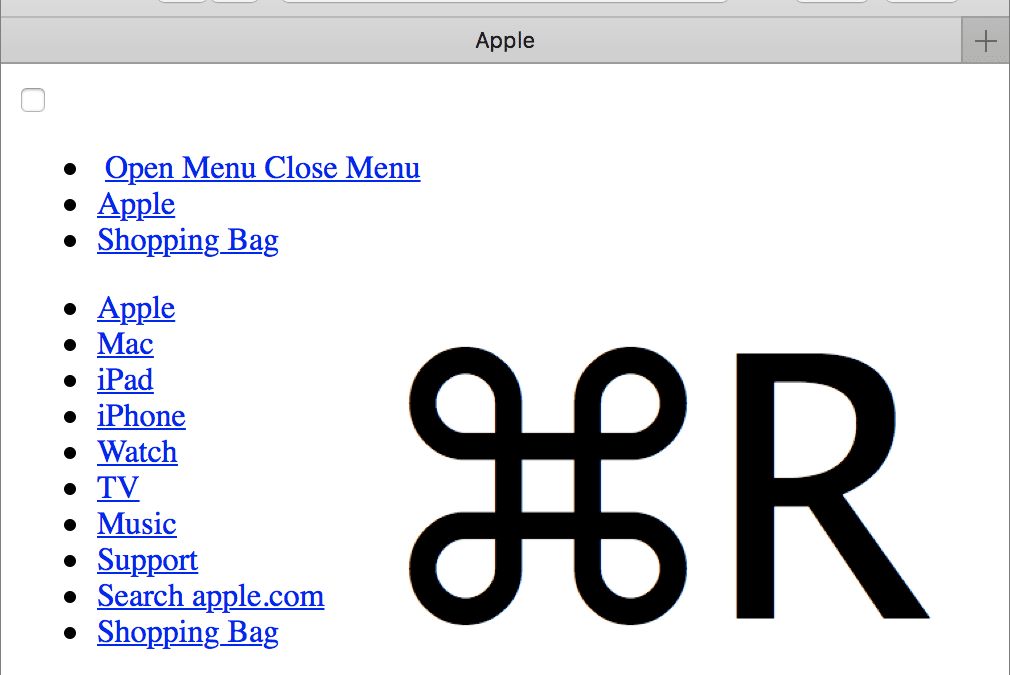
We’ve all hit a Web page at some point that doesn’t load fully, looks wrong, or doesn’t work as it should. It’s not your fault, but here are a few things you can try on your Mac. First, press Command-R to reload the page. Second, quit and relaunch Safari. Third and...