Mar 24, 2020 | Blog, Mac, productivity, Split View, Tip
Split View on the Mac helps you focus on your work in one app—perhaps a word processor—while providing access to one other app, like a Web browser. (Make sure “Displays have separate Spaces” is selected in System Preferences > Mission Control.) Before macOS 10.15...
Oct 21, 2019 | Blog, How-To, iPad, iPad, iPadOS 13, multitasking, Notes, Safari, Slide Over, Split View
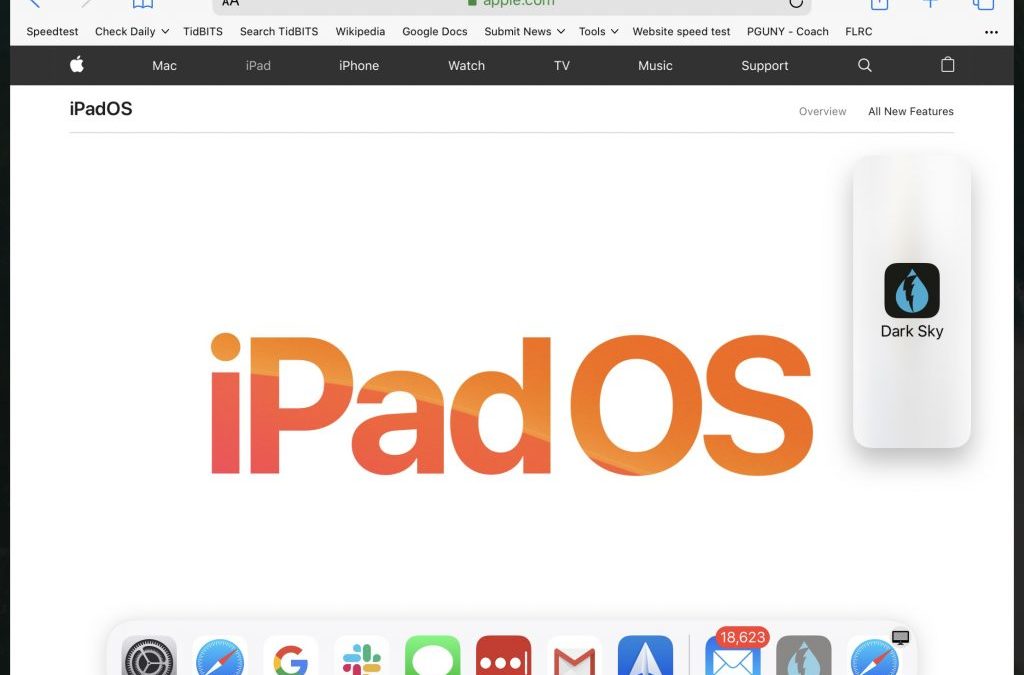
Read this article to learn all the ways you can use multiple apps at the same time on an iPad running the new iPadOS 13.
Nov 17, 2017 | App Switcher, Apple Pros, APros Archive, Article, Blog, Dock, Home screen, How-To, iOS, iOS 11, iPad, iPhone, multitasking, productivity, Restricted Content, Slide Over, Split View
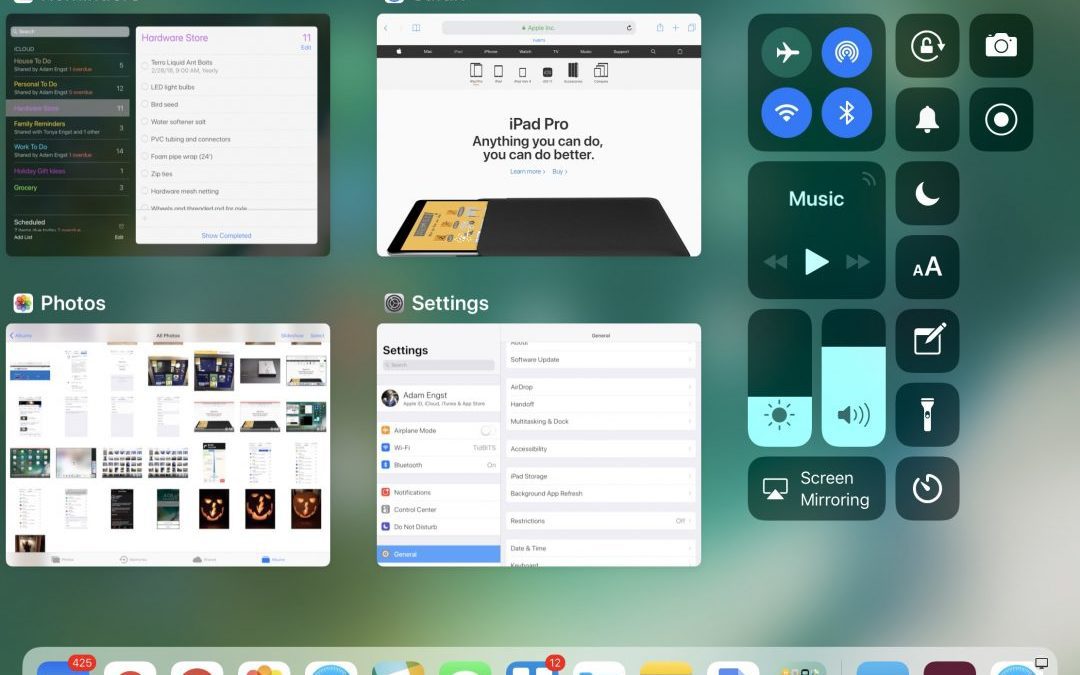
With iOS 11, the iPhone and iPad interfaces continue to diverge, which makes sense, since the iPad is not merely an overgrown iPhone. Particularly when you pair an iPad Pro with a Smart Keyboard and Apple Pencil, you can now get real work done on an iPad more fluidly...
Oct 12, 2017 | App Switcher, Apple Pencil, Apple Pros, APros Archive, Article, Blog, Control Center, Dock, Files, Instant Markup, iPhone, keyboard, News, Notes, Restricted Content, Slide Over, Split View
Apple has long argued that you can use the iPad for productivity but hasn’t backed that claim up with the necessary features in iOS. Until now, that is, with the new iPad-centric capabilities of iOS 11. These changes mean that an iPad running iOS 11 is more like a...