Aug 18, 2017 | Article, Blog, login items, Mac, productivity, Restricted Content, Solution, System Preferences, troubleshooting, Users & Groups
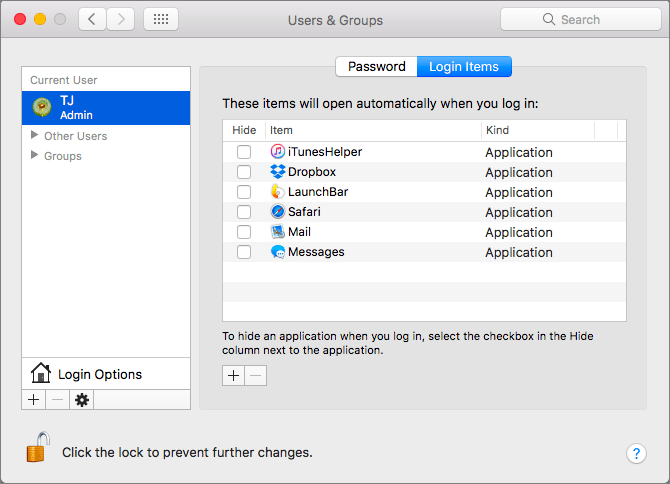
There’s a French culinary phrase—mise en place—that means “everything in its place.” The idea is that, before you start cooking, you organize and arrange all the ingredients for the dish so they’re right at hand when you need them. In essence, mise en place is about...
Aug 11, 2017 | Blog, Finder, gesture, keyboard shortcut, Mac, productivity, Restricted Content, Tip
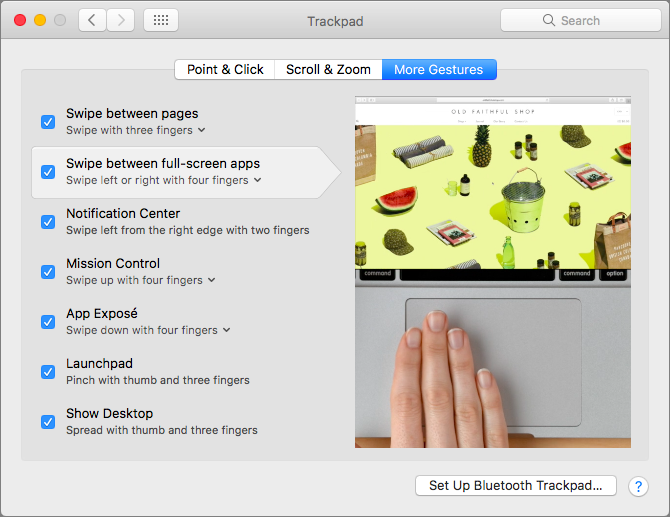
When you click the green zoom button in a window on your Mac, that puts the window into full-screen mode. It’s a great way to maximize screen real estate on a smaller MacBook screen, for instance, but how can you switch between these virtual screens quickly? You could...
Aug 9, 2017 | keyboard shortcut, Mac, Restricted Content, Safari, Tip, troubleshooting
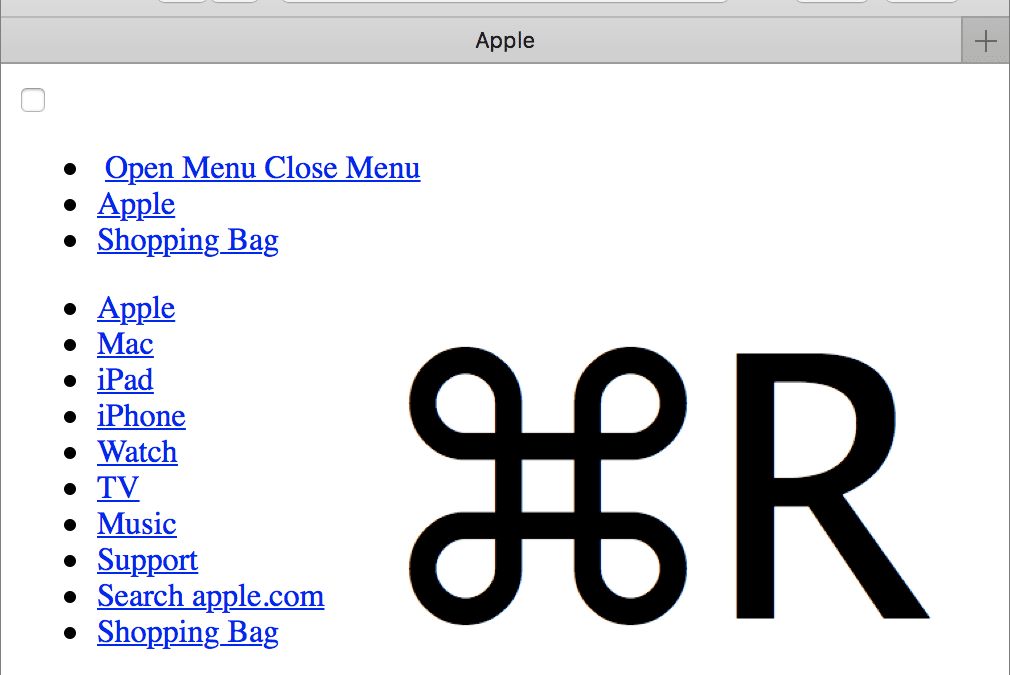
We’ve all hit a Web page at some point that doesn’t load fully, looks wrong, or doesn’t work as it should. It’s not your fault, but here are a few things you can try on your Mac. First, press Command-R to reload the page. Second, quit and relaunch Safari. Third and...
Jul 18, 2017 | Article, Blog, Finder, Mac, productivity, Restricted Content, Solution, window
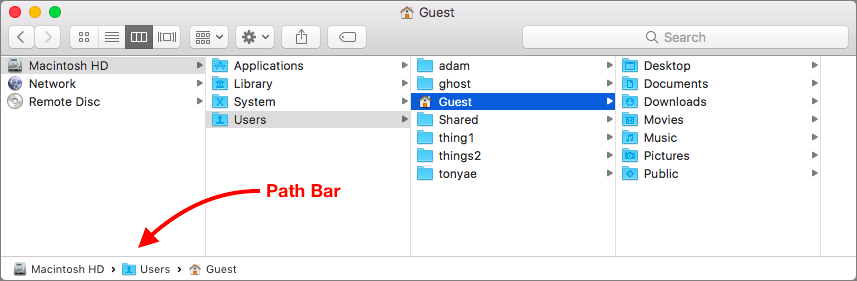
Apple is known for creating clever little features that do a lot more than most people realize. Learn these, and you’ll be the master of your Mac. And more important, you’ll get your work done more quickly! Have you ever noticed the Path Bar at the bottom of Finder...
Jul 14, 2017 | Blog, keyboard shortcut, Mac, productivity, Restricted Content, Solution
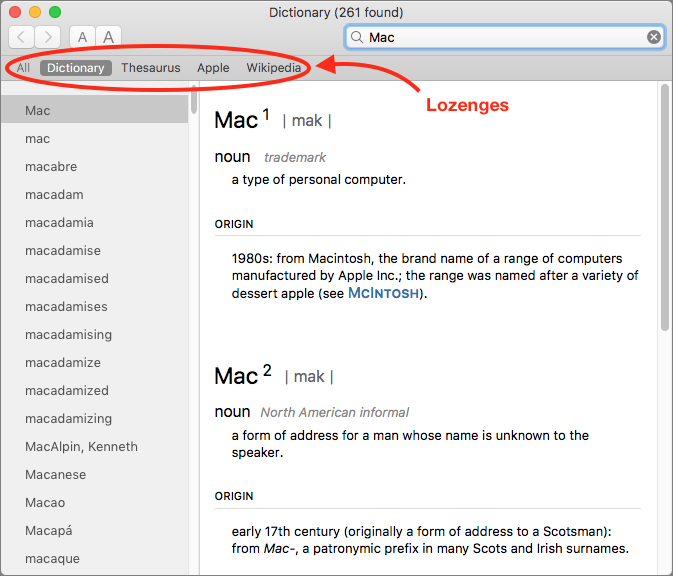
You’re probably used to Mac apps using red underlines to mark misspelled words, but did you know that macOS has long included a fully featured Dictionary app as well? It provides quick access to definitions and synonyms in the New Oxford American Dictionary and the...
Jul 11, 2017 | Blog, Finder, Mac, productivity, Restricted Content, Tip, window
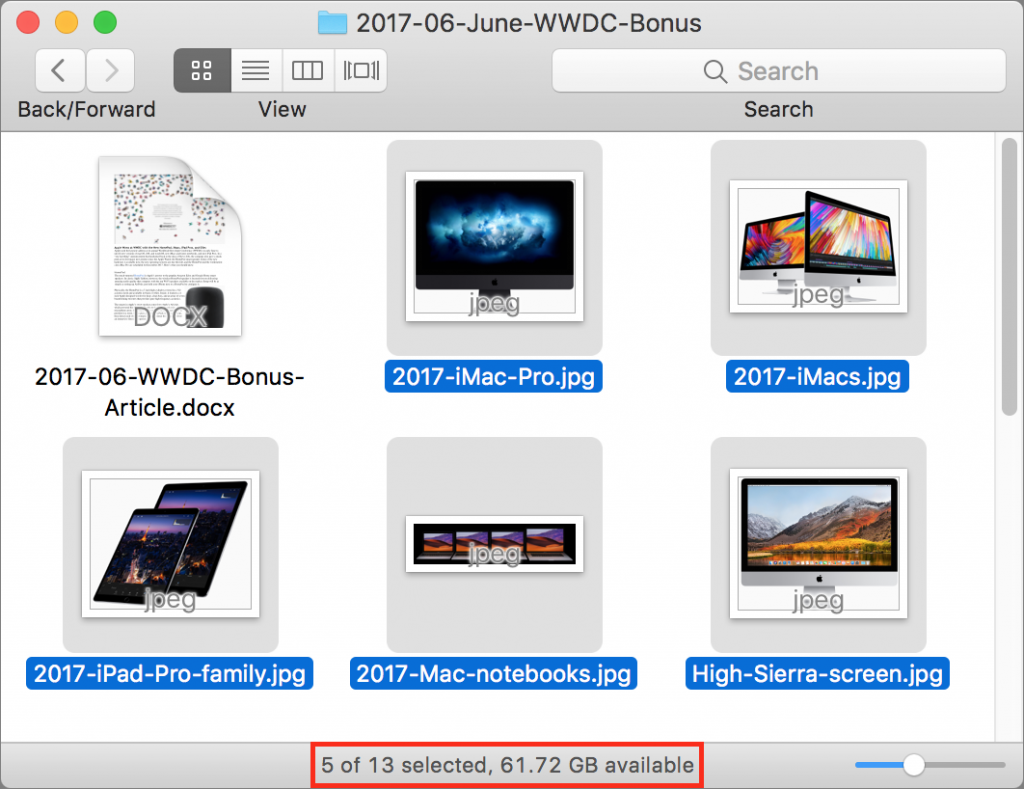
When you work in a Finder window on the Mac, take note of the helpful Status bar. It can tell you how many items are in a folder, as well as how many items you have selected. This latter bit of information is useful if, say, you need to move five items to another...