Sep 22, 2017 | Article, Blog, color, color picker, customization, Mac, productivity, Restricted Content, Solution
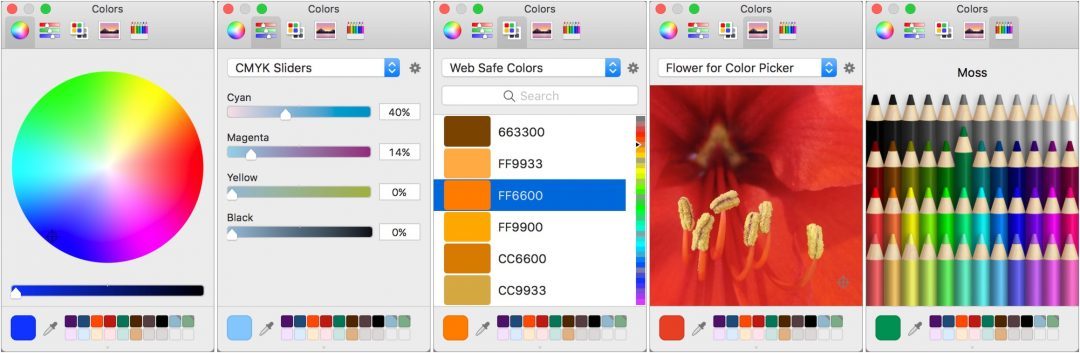
If you’re over 40, you probably remember the point in The Wizard of Oz where the movie switches from black-and-white to Technicolor (and if not, go see it!). It wasn’t the first color film, but the vibrant images of Dorothy’s ruby slippers, the yellow brick road, and...
Sep 9, 2017 | Apple Pros, Apple Watch, APros Archive, Article, ASMC, ASMC Archive, Blog, High Sierra, iOS, iOS 11, Mac, macOS, Restricted Content, Solution, tvOS, watchOS, watchOS 4
To every thing there is a season, and we’re fast approaching the time when Apple harvests the fruit of the last year and releases new versions of macOS, iOS, watchOS, and tvOS. There are no major surprises here, since Apple announced the new versions in June and...
Aug 21, 2017 | Article, Blog, contextual menu, Mac, menu, productivity, Restricted Content, shortcut menu, Solution
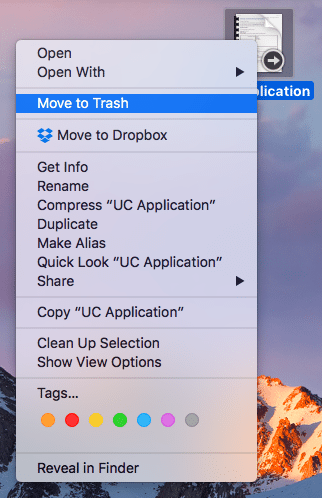
It’s easy to find and open the Mac’s standard menus—all you do is click a word or icon. But did you know about the Mac’s hidden menus? They contain many useful commands, but the Mac’s user interface provides no clue to their existence. Here’s what you need to know....
Aug 18, 2017 | Article, Blog, login items, Mac, productivity, Restricted Content, Solution, System Preferences, troubleshooting, Users & Groups
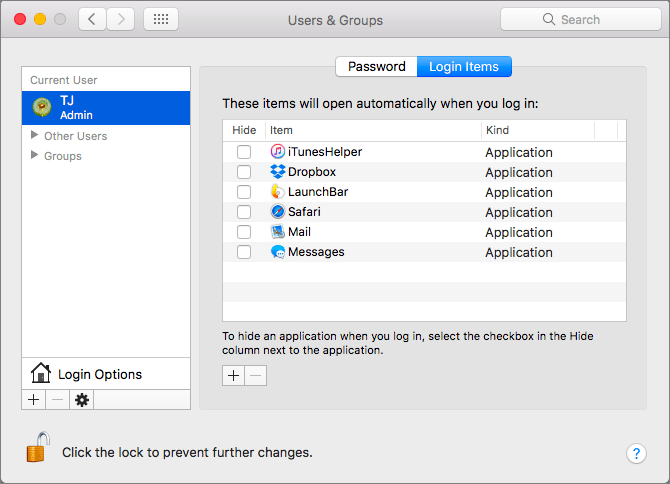
There’s a French culinary phrase—mise en place—that means “everything in its place.” The idea is that, before you start cooking, you organize and arrange all the ingredients for the dish so they’re right at hand when you need them. In essence, mise en place is about...
Aug 13, 2017 | accessibility, Article, Blog, bold, customization, font, iOS, iPad, iPhone, Restricted Content, Solution, zoom
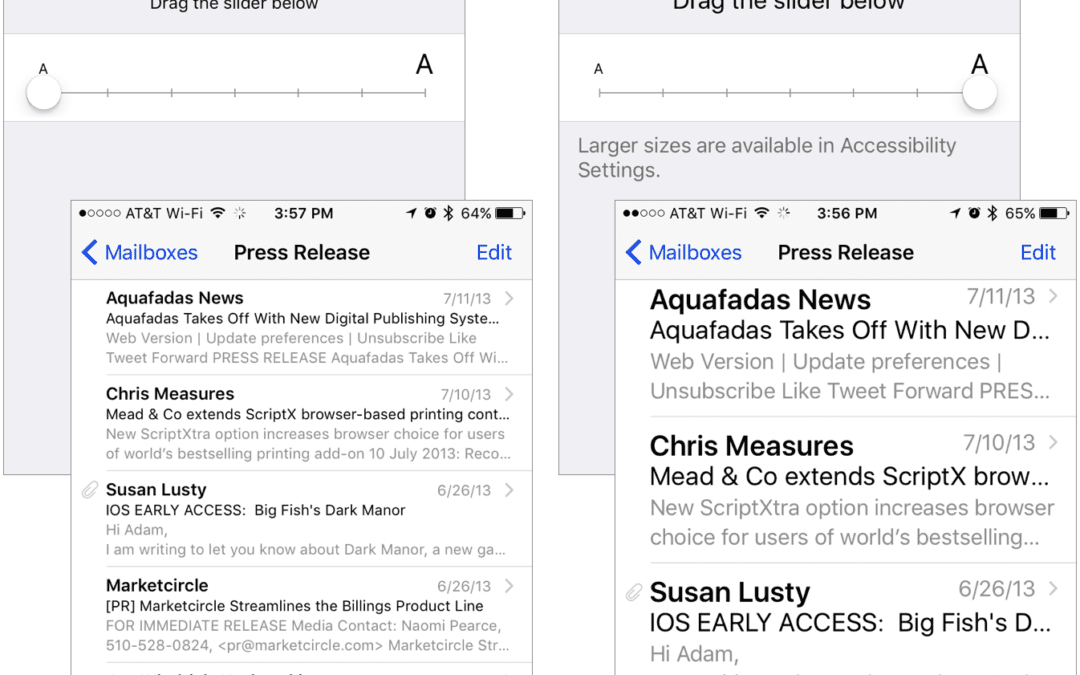
If you have 20/20 vision or are still wondering why your parents have reading glasses, count yourself lucky. But if you’re like many people—over 60 percent of the population by some estimates, including most people over 45—reading the tiny text on your iPhone or iPad...
Jul 18, 2017 | Article, Blog, Finder, Mac, productivity, Restricted Content, Solution, window
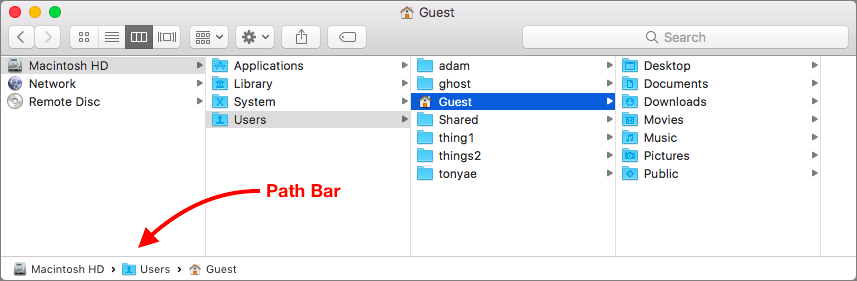
Apple is known for creating clever little features that do a lot more than most people realize. Learn these, and you’ll be the master of your Mac. And more important, you’ll get your work done more quickly! Have you ever noticed the Path Bar at the bottom of Finder...