Jul 14, 2017 | Blog, keyboard shortcut, Mac, productivity, Restricted Content, Solution
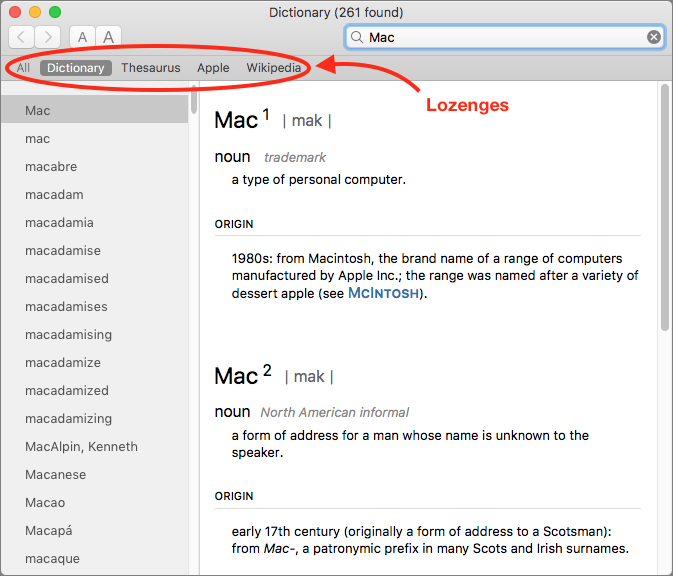
You’re probably used to Mac apps using red underlines to mark misspelled words, but did you know that macOS has long included a fully featured Dictionary app as well? It provides quick access to definitions and synonyms in the New Oxford American Dictionary and the...
Jun 27, 2017 | alert, Blog, iCloud, iOS, iPhone, Mac, notifications, productivity, Reminders, Restricted Content, Siri, Solution
Apple designed the built-in Reminders app as a list-keeping assistant for both macOS and iOS. You can add reminders of any sort to the default Reminders list, or you can create custom lists, like Groceries or Movies to Watch. Plus, if you’ve set up Family Sharing, you...
Jun 22, 2017 | Article, Blog, burst mode, camera, iOS, iPad, iPhone, Restricted Content, Solution
Snapping the perfect photo is tough. Children, especially babies and teenagers, can be difficult to pose. Cats relish looking cute and then turning away just as you grab your camera. Action shots in sporting events are impossible to predict. And you never know when...
May 26, 2017 | Article, Blog, customization, iOS, iPad, iPhone, Notification Center, Solution
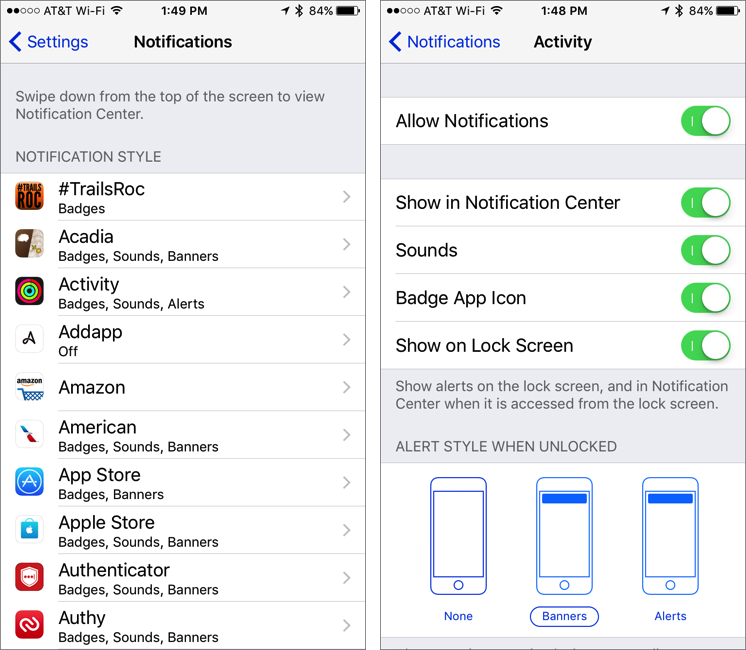
Is every app on your iPhone or iPad constantly nagging you with notifications? It’s like a three-year-old saying “Look at me!” every few minutes, but on the plus side, a little work in the Settings app can quiet your device. And it won’t whine about being sent to...
May 24, 2017 | alert, Article, badge, banner, Blog, customization, iOS, iPad, iPhone, Notification Center, notifications, Restricted Content, Solution
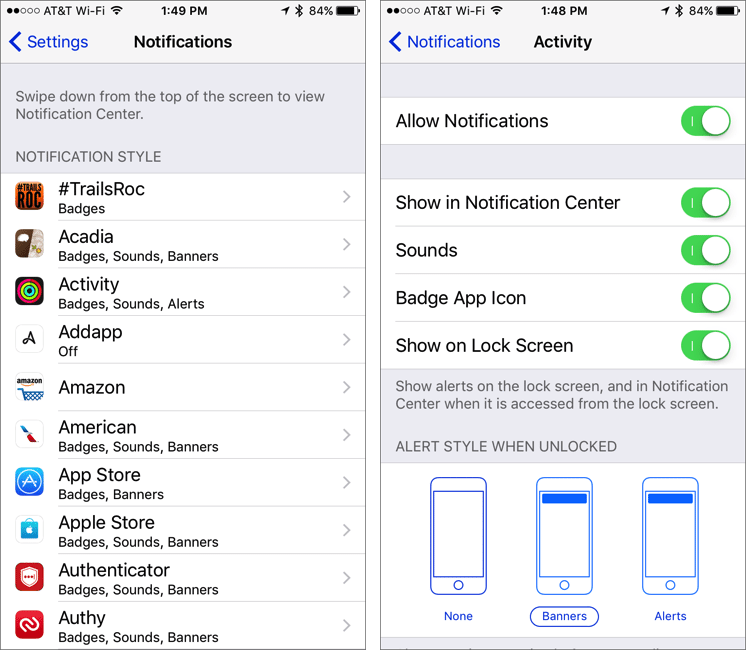
Is every app on your iPhone or iPad constantly nagging you with notifications? It’s like a three-year-old saying “Look at me!” every few minutes, but on the plus side, a little work in the Settings app can quiet your device. And it won’t whine about being sent to...
May 22, 2017 | Article, Blog, customization, keyboard shortcut, Mac, productivity, Restricted Content, Save dialog, Solution
There’s nothing sexy about the Save dialog in Mac apps. It’s not pretty, you can’t tweet from it, and Apple hasn’t changed anything about it in years. But every time you create a new document in a Mac app, you have to save it. Once in the Save dialog, you name your...