Sep 10, 2017 | Blog, delete, keyboard shortcut, Mac, Photos, productivity, Restricted Content, Tip
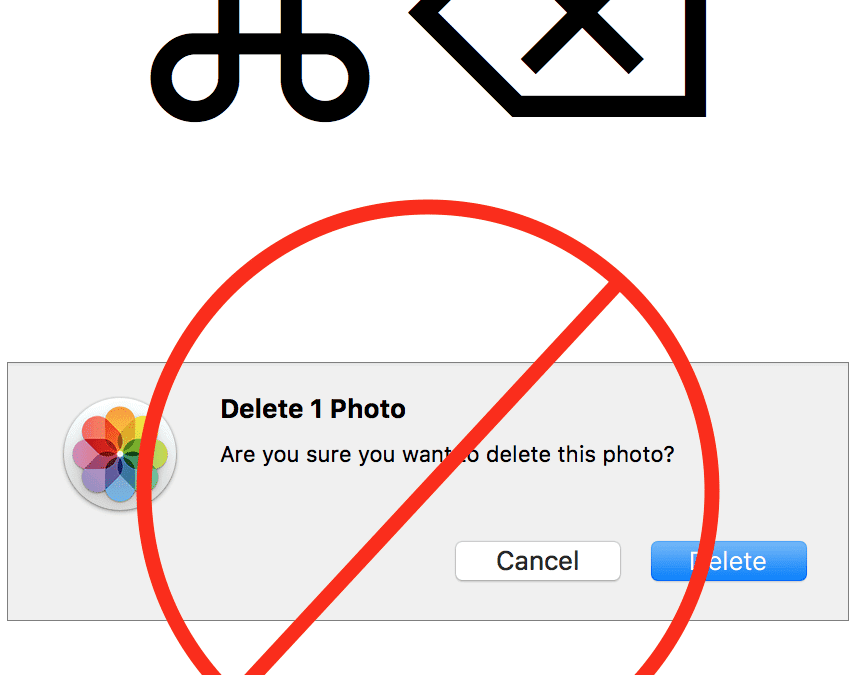
It’s a lot easier to take photos than it is to delete them, particularly in Photos on the Mac. You’ve done the dance: select a photo, press Delete, and press Return when Photos asks if you want to delete the photo. But you can sidestep that annoying dialog with this...
Sep 8, 2017 | App Store, Apple Pros, APros Archive, Blog, High Sierra, Mac, macOS, maintenance, Restricted Content, Sierra, Tip, upgrade
Assuming Apple continues its previous practices, once macOS 10.13 High Sierra comes out, it will become impossible to download 10.12 Sierra for the first time. That could be awkward if you want to upgrade an older Mac to Sierra at any point after High Sierra ships,...
Sep 7, 2017 | AirPods, Blog, customization, EarPods, iOS, Restricted Content, Tip, volume
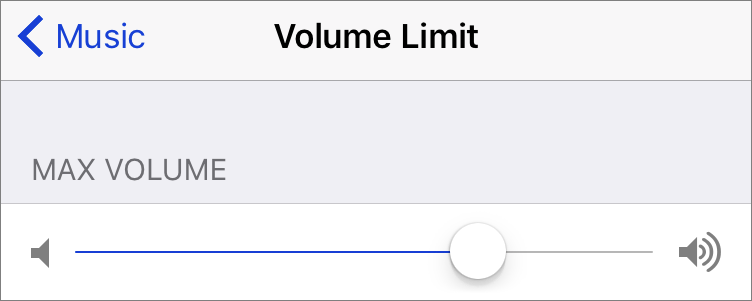
Long gone are the days of ghetto blasters and monster speakers—now we pump music directly into our eardrums with EarPods and AirPods. Noise-induced hearing loss is a real problem, though, with millions of people damaging their hearing by playing music too loud,...
Sep 5, 2017 | battery, Blog, Mac, MacBook, MacBook Air, MacBook Pro, performance, power, Restricted Content, Tip
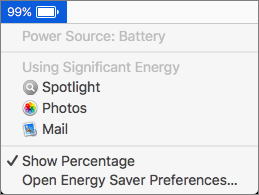
If your MacBook’s battery charge is dropping faster than you think is reasonable, it’s time to look for the culprit. Click the Battery icon in the menu bar and wait a few seconds for the Battery menu to display power information, including which apps are using...
Aug 26, 2017 | battery, Blog, hardware, iPhone, maintenance, power, Restricted Content, Tip
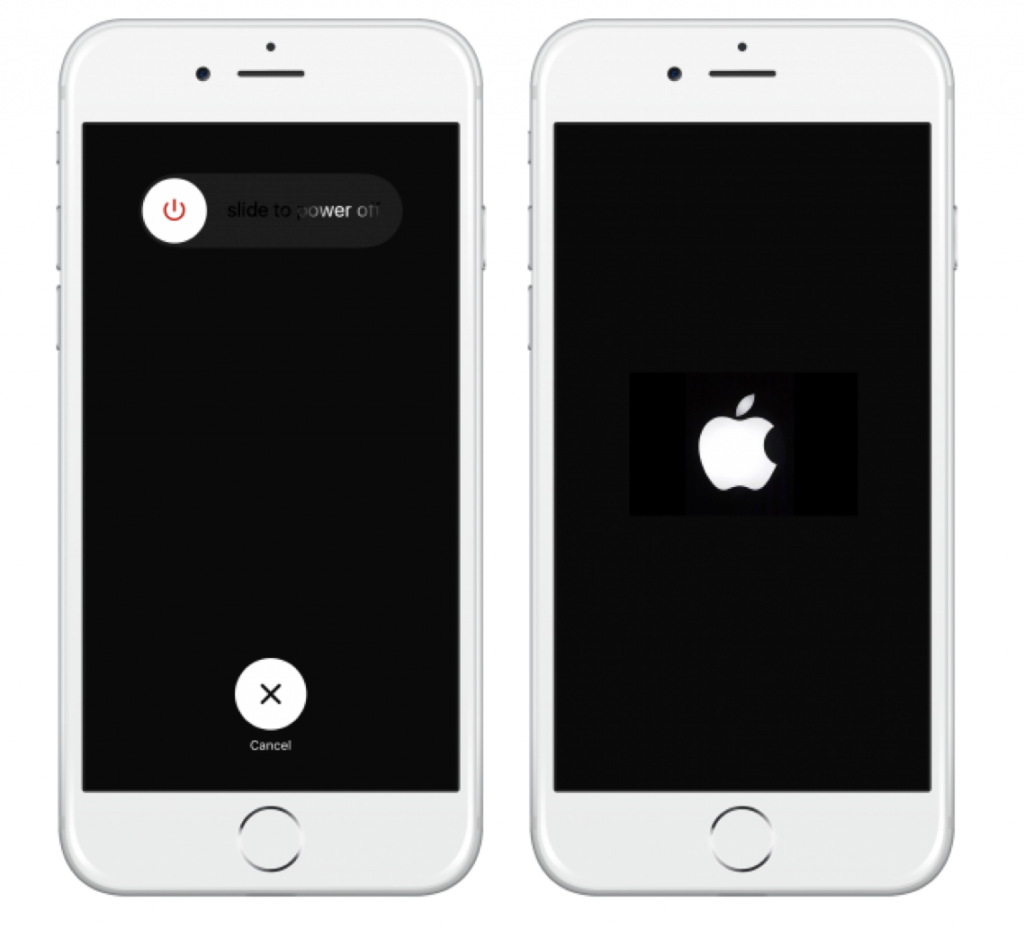
For the most part, you never have to power down your trusty iPhone, but there are two rare situations where doing so might be useful. If your battery is getting low and you won’t be able to charge before you absolutely need the phone later in the day, turning it off...
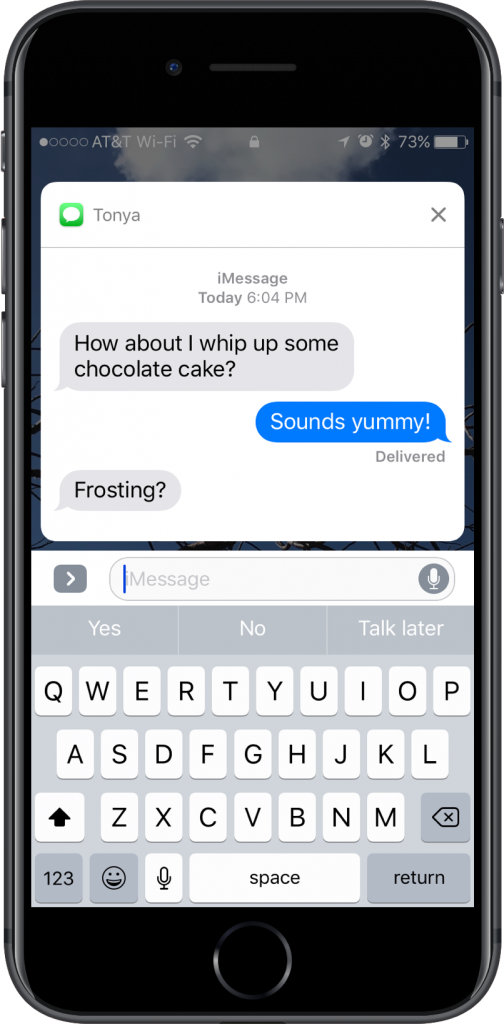
Aug 23, 2017 | 3D Touch, Blog, iOS, iPhone, Messages, notifications, productivity, Restricted Content, Tip
Want a faster way to reply to a conversation in Messages? If you see a Messages notification on the Lock screen of your iPhone 6s or later, press and hold on it to expand it into an interactive box where you can reply without unlocking your iPhone or navigating into...