Aug 11, 2017 | Blog, Finder, gesture, keyboard shortcut, Mac, productivity, Restricted Content, Tip
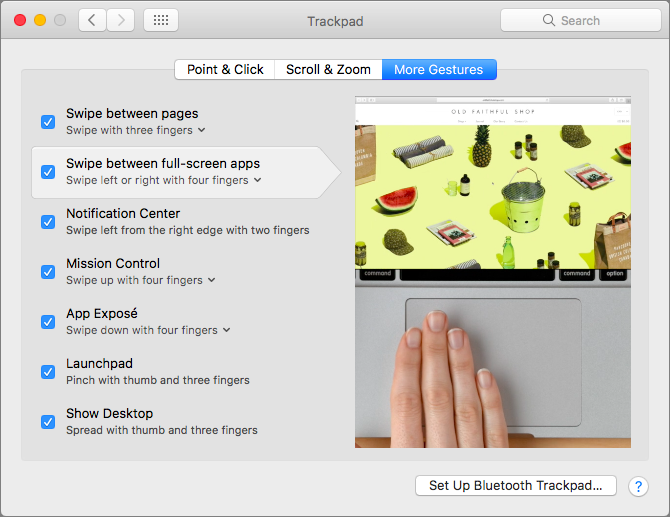
When you click the green zoom button in a window on your Mac, that puts the window into full-screen mode. It’s a great way to maximize screen real estate on a smaller MacBook screen, for instance, but how can you switch between these virtual screens quickly? You could...
Aug 9, 2017 | keyboard shortcut, Mac, Restricted Content, Safari, Tip, troubleshooting
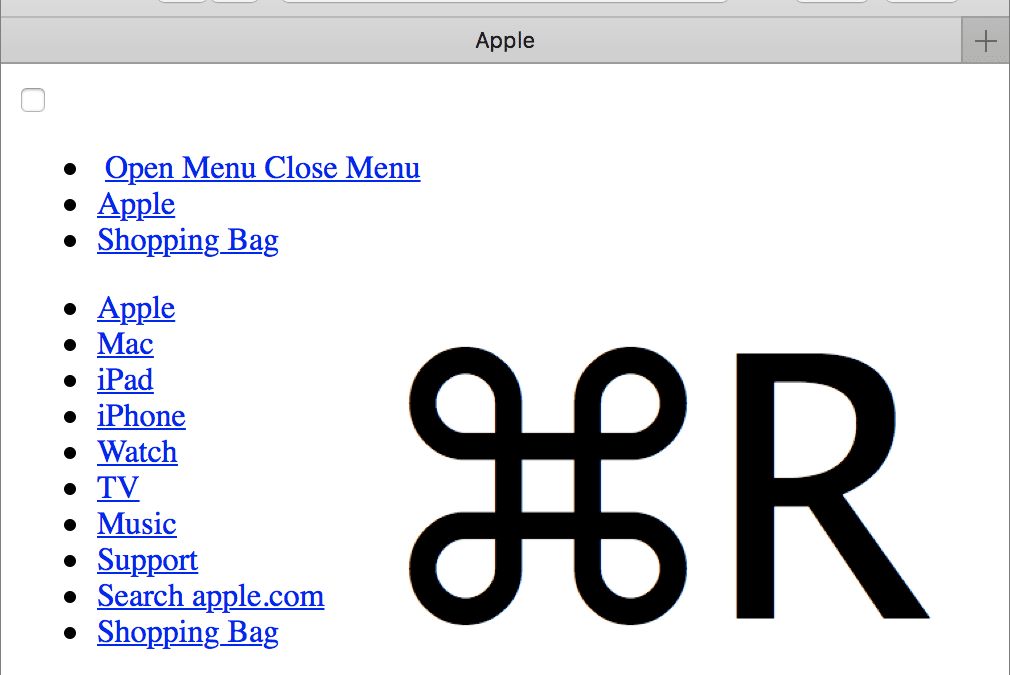
We’ve all hit a Web page at some point that doesn’t load fully, looks wrong, or doesn’t work as it should. It’s not your fault, but here are a few things you can try on your Mac. First, press Command-R to reload the page. Second, quit and relaunch Safari. Third and...
Jul 11, 2017 | Blog, Finder, Mac, productivity, Restricted Content, Tip, window
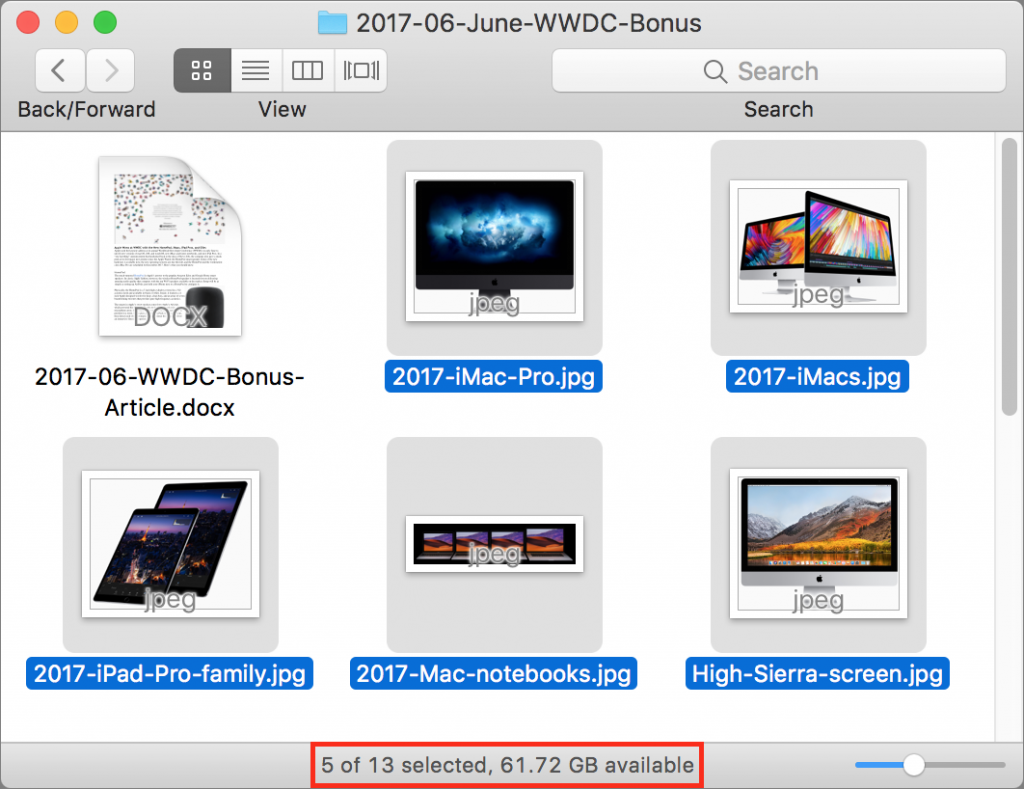
When you work in a Finder window on the Mac, take note of the helpful Status bar. It can tell you how many items are in a folder, as well as how many items you have selected. This latter bit of information is useful if, say, you need to move five items to another...
Jul 10, 2017 | Blog, customization, icon, Mac, menu bar, productivity, Restricted Content, Tip
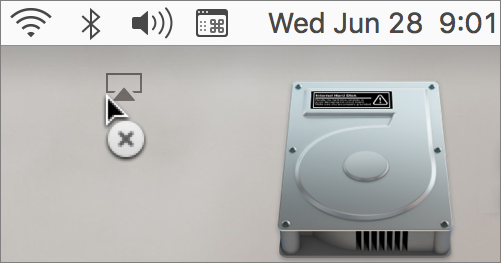
You know all those status icons on the right side of your Mac’s menu bar? Many of them are useful, but if your menu bar is cluttered with icons you don’t need, you can make your Mac easier to use by removing the extras. Just hold down the Command key and drag an...
Jul 9, 2017 | Blog, Control Center, iPhone, maintenance, Restricted Content, Tip, troubleshooting
Have you ever found your iPhone showing “No Service” in the upper-left corner instead cell service bubbles, even when you know there should be cellular reception in your location? It doesn’t happen often, but the iPhone has been known to lose connectivity when it...
Jul 7, 2017 | alarm, Blog, Clock, Home button, iPad, iPhone, productivity, Restricted Content, Tip
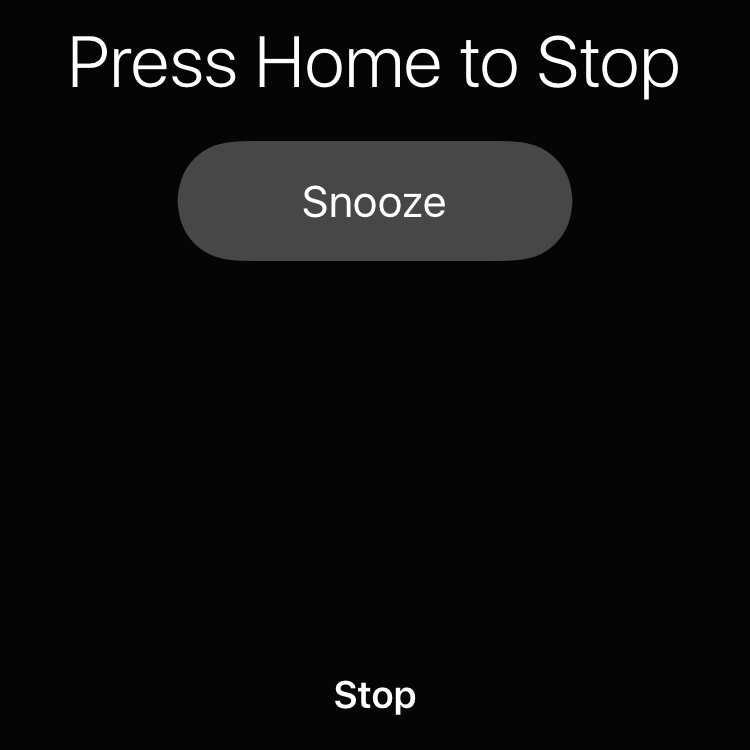
If you’re like us, your iPhone has replaced that old digital alarm clock by your bedside. But one way that the iPhone doesn’t match up is the ease of thwacking a big Off button to stop the annoying wake-up noise. Happily, you don’t have to open your eyes and find the...