May 30, 2019 | Apple Pros, Apple Watch, APros Archive, ASMC, ASMC Archive, Blog, iPhone, Restricted Content, Tip, troubleshooting, watchOS
Is your Apple Watch failing to turn on its screen when you raise it, display notifications from your iPhone, or even update the time zone? watchOS has four modes accessible from Control Center (swipe up from the bottom of the screen) that are useful but can cause...
Feb 25, 2019 | Apple Pros, APros Archive, Blog, email, iCloud, Internet, Restricted Content, Tip, troubleshooting
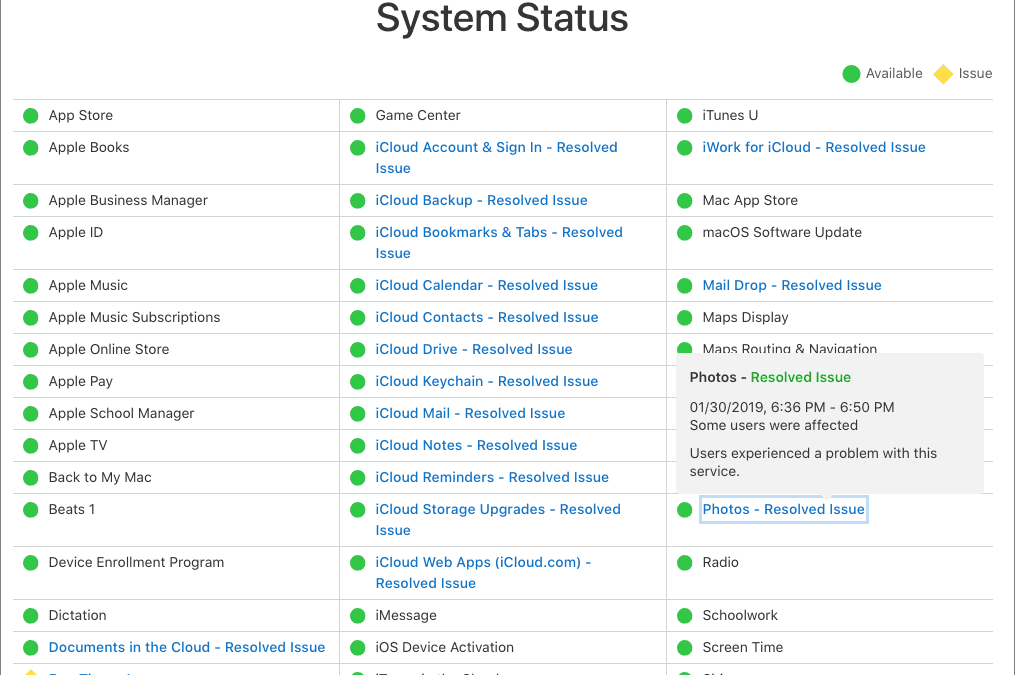
Many Apple users rely on mac.com, me.com, or icloud.com email addresses, along with plenty of other iCloud-related services. So if you can’t send or receive email, if photos aren’t transferring via iCloud Photo Library, or if some other iCloud-related service isn’t...
Feb 13, 2019 | Apple Pros, APros Archive, Blog, Bluetooth, hardware, keyboard, Mac, MacBook, mouse, Restricted Content, screen, Tip
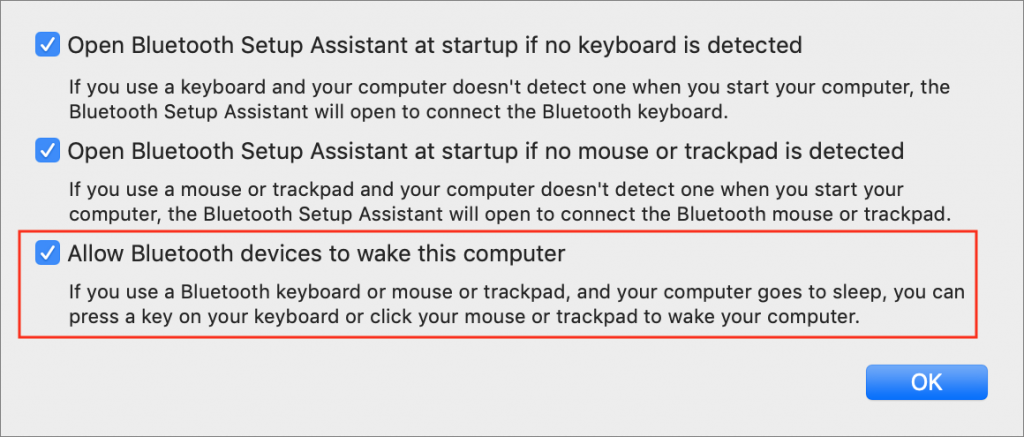
Those of you who use a Mac laptop—a MacBook, MacBook Air, or MacBook Pro—probably know you can connect it to a large external display for more screen space. But sometimes it’s not convenient to have your Mac open on your desk next to the big screen. If you’d like to...
Dec 20, 2018 | Apple Pros, APros Archive, Article, Blog, Explainer, iPhone, Mac, Mojave, privacy, Restricted Content, Tip
With macOS 10.14 Mojave, Apple has beefed up the Mac’s privacy so it more closely resembles privacy in iOS. You’ve noticed that when you launch a new app on your iPhone or iPad, it often prompts for access to your photos or contacts, the camera or microphone, and...
Jun 1, 2018 | Apple Pros, APros Archive, Blog, iOS 11, maintenance, Restricted Content, storage, Tip
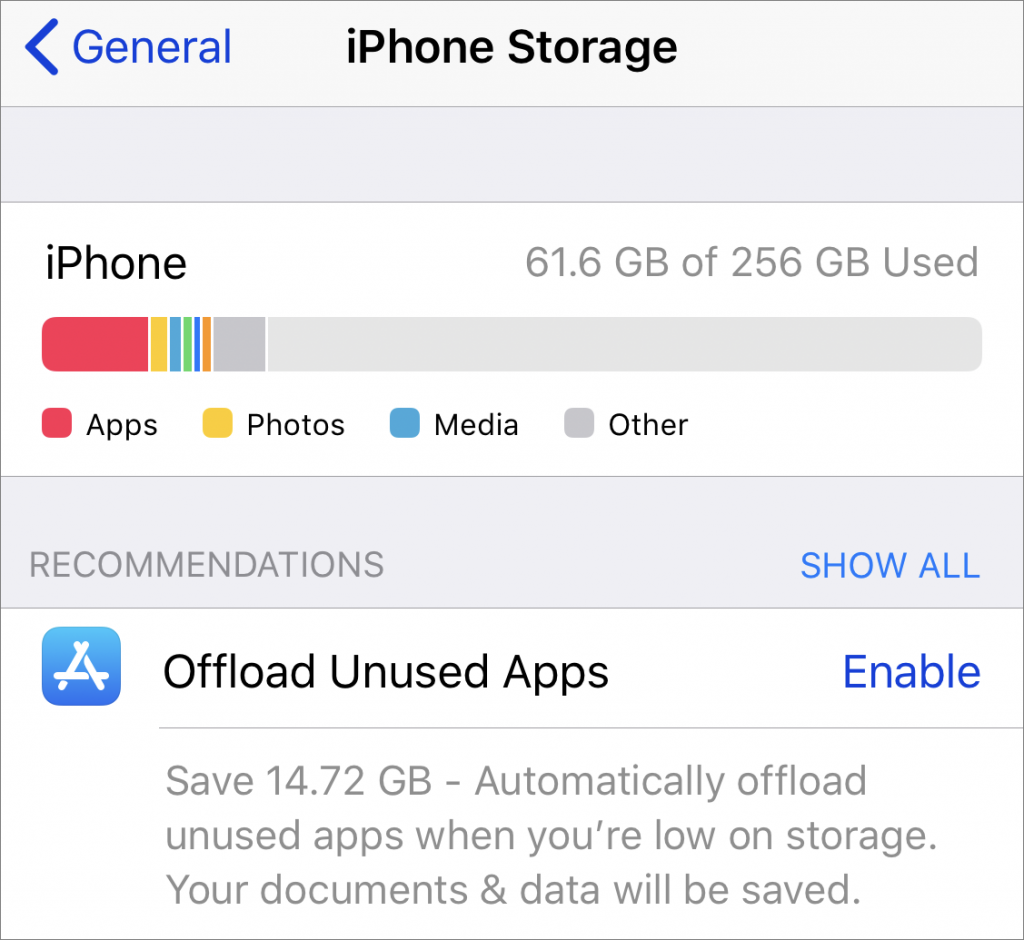
Running low on space on your iPhone or iPad in iOS 11? This problem may be easier to deal with than you expect because Apple has added a quick way to free up storage space by removing unneeded apps. Go to Settings > General > iPhone/iPad Storage, where you’ll...
Jun 1, 2018 | Apple Pros, APros Archive, Blog, keyboard shortcut, Mac, productivity, Restricted Content, Tip
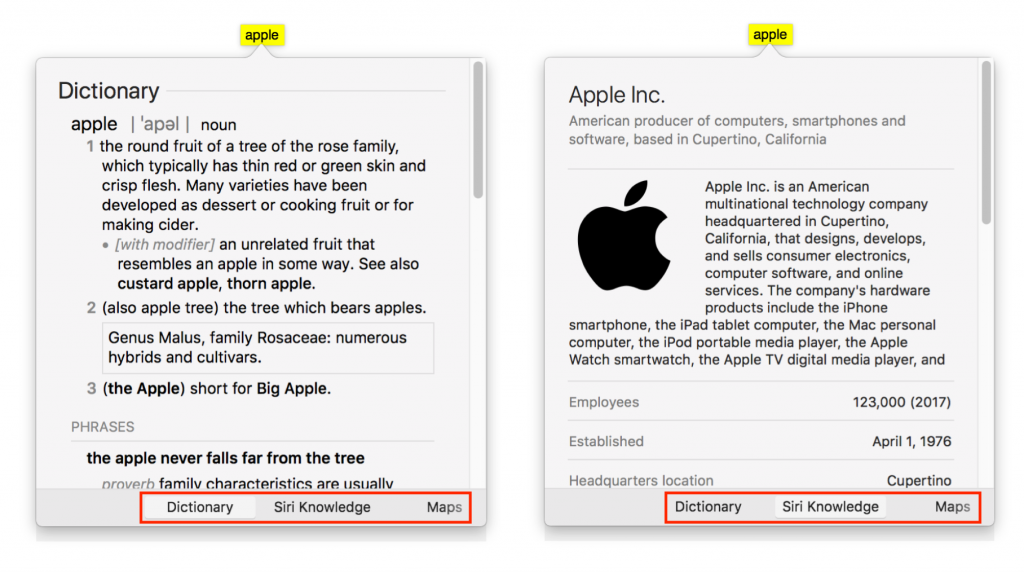
Apple makes it easy to look up information about any word you can see on your Mac, in nearly any app. To access this information, Control- or right-click the word and choose Look Up “word”, use the trackpad to tap the word with three fingers, or hover the pointer over...